

Back to What's New
Amplify an article straight from the browser extension
You can now amplify an article straight from the browser extension’s floating toolbar. No more switching tabs to Compass just to promote a piece you’re already reading.
Reading an article and want to push it further? Until now that meant leaving the page, opening Compass, and finding the article again. The floating bar now puts that action right where you’re already looking.
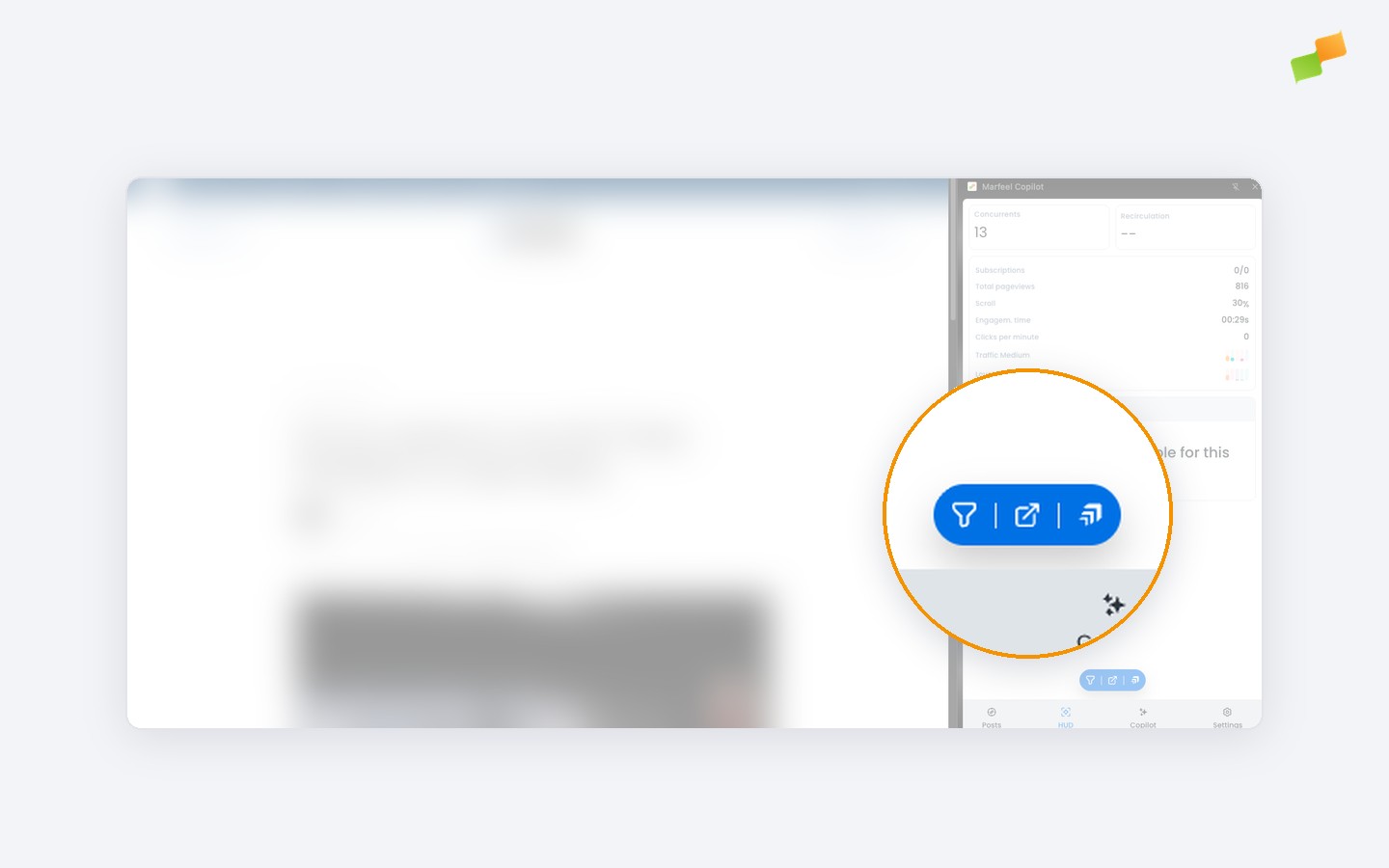
The Amplify button lights up when you’re viewing an article and your account has Amplify access. On any other page, it stays disabled with a short note explaining why, so it’s always clear when the action is available.
One click, right from the page you’re reading.
Learn more in the Marfeel Copilot browser extension for Chrome guide