

Back to What's New
Exclude accounts and hosts from Social Monitoring filters
Social Monitoring filters now work both ways: keep only what matches, or exclude it with not equals. Discover Monitoring’s Youtube Channel filter gets the same option.
Monitoring the competition often means removing your own noise first. Until now, Social Monitoring filters could only match a value, so there was no way to say “everything except my own accounts”. Discover Monitoring already supported not equals on most dimensions, but not on YouTube channels.
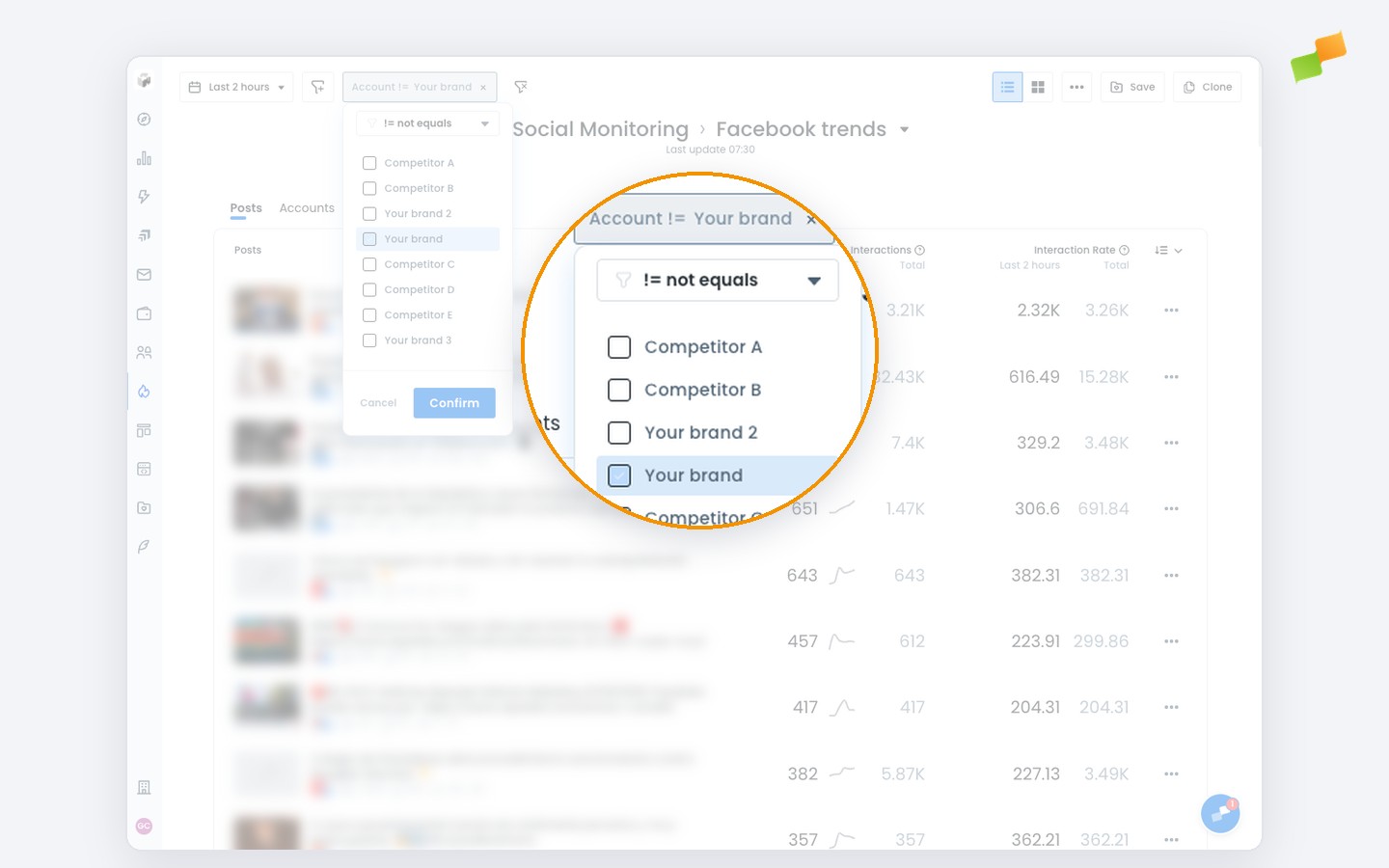
Here’s where you can now exclude values:
- Social Monitoring: Account, Host, Type and Social Network
- Discover Monitoring: Youtube Channel
Here’s how you can get started:
- Exclude your own accounts or hosts to see only external activity around a topic
- Remove a social network or post type that skews the board
- Drop your own YouTube channels from Discover Monitoring to see who else is winning video placements
Filter in, or filter out. Your choice.
Learn more in the Social monitoring across major platforms guide