

Marfeel Copilot browser extension for Chrome
Marfeel Copilot for Chrome makes Marfeel real-time data and AI Suggestions available with a click of a button right in your CMS editor, in Google Docs, in a news agency feed, in an international news outlet and in any other site you visit. It works wherever you work.

No matter what you’re working on in your browser, you’ll have immediate access to:
- Marfeel AI Suggestions: From Headlines to Leading paragraphs, Different angles or Follow-up stories, all suggestions work on the main content of the page.
- Related Articles: Get AI-based suggestions on highly related articles.
- Integrated real-time Marfeel Analytics: Keep track of site-wide performance as well as the performance of your articles.
- Contextual HUD: Display Heads-Up Display information on the sidebar to maximize screen real estate.
Incorporate the Marfeel Copilot Browser extension into your routine to streamline data-driven and AI-driven workflows, speeding up and enhancing the quality of your content production. For a broader look at what Copilot offers beyond the extension, see the Marfeel Copilot overview.
Tip: Marfeel Copilot+ can be seamlessly integrated with your CMS. More info
Marfeel AI Suggestions
Section titled “Marfeel AI Suggestions”Whether you are in your CMS or on a third-party page, Marfeel AI Suggestions help you ideate what comes next and fine-tune your article.
Generate fresh ideas and different angles to cover a story with Different angles, Expansion ideas or Follow up stories AI suggestions.
Get headline ideas optimized for your site to cover stories.
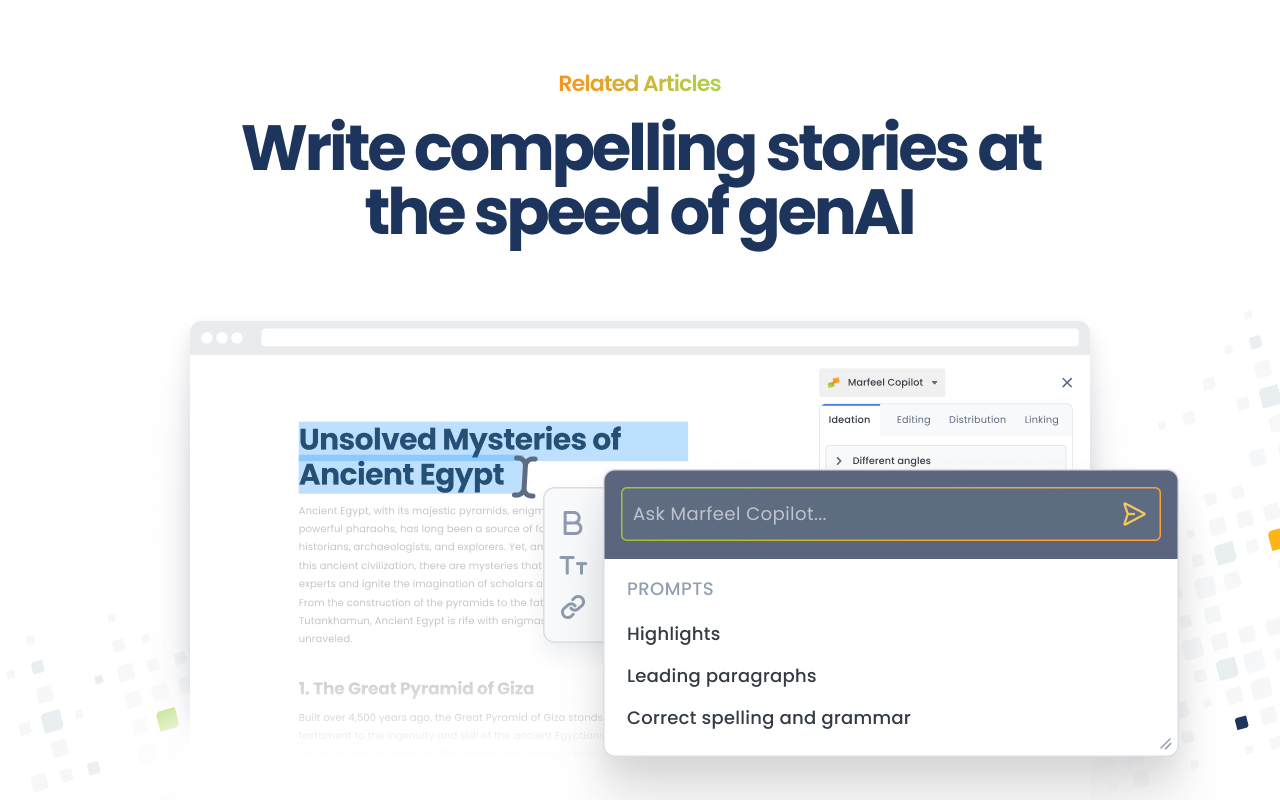
You can use Highlights and Leading paragraphs as a quick mechanism to summarize what you’re investigating.
Related Articles
Section titled “Related Articles”Use the Linking option to identify highly related stories.
When browsing an article on an external website, leverage the Related Articles section to gauge your coverage of a specific story and assess your expertise on the subject.
When crafting your next piece, the system suggests closely related content that you may want to link.

Integrated real-time Marfeel Analytics
Section titled “Integrated real-time Marfeel Analytics”The Posts tab offers a streamlined display of Marfeel Compass, presenting Concurrents and Recirculation metrics for the entire account or Your Posts.
You can click on an article to get full details on the Article Details page of Marfeel Compass.

Contextual HUD
Section titled “Contextual HUD”When browsing your homepage or any of your pages tracked by Marfeel Analytics, you’ll find the Heads-Up Display data within the extension instead of overlaid on the content.
What can I do with the Marfeel Copilot browser extension?
The Marfeel Copilot browser extension gives you access to AI-powered suggestions (headlines, leading paragraphs, different angles, follow-up stories), related article recommendations, integrated real-time Marfeel Analytics, and a contextual Heads-Up Display — all from any page in your browser.
Does the Marfeel Copilot extension work outside my CMS?
Yes. The extension works wherever you work — in your CMS editor, in Google Docs, on news agency feeds, on international news outlets, and on any other site you visit.
How does the Related Articles feature help editorial workflows?
The Linking option identifies highly related stories so you can gauge your coverage of a specific topic, assess your expertise on the subject, and discover closely related content to link in your next piece.