

Back to What's New
Send Marfeel notifications to private Slack channels
You can now send Marfeel notifications to private Slack channels, not just public ones.
Until now, only public Slack channels showed up as a destination for your reports and alerts. If your team kept its Marfeel discussions in a private channel, you had no way to point notifications there directly. Private channels are now listed alongside public ones, so you can pick the channel your team actually uses.
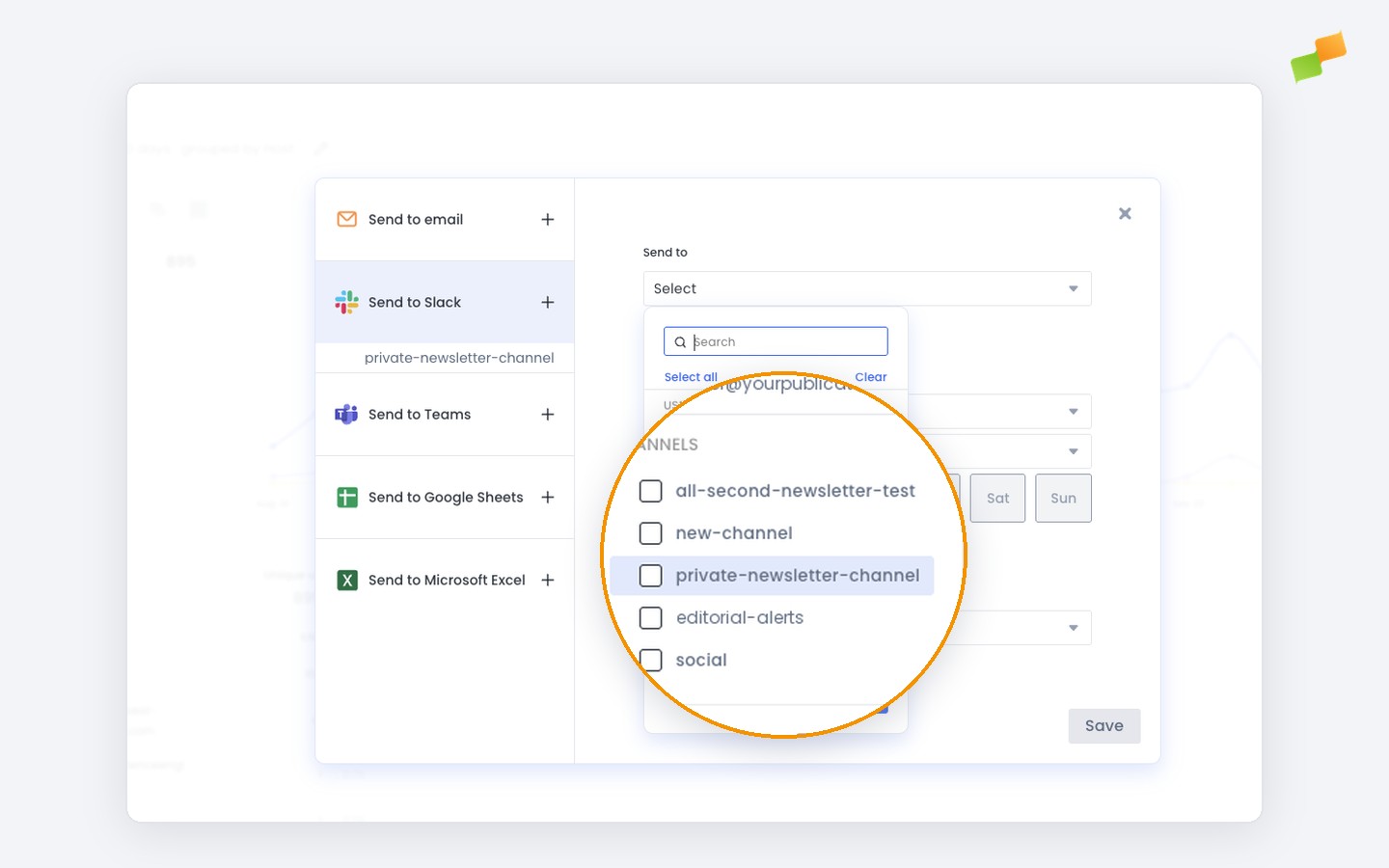
Here’s how you can get started:
- Invite the Marfeel app to your private channel from Slack by typing
/invite @marfeelin the channel. - Open any Slack subscription in Marfeel and the private channel is ready to select.
- Pick it alongside other channels or users in the same subscription.
Same reports, same alerts, now reaching the channel where your team is actually talking.
Learn more in the Slack integration for scheduled report delivery guide