

Back to What's New
Customize the text on your TikTok 'Read article' button
TikTok posts now let you customize the text on the Read article button, the call to action that sends viewers to your article, instead of always showing the default wording.
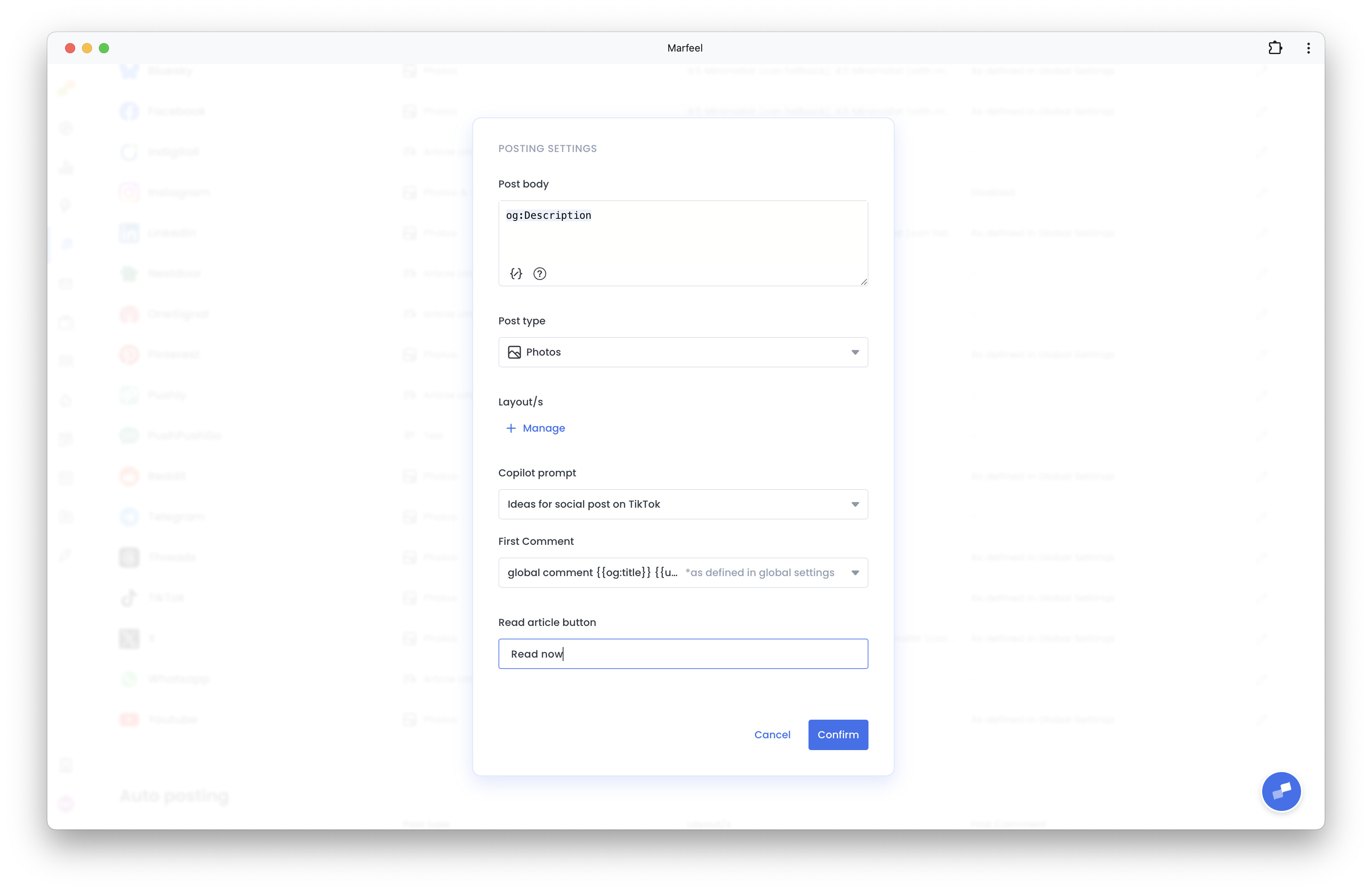
If your brand voice or a specific campaign calls for different phrasing, you’re no longer stuck with generic button text on every TikTok post.
Here’s how you can get started:
- Set a custom label as the default for all your TikTok posts
- Override that label for an individual TikTok account when it needs different wording
- Leave it blank to fall back to the default “Read article” label
- Keep it to 30 characters or fewer
Your words, your button.
Learn more in the Amplify settings for social post branding and layout guide