

Automatic content version tracking now available
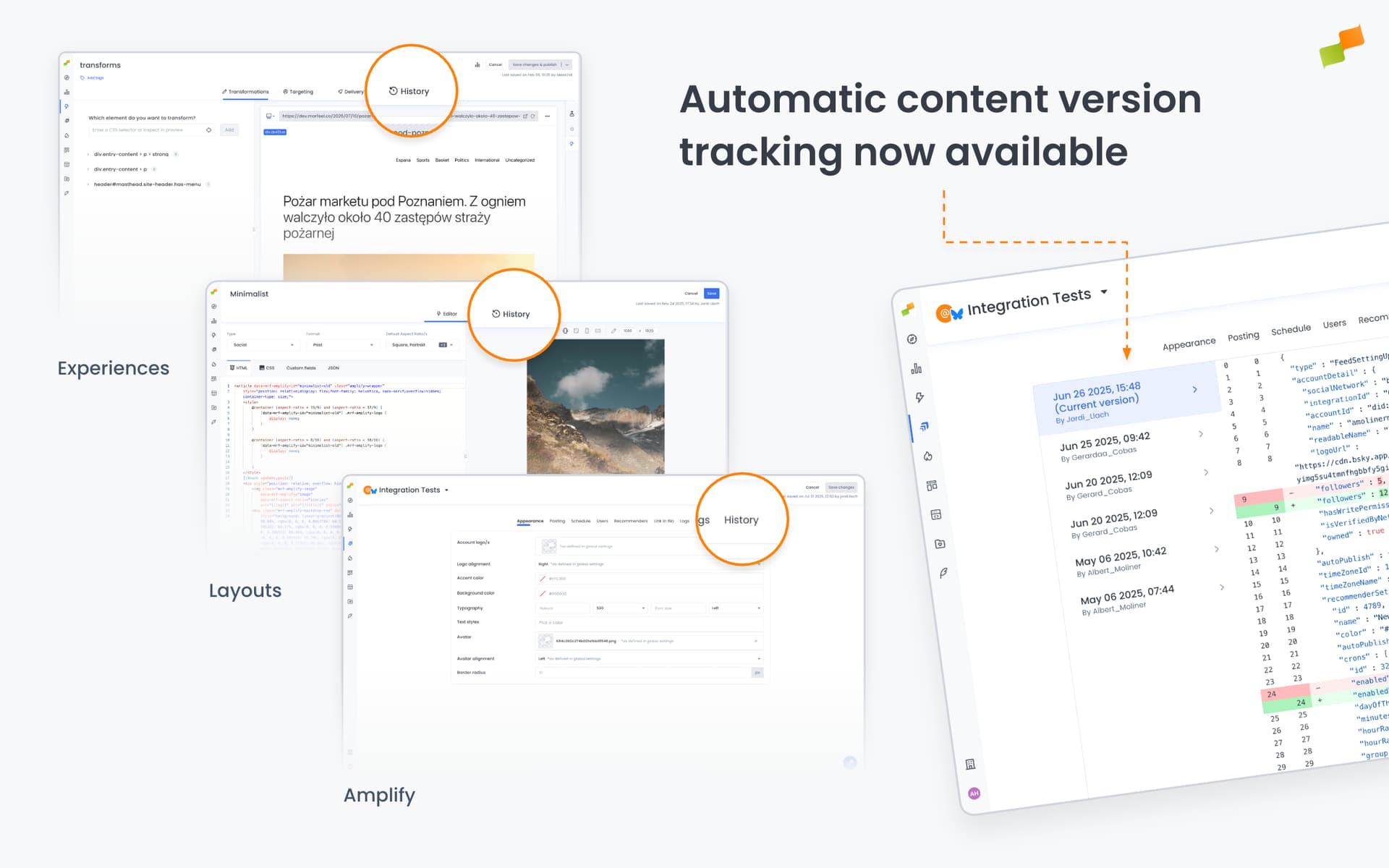
Your content changes are now automatically saved and tracked over time. Whenever widgets, layouts, templates, experiences settings, or amplify settings are modified, the system creates a complete history of versions, making it easy to review past changes or restore previous configurations if needed
Automatic Content Version Tracking: Never Lose Track of Changes Again
Section titled “Automatic Content Version Tracking: Never Lose Track of Changes Again”Marfeel now automatically tracks every version of your content configurations, creating a complete history of changes to widgets, layouts, templates, experiences settings, amplify settings, and other content elements. This version history feature provides transparency, accountability, and peace of mind when managing content at scale
Every time content is modified through Marfeel systems, a new version is automatically saved with complete details about what changed, who made the change, and when. This creates an audit trail that teams can reference when reviewing recent updates, troubleshooting issues, or understanding how configurations evolved over time
The system maintains this history reliably and securely, ensuring that your team has access to past versions whenever needed. Whether you want to compare current settings with previous configurations or simply understand the progression of changes, the version history is always available
What This Enables
Section titled “What This Enables”Transparency and accountability: See exactly who made changes and when, making it easier to coordinate across teams and understand the context behind configuration decisions
Troubleshooting support: When investigating unexpected behavior, teams can review recent changes to identify what might have caused the issue
Configuration review: Compare current settings with previous versions to understand what has changed over time across your content strategy
This capability works automatically in the background. No manual intervention or additional setup is required. Version tracking is integrated into existing content management workflows, ensuring every change is captured without adding complexity to daily operations