Marfeel Campaign Manager

One single offer.

Set up a subscription offer once and run it on your site and in your newsletters, with each reader seeing the version meant for them.

Play video Pause video
Unmute video Mute video

Trusted by the world’s top publishers to grow their audience

Marfeel Campaign Manager

Set it up once. Run it everywhere.

One Offer, Everywhere

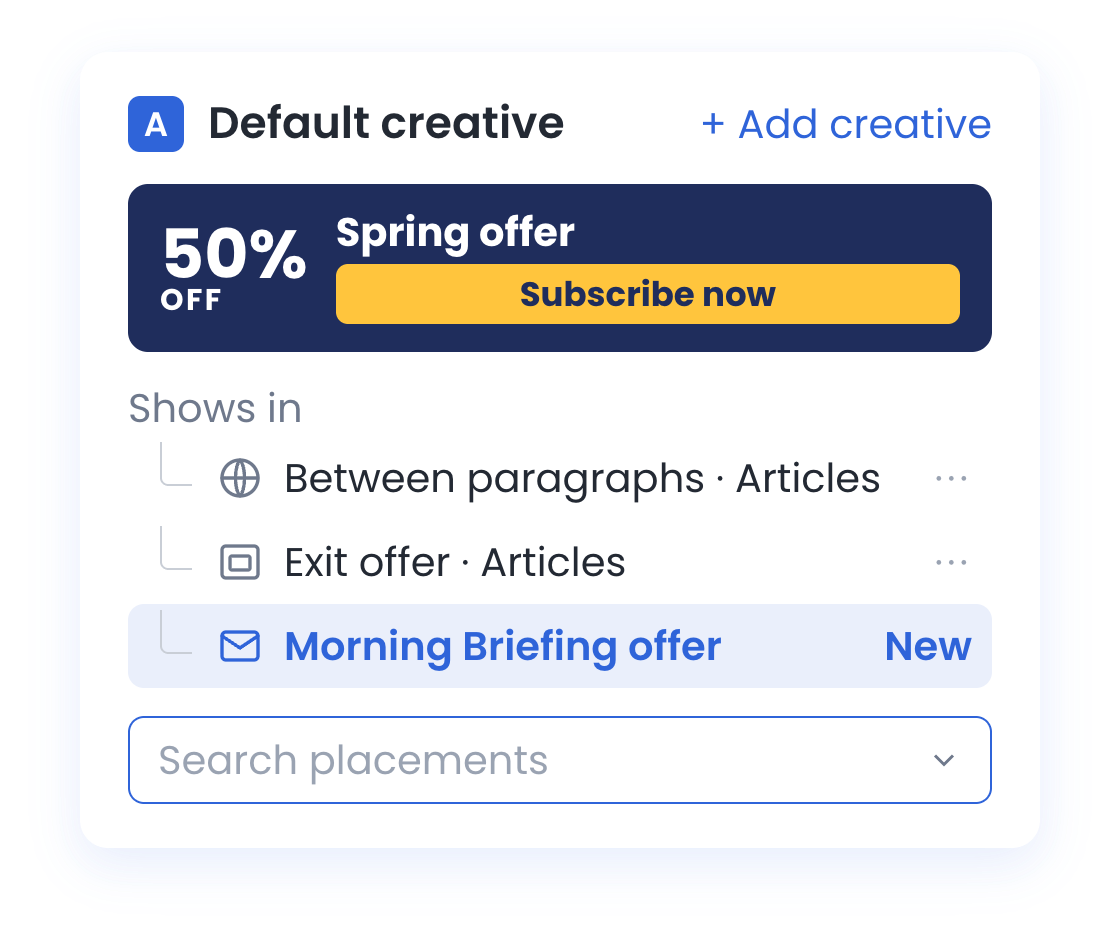
Set up a subscription offer once and it runs as the pop-up, the banner in your stories and the ad in your newsletters, instead of three setups in three tools.

One Design, Every Size

Design the creative once. It adapts to desktop, mobile and the inbox, so nobody builds a version for every banner size and every screen.

The Right Offer, Every Reader

Each reader sees the version meant for them. Target with the filters you already use for experiences, so subscribers never see an acquisition offer.

Three tools, one offer.
Now one campaign.

One Campaign

One offer.Wherever readers are.

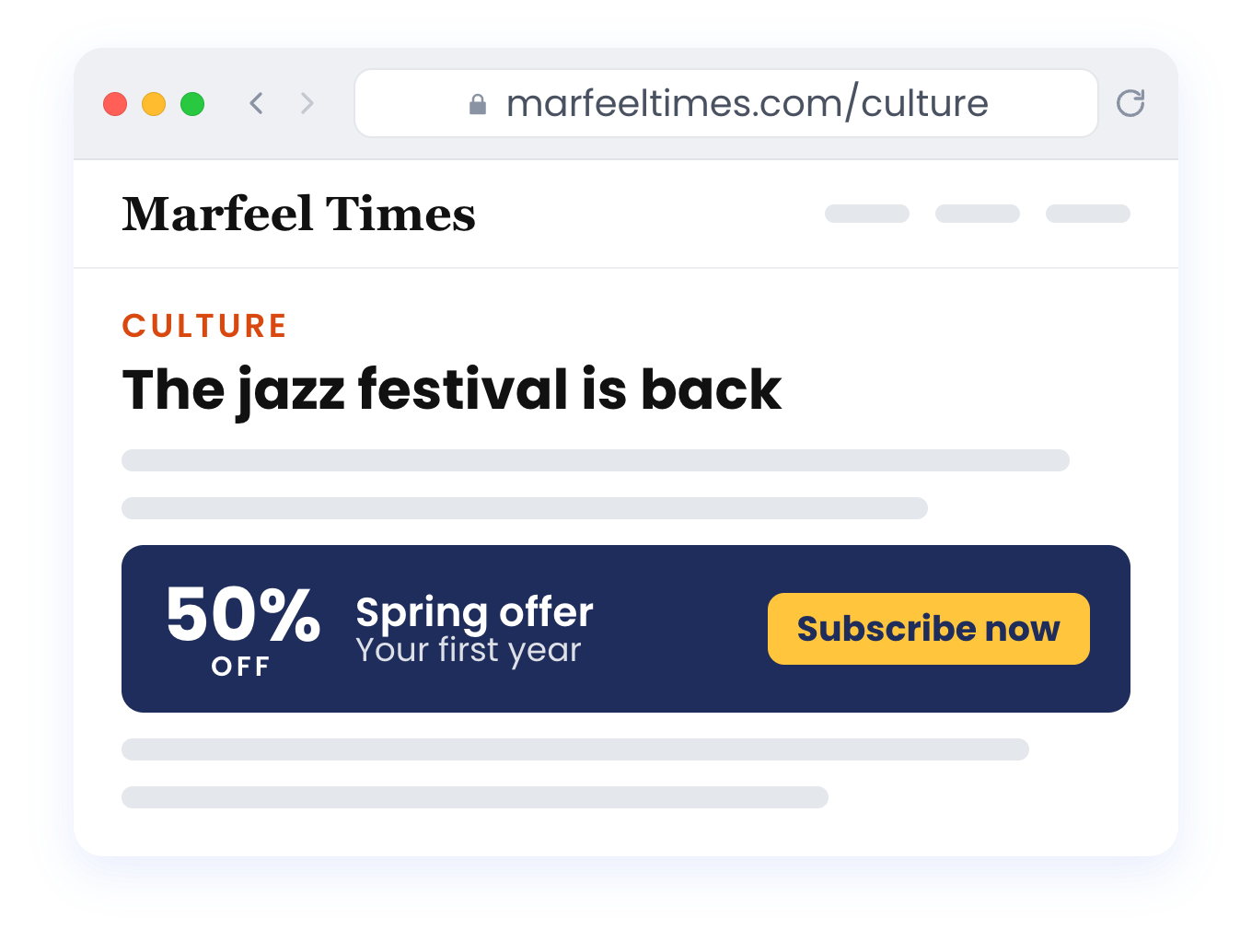
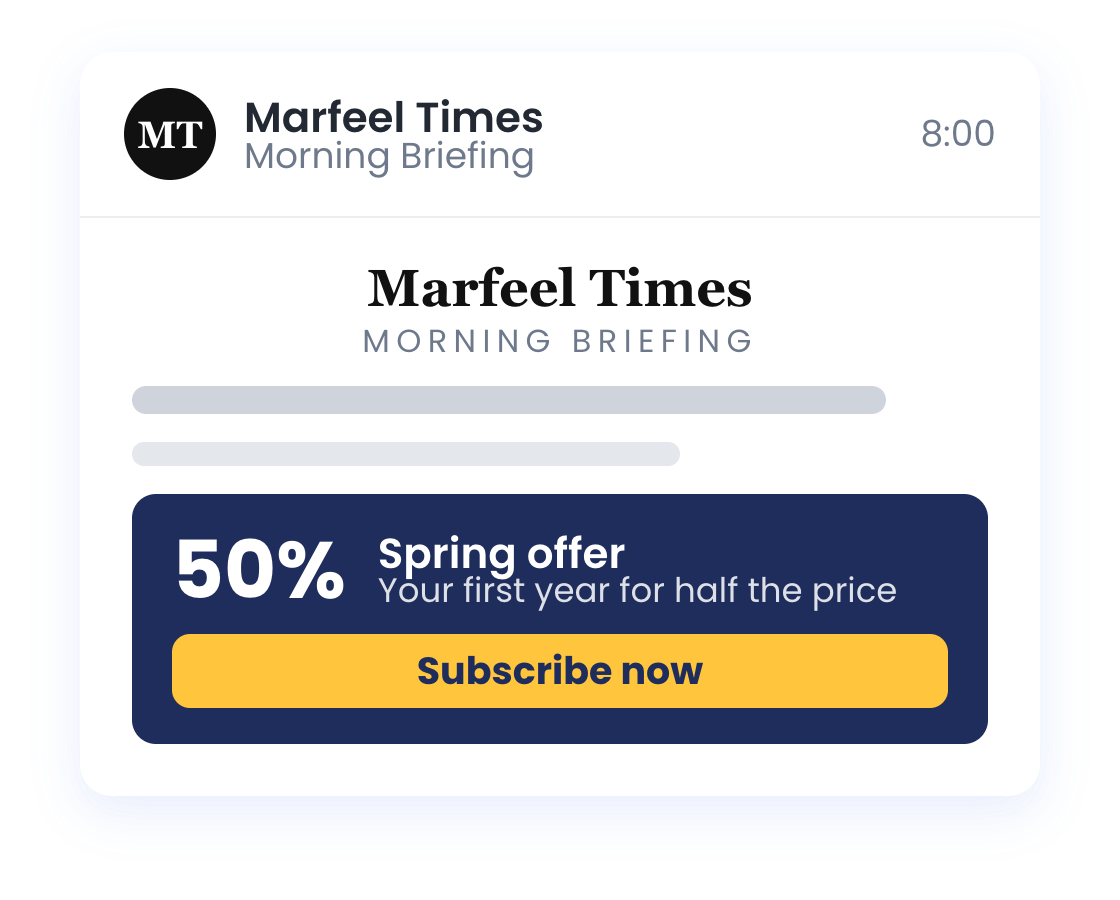
A pop-up on the homepage, a banner in your stories, an ad in tomorrow’s Morning Briefing: it’s all the same campaign. Change the offer once and every version follows, with the same dates and the same audience.
Marfeel Campaign Manager - The Spring offer as a pop-upMarfeel Campaign Manager - The Spring offer as a banner in a storyMarfeel Campaign Manager - The Spring offer inside the newsletter
Newsletters

No newslettergoes out empty.

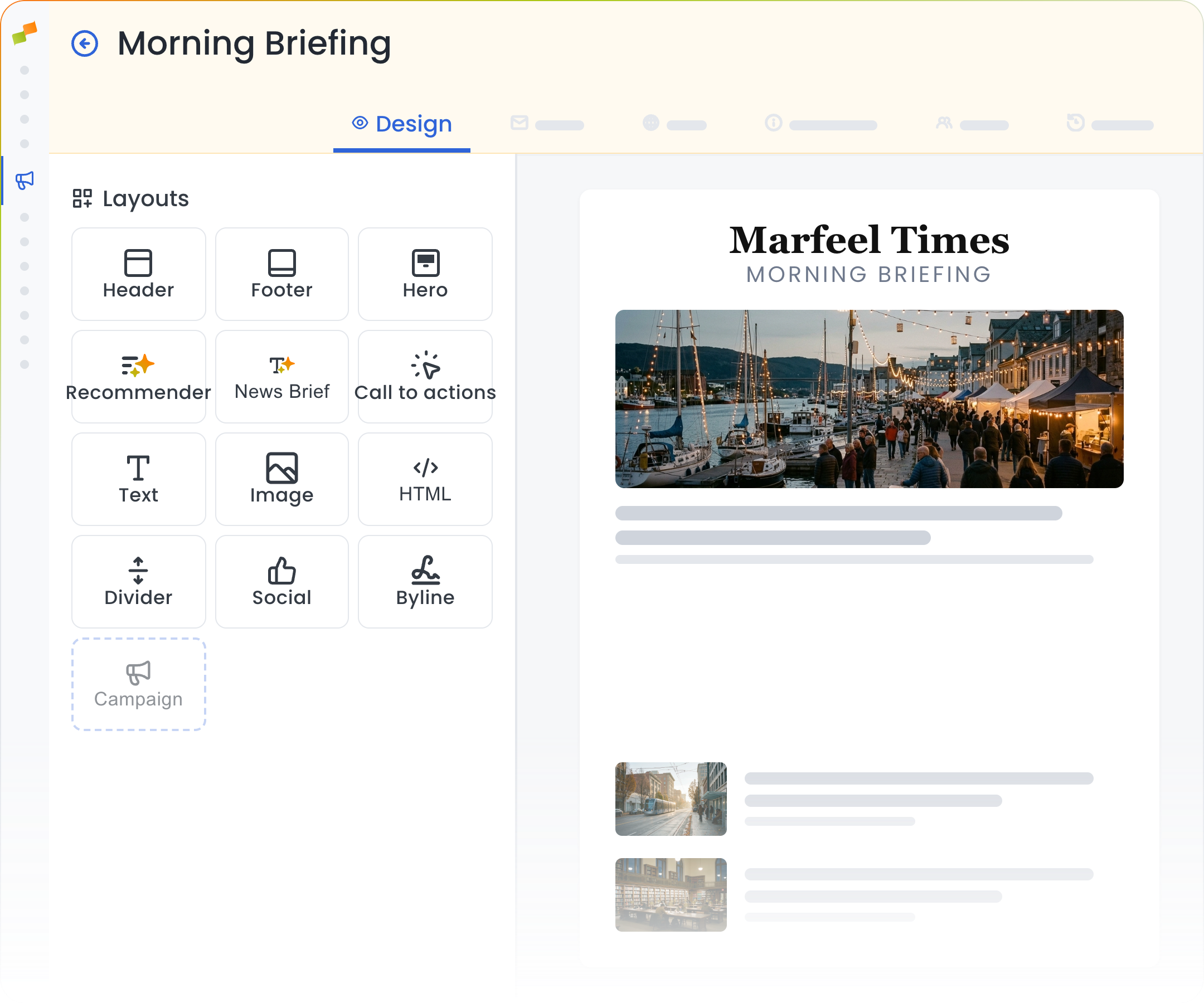
Drag a Campaign block into any newsletter or one-off email and name the spot. Then pick that spot from your campaign, next to its pop-ups and banners, and each reader gets the offer that targets them.
Marfeel Campaign Manager - Newsletter editor with a Campaign block
Marfeel Campaign Manager - Drop zone for the Campaign block in the newsletterMarfeel Campaign Manager - Campaign block dragged into the newsletterMarfeel Campaign Manager - One Spring offer creative showing in a story, a pop-up and the newsletter
Responsive Creatives

One design.Every size.

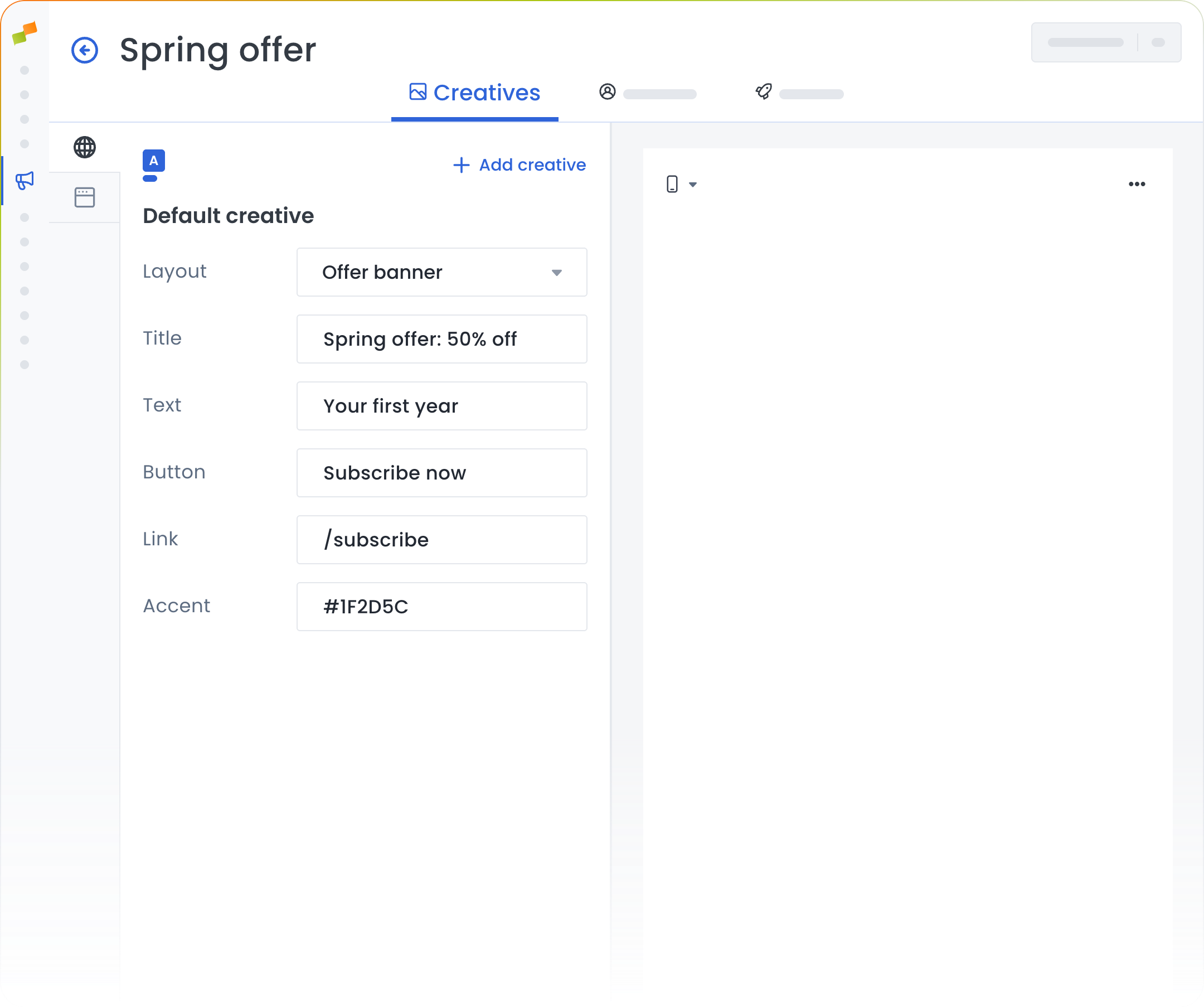
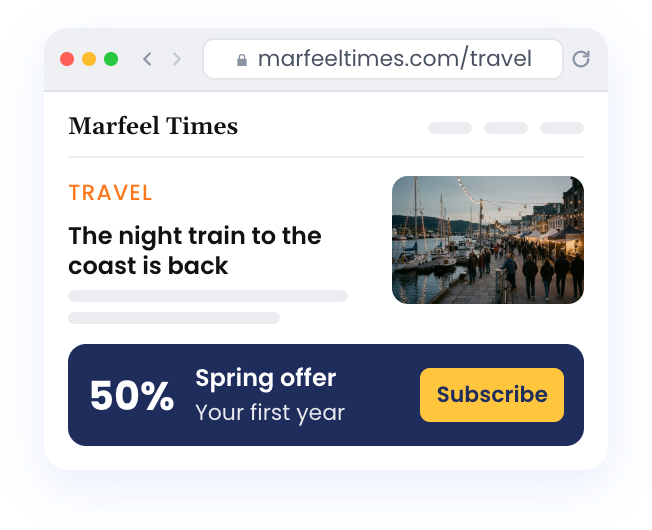
Pick a layout and write the offer once. It adapts to every screen, and the live preview shows it on desktop and mobile before a single reader sees it.
Marfeel Campaign Manager - Creative editor with the offer’s content
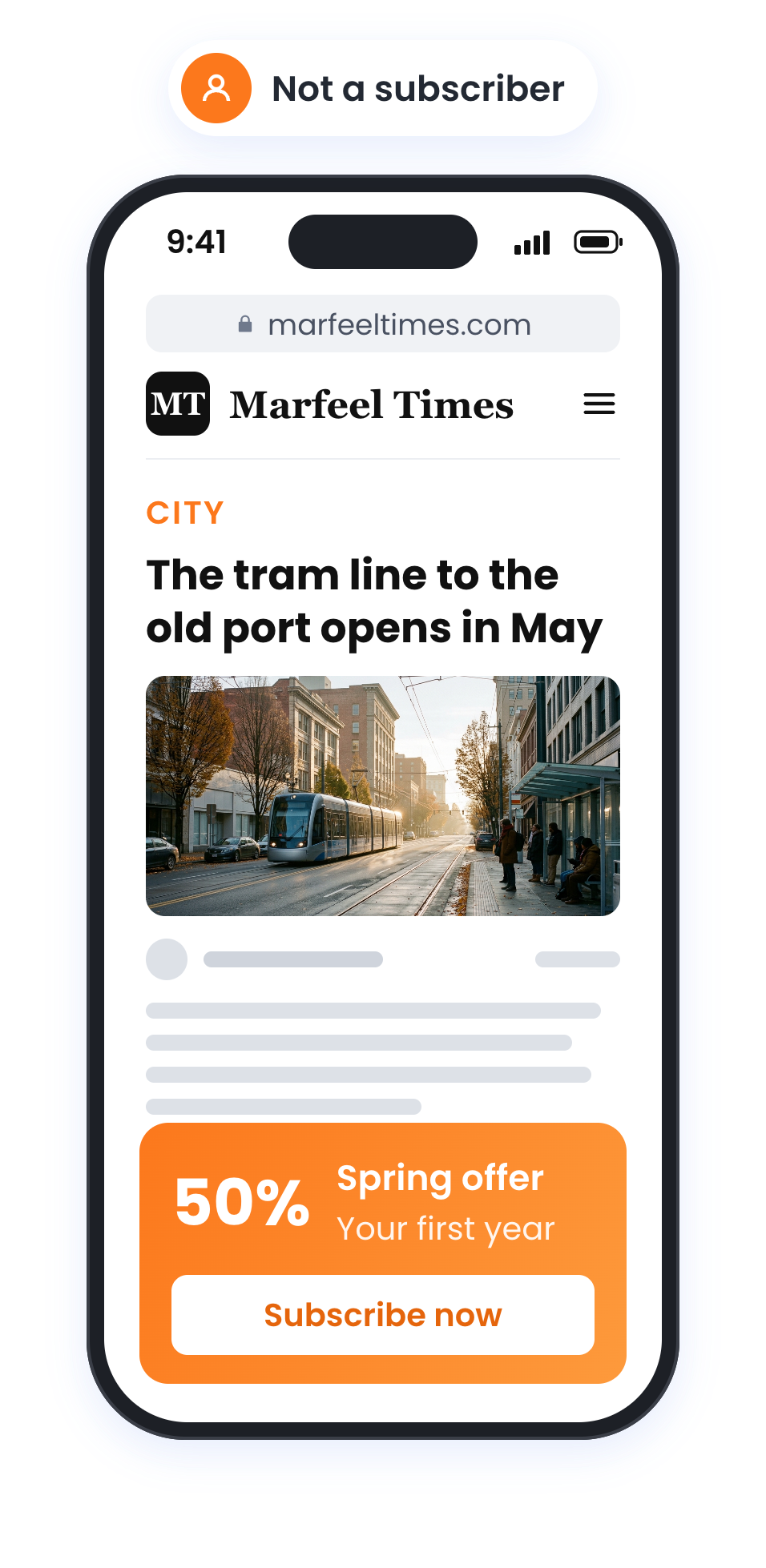
Marfeel Campaign Manager - The creative on a desktop article pageMarfeel Campaign Manager - The same creative on mobile
Targeting

The right offerfor every reader.

Build the audience with the same filters as your experiences and combine them with AND/OR. New readers get the spring offer, subscribers get a gift to share, and nobody who already pays sees an acquisition offer.
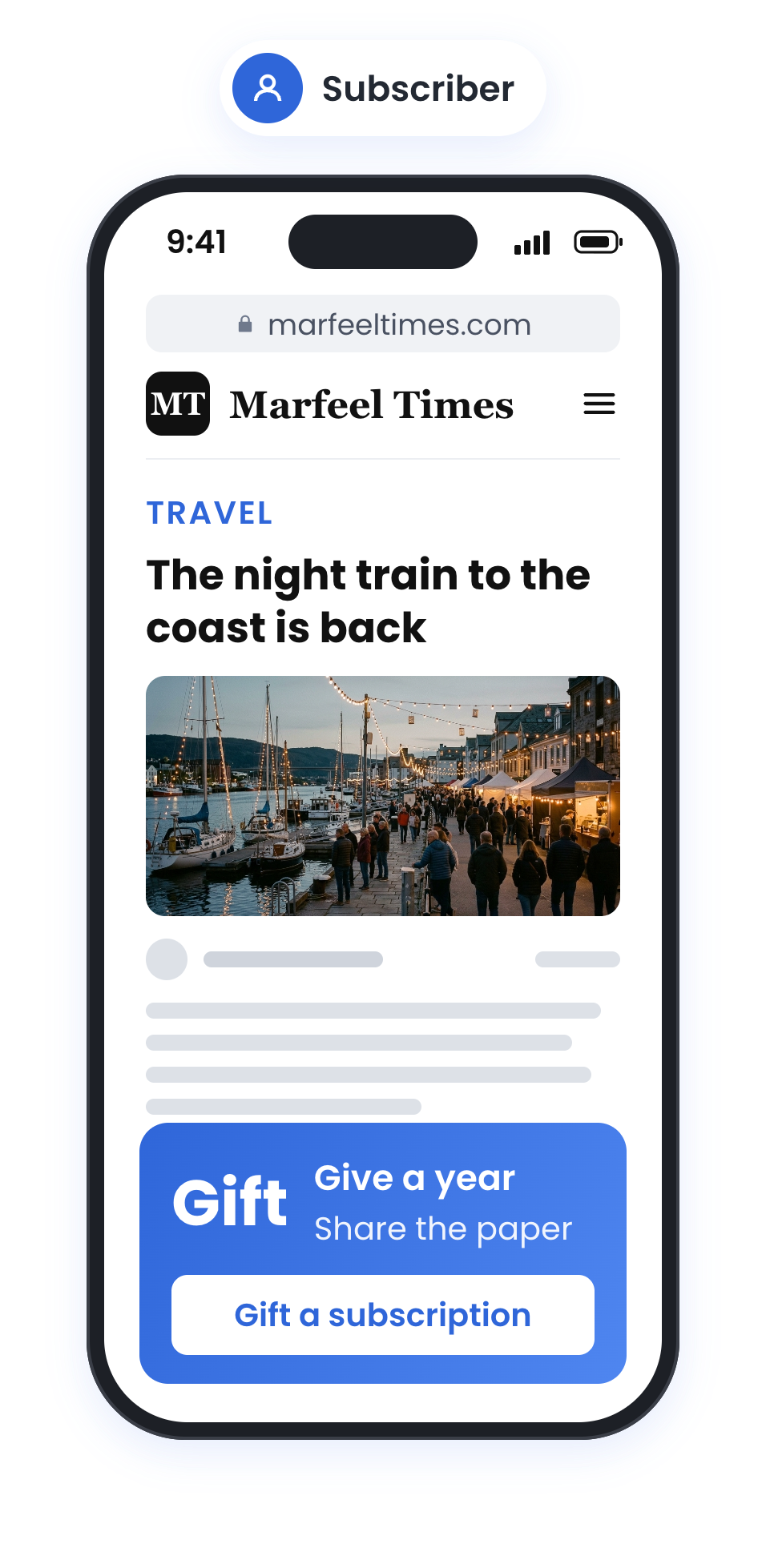
Marfeel Campaign Manager - A new reader gets a subscription offerMarfeel Campaign Manager - A subscriber gets a gift offer
Delivery

Schedule it once.Let it run.

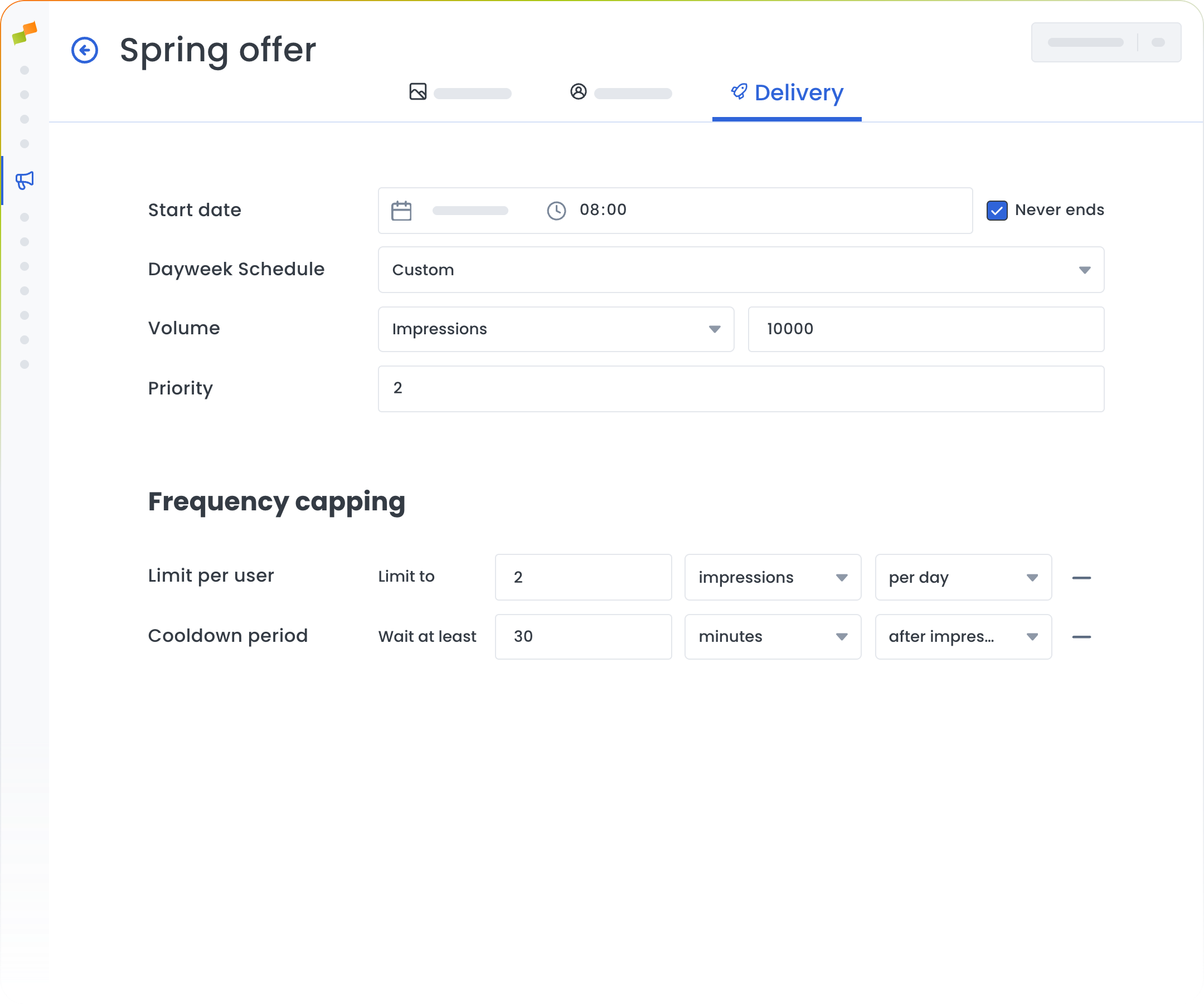
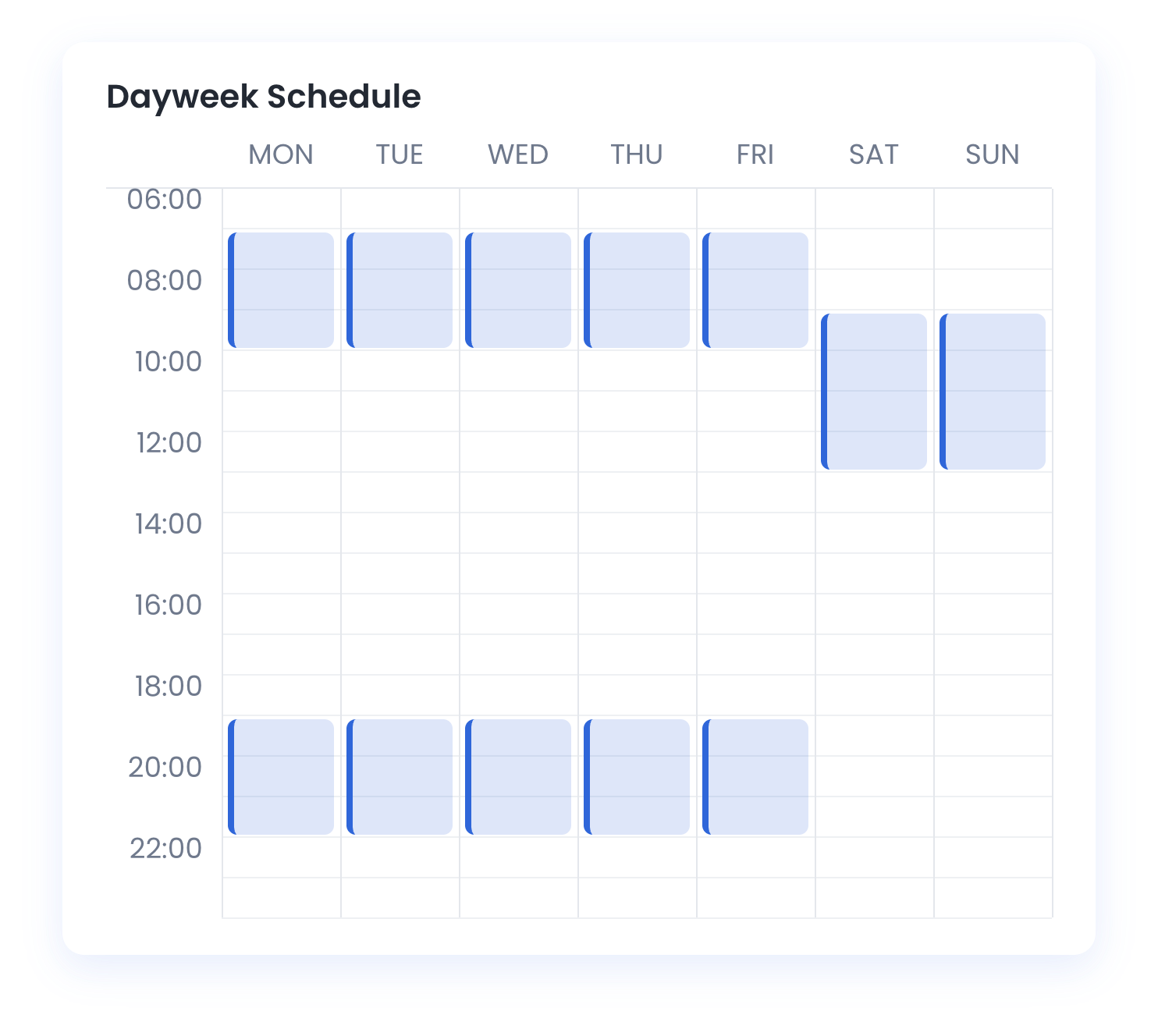
Set start and end dates or keep it always on, decide how it ranks against your other experiences, and cap how often the same reader sees it on your site.
Marfeel Campaign Manager - Delivery settings of the campaign
Marfeel Campaign Manager - Weekly schedule with the hours the offer runs
Catalog Promotions

Start from the offeryou already sell.

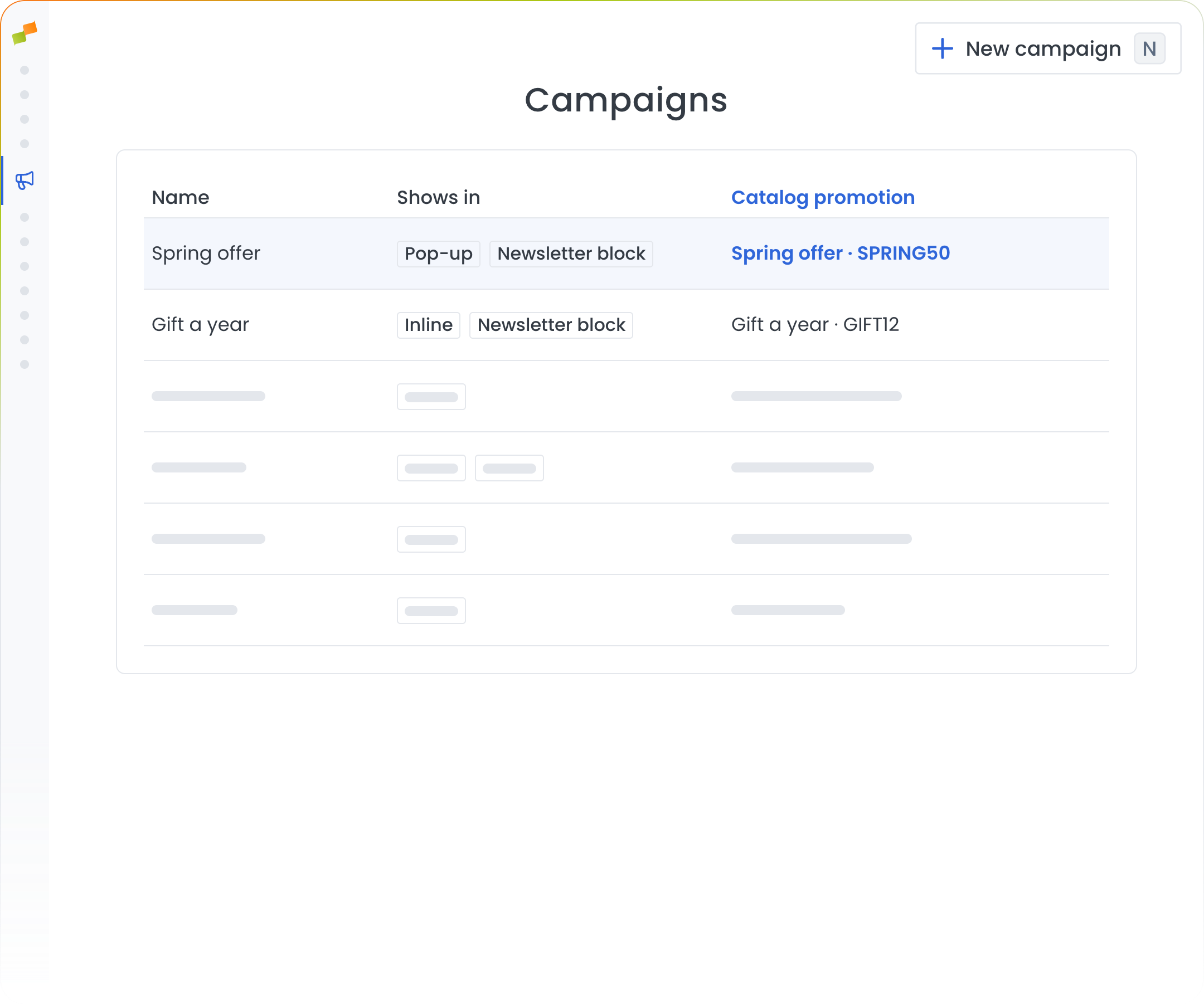
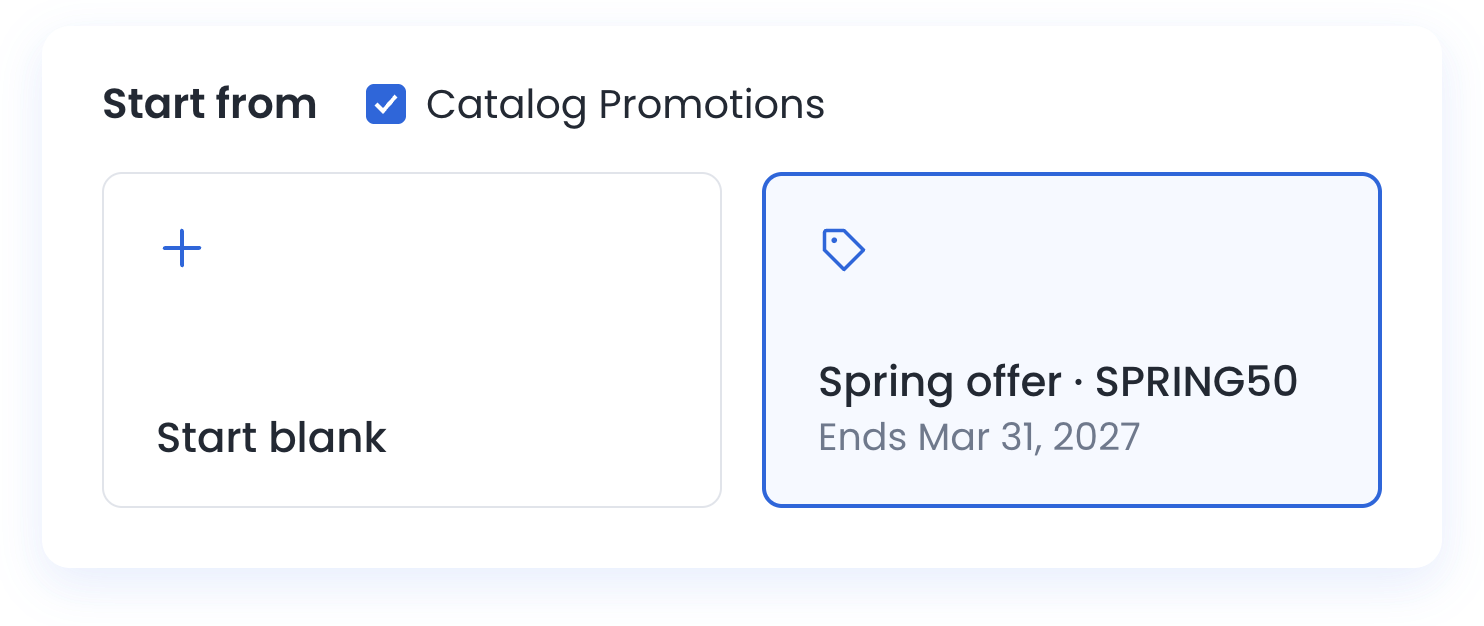
Start a new campaign straight from a promotion in your subscription catalog, or link one later. The campaigns list shows which promotion drives each campaign, so nobody has to open one to check.
Marfeel Campaign Manager - Campaigns list with each campaign’s catalog promotion
Marfeel Campaign Manager - New campaign started from the Spring offer catalog promotion
Marfeel Campaign Manager

One offer. Every reader.Every channel.
See Marfeel Campaign Manager in action

Book a demo and see how one campaign can reach every reader on your site and in their inbox.

Marfeel dashboard