


Start in Compass
Right whereyou spot it
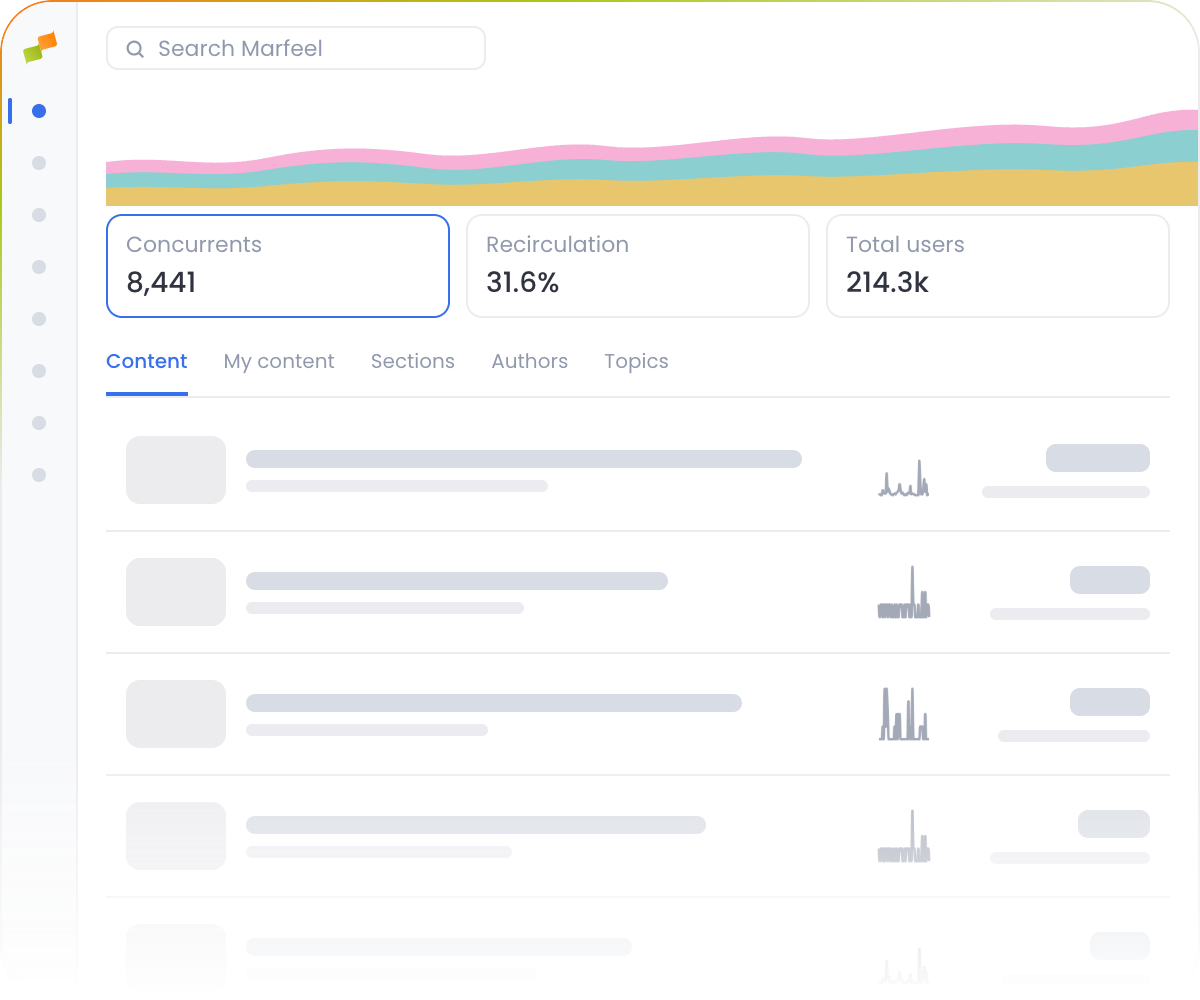
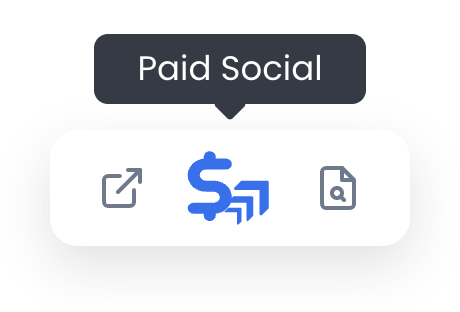
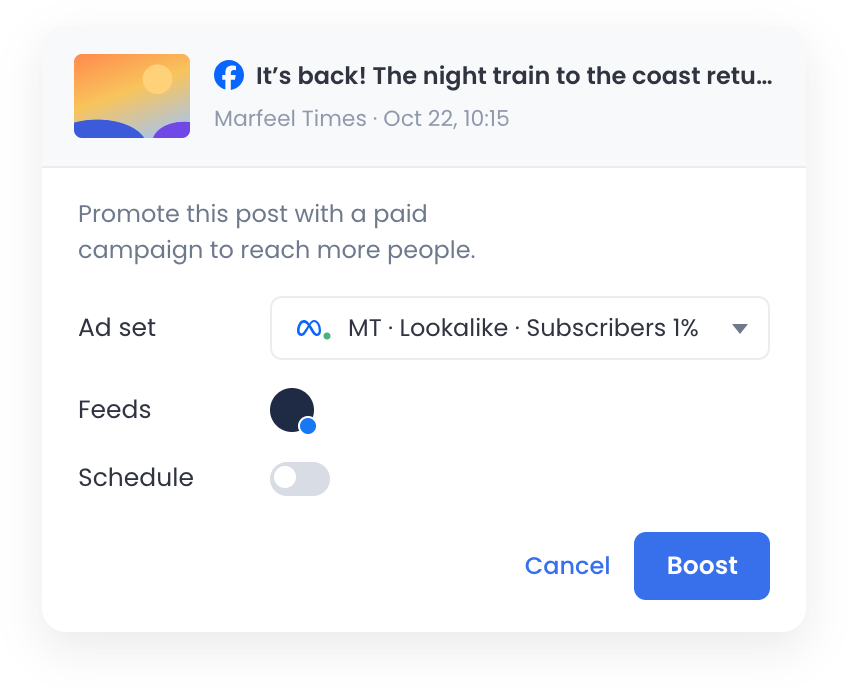
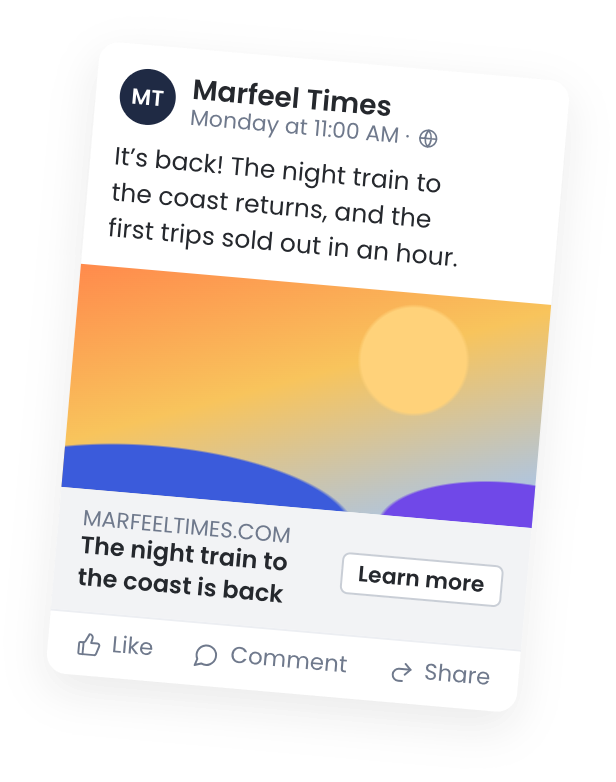
Compass shows you which story is taking off. Open Paid Social on it and the headline, photo and link come along, so your ad starts from the story, not from a blank form.
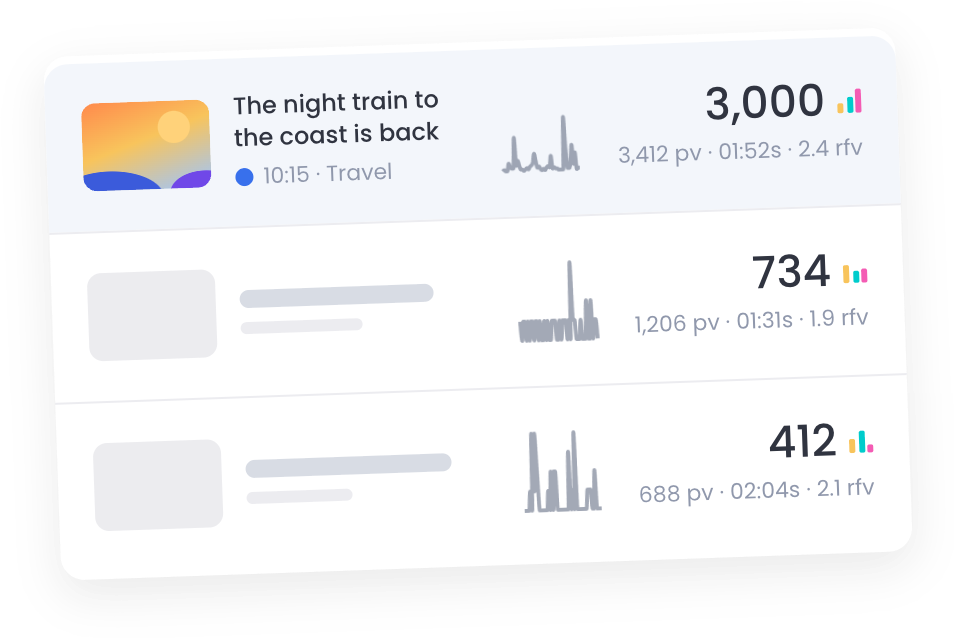

Promote the story that’s taking off on Facebook and Instagram before the moment passes, in about 10 seconds instead of 20 minutes.




Trusted by the newsrooms of the world’s smartest publishers
Marfeel Paid Social
Straight From the Story
Act on a story the moment you see it taking off in Compass. No new tab, no copied headlines, no photos to download and upload again.
Boost or Create in Seconds
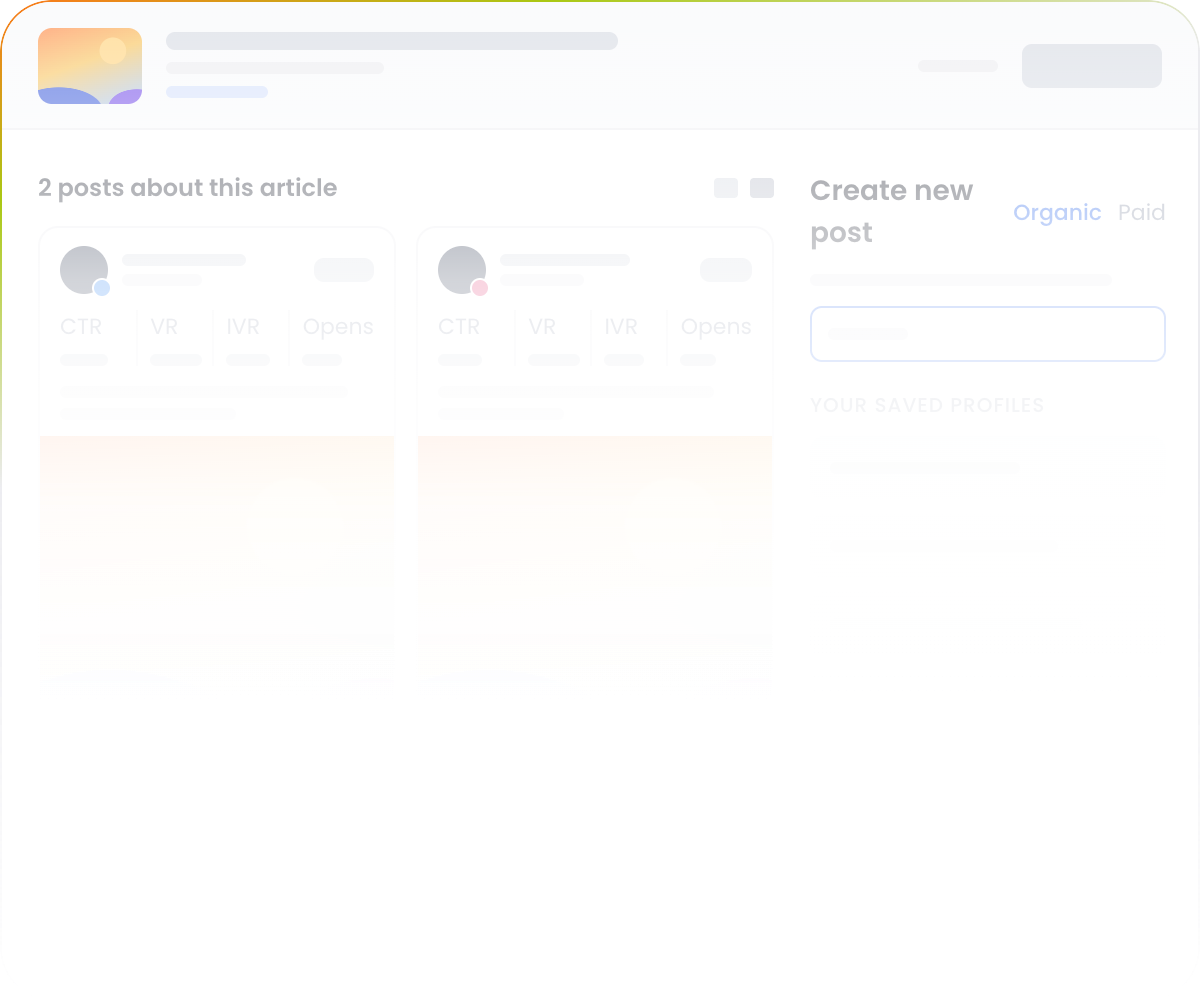
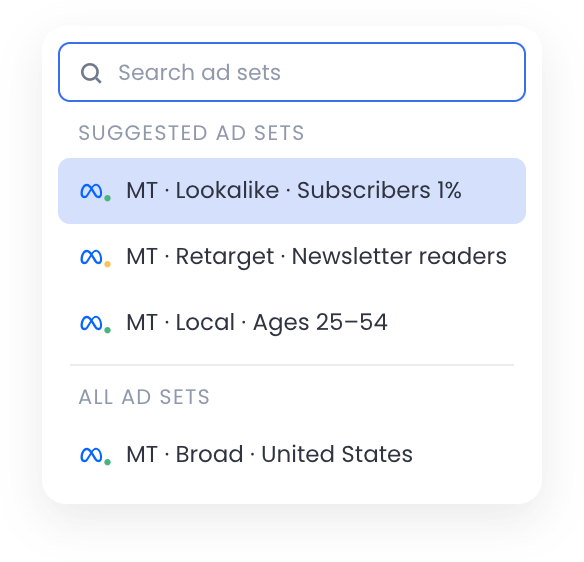
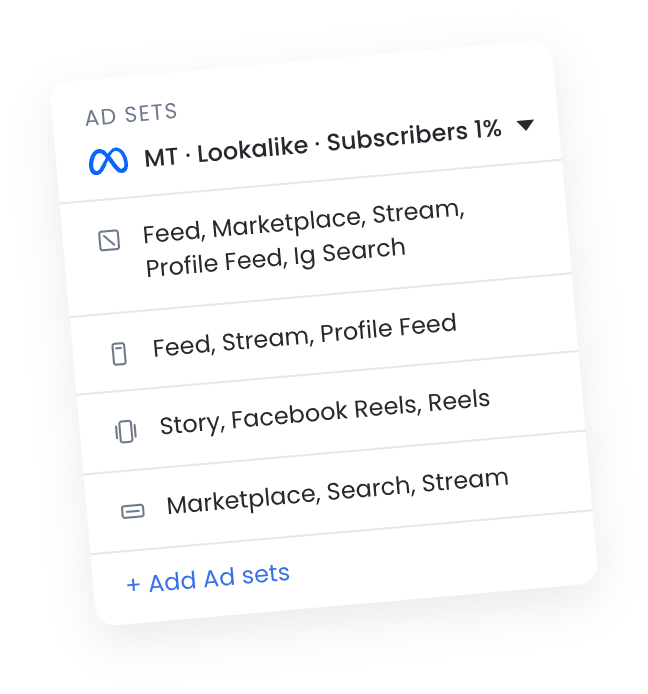
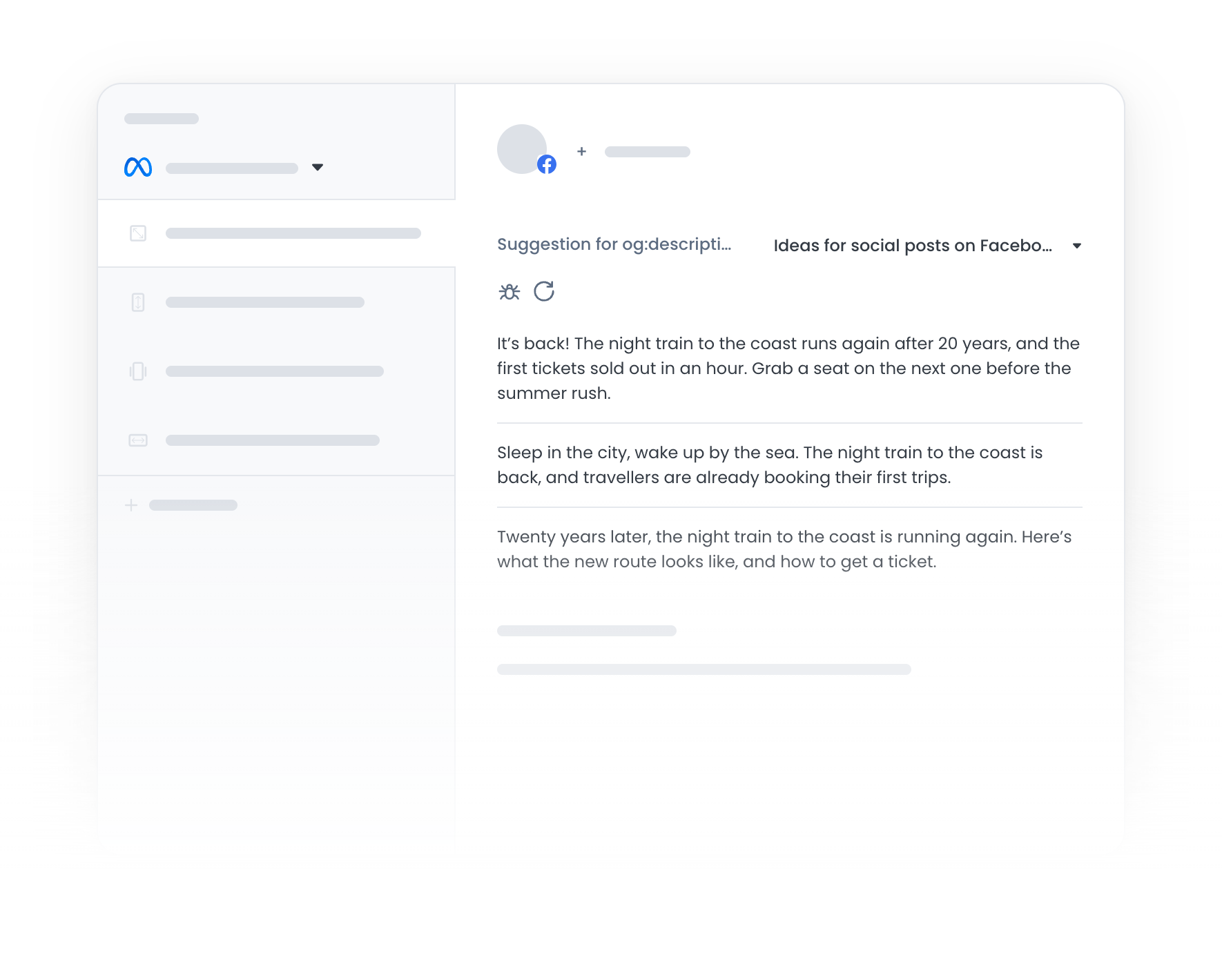
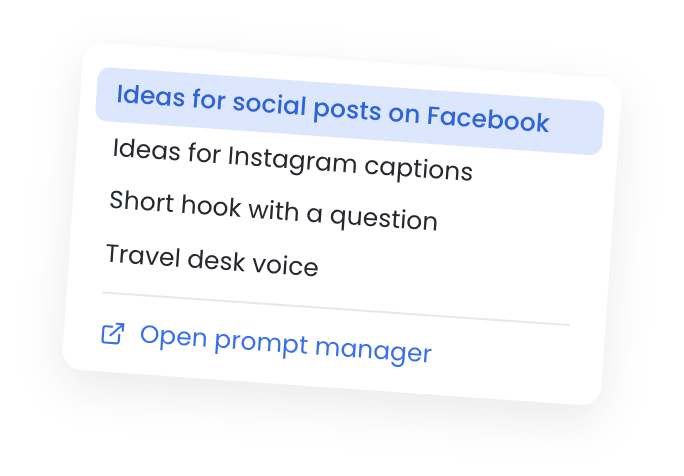
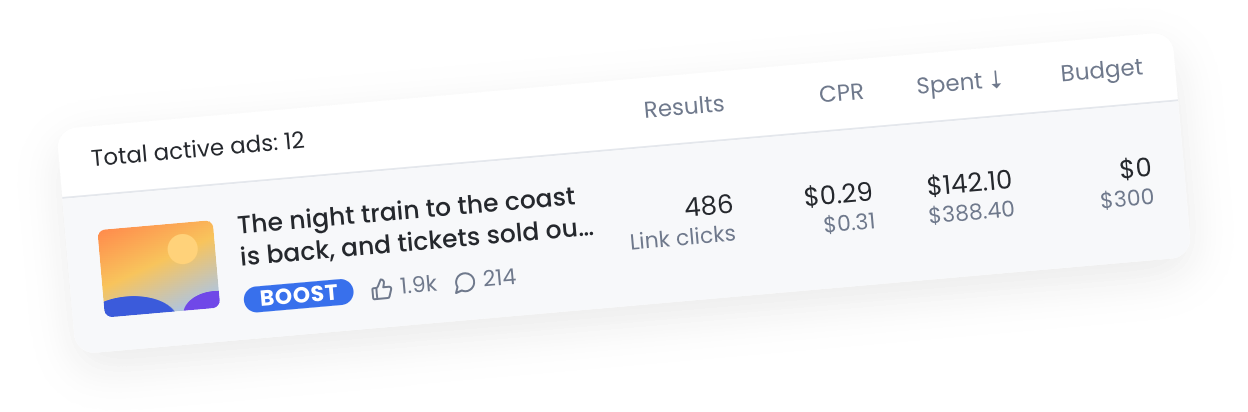
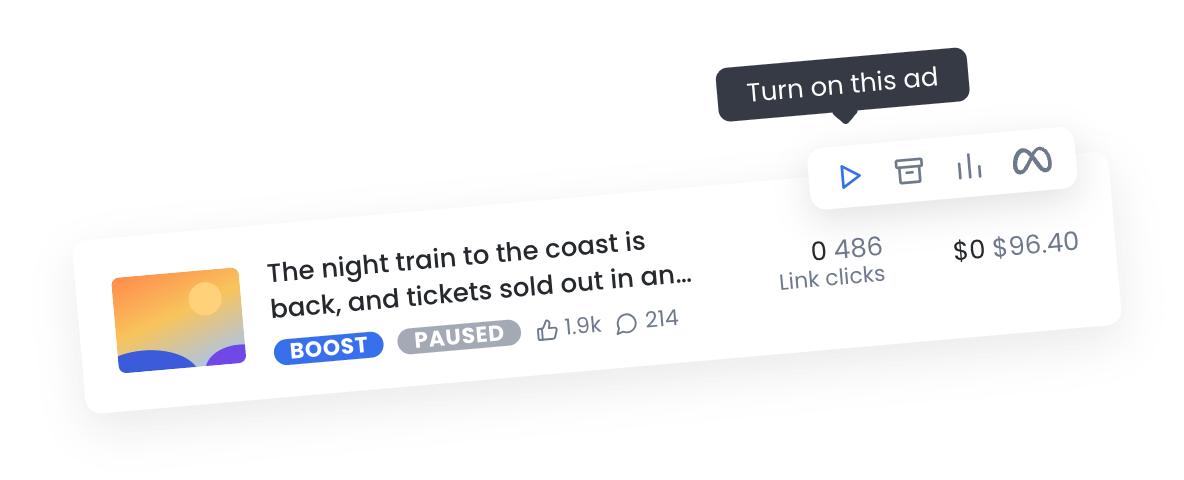
Put budget behind the post that’s already working, or launch a fresh ad built from the story, with Marfeel Copilot writing the copy.
See What Every Ad Delivers
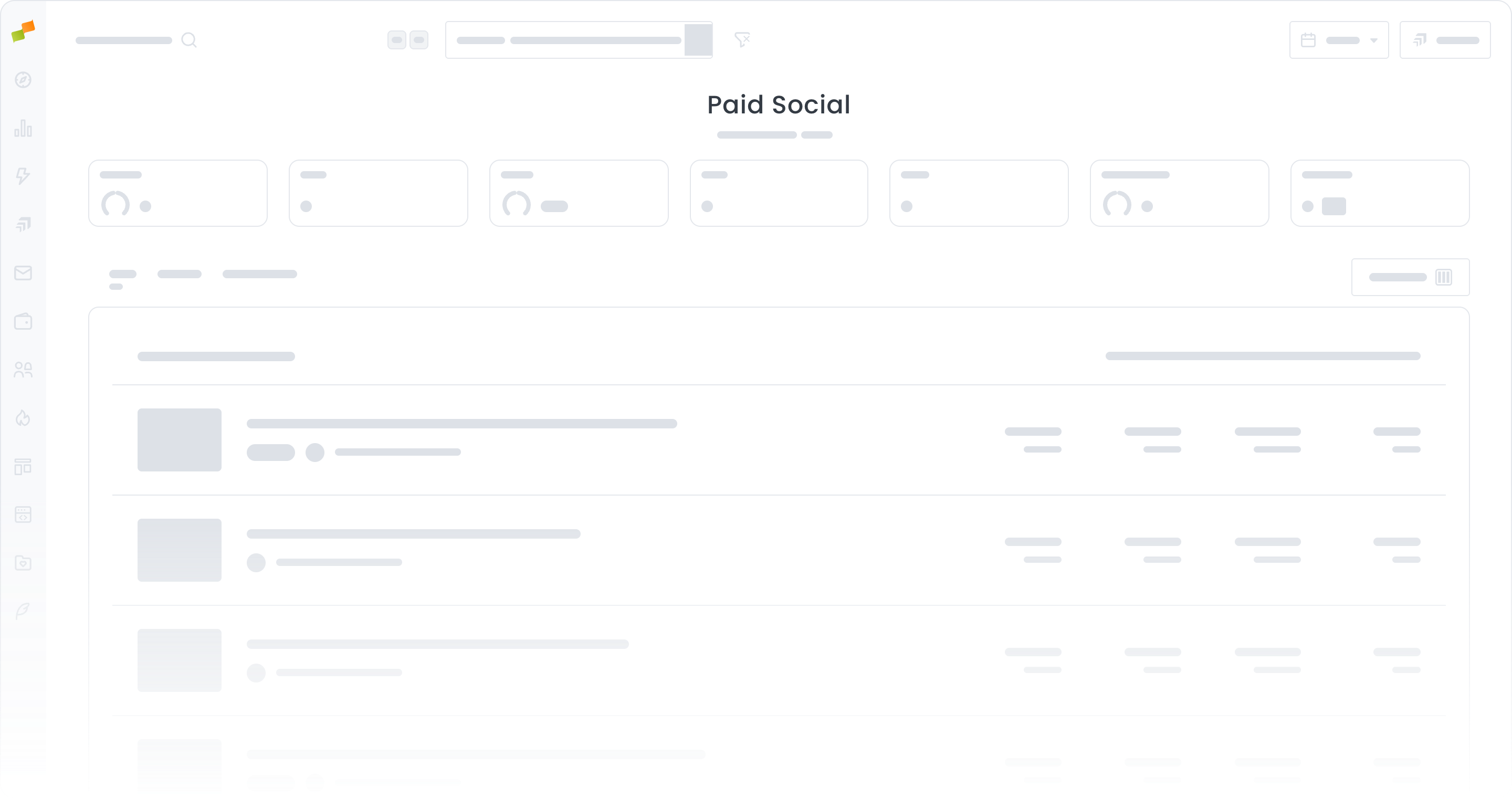
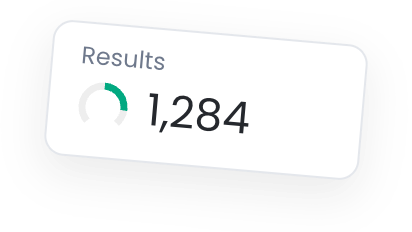
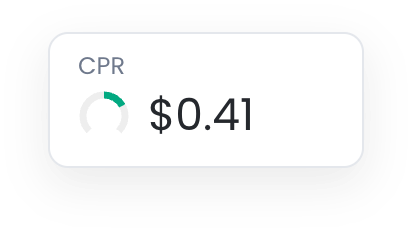
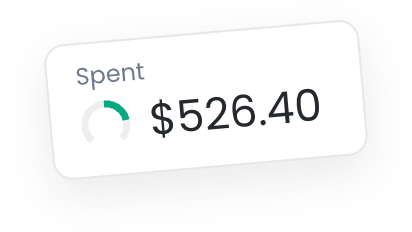
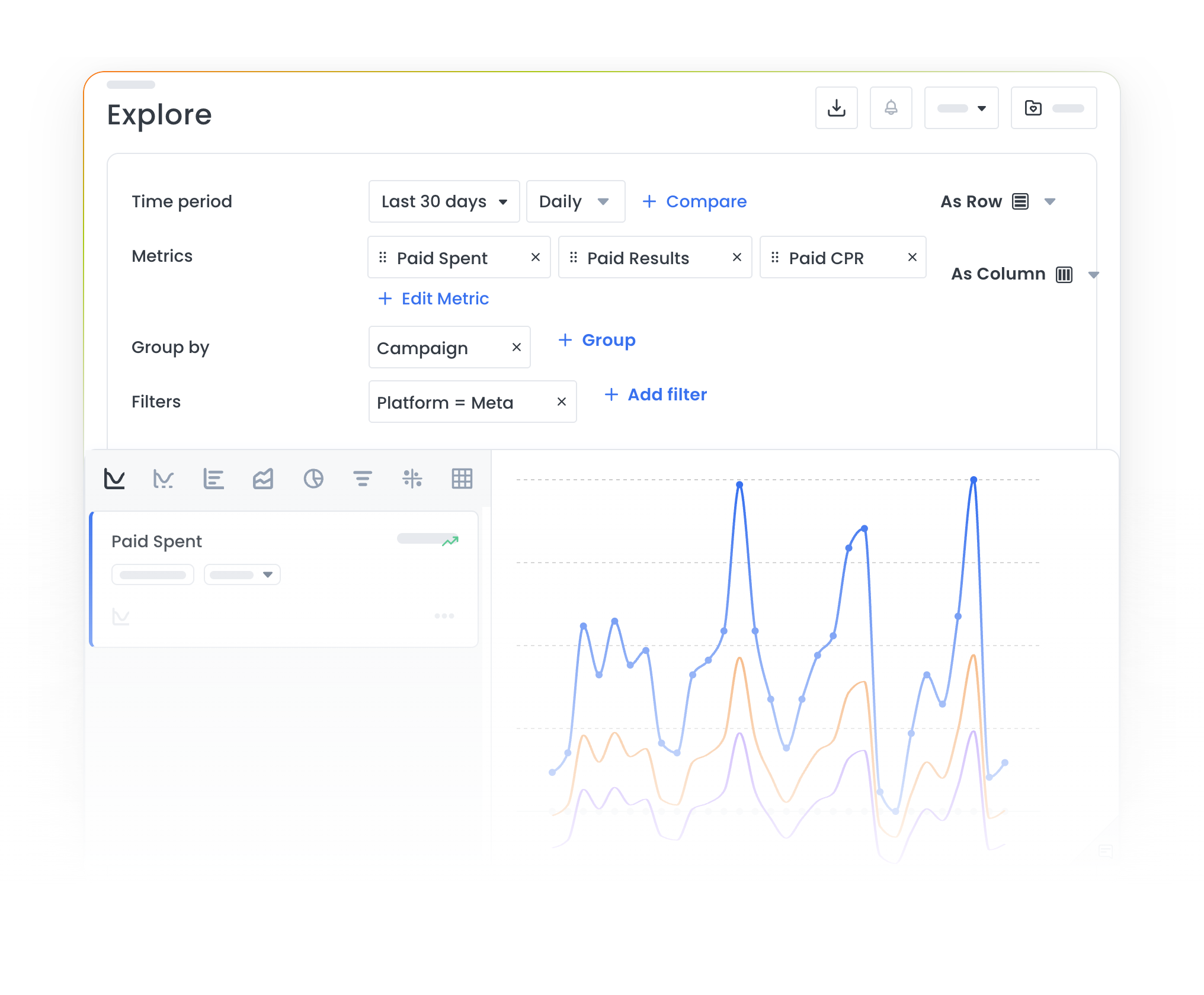
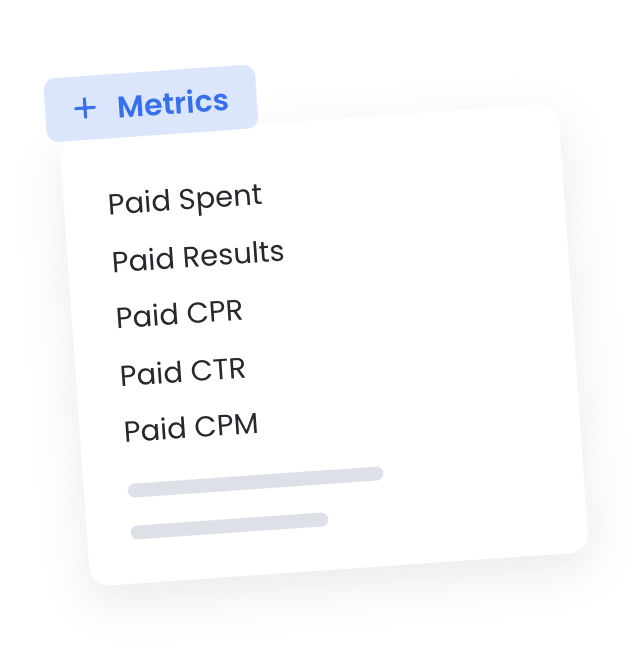
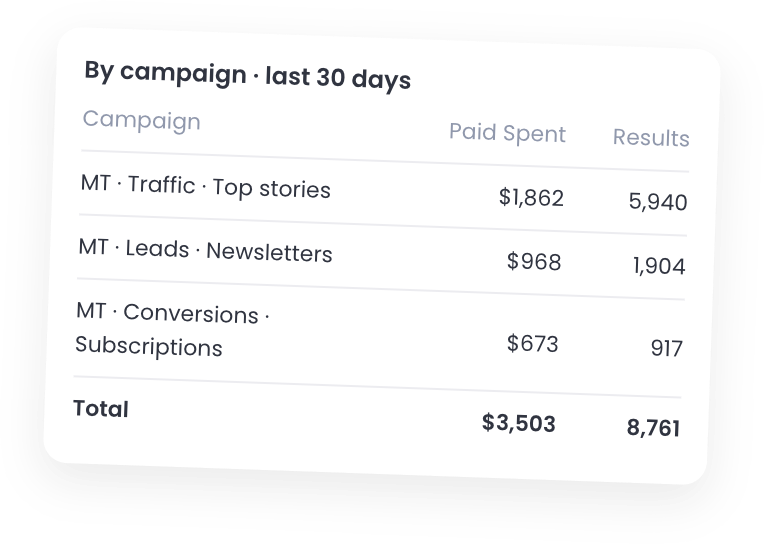
Promoted posts and new ads report together, with results, cost per result and spend, so you always know what your budget is buying.
Content analytics that inform strategy for leading global publishers
