

Back to What's New
Customize App Banner button label and price text
You can now customize the button label and price text on App Banners. Instead of fixed defaults, each banner can display the call-to-action and pricing copy that matches your app and audience.
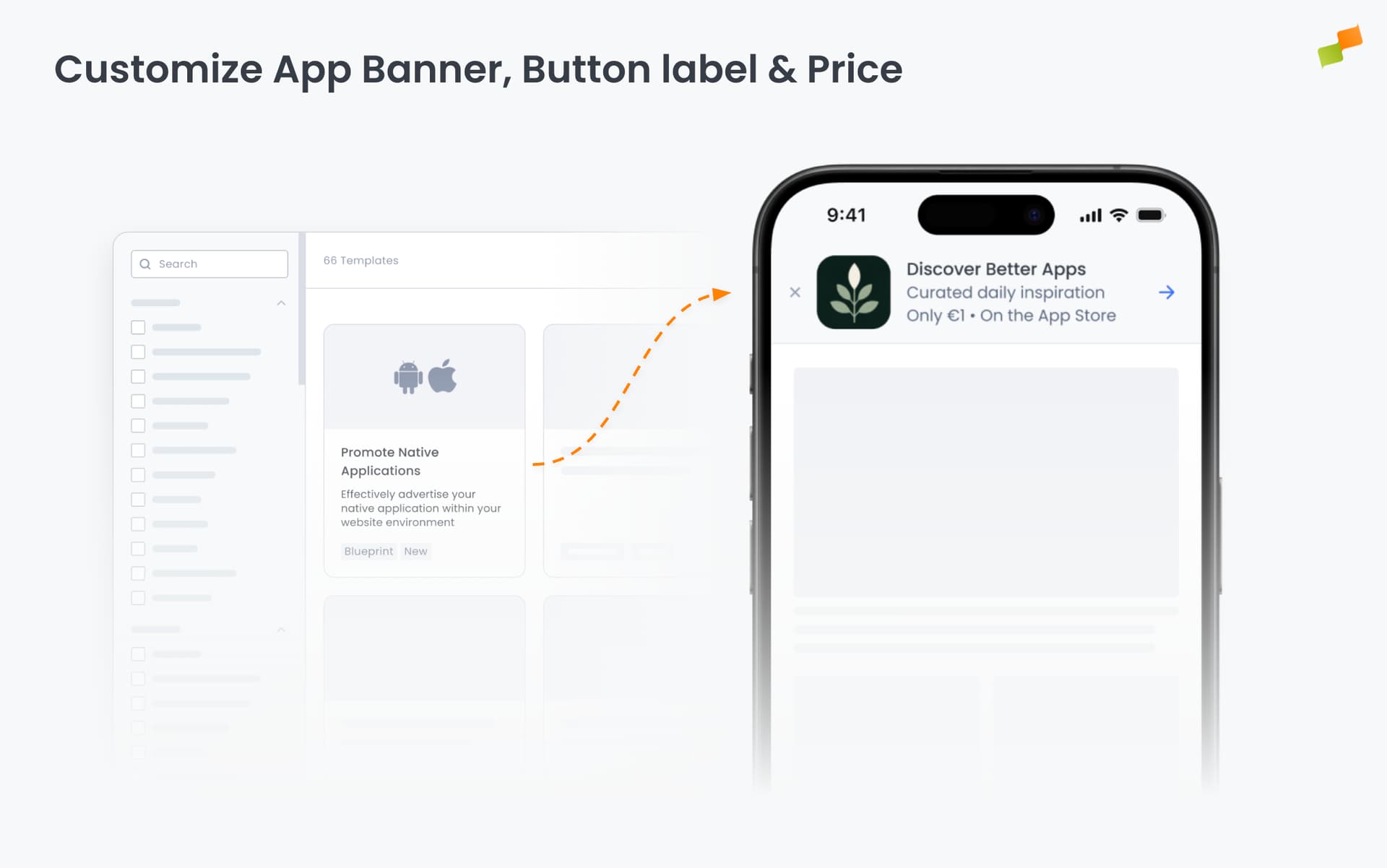
App Banners are one of Marfeel’s Experience formats and one of the first things readers see when browsing your site on mobile. A generic “VIEW” or “GET” label can feel disconnected from your brand or your app store listing. Now you set the copy directly.
Here’s how you can get started:
- Set a custom button label (e.g., “DOWNLOAD”, “INSTALL”, or whatever fits your store listing)
- Override the price text to match your app (e.g., “FREE” or a local currency amount)
- Set separate price suffix text for Apple App Store and Google Play
- Mix and match: override only what you need, defaults stay in place for the rest
Open any App Banner experience in Compass, navigate to the settings panel, and update the new fields directly. Existing banners are unaffected until you configure the new options.
Your banner, your words.