

Back to What's New
Live preview for recirculation and conversions settings
Configuring recirculation modules and conversion buttons now comes with a live preview of your experience. What you’re targeting is visible as you set it up.
Recirculation and conversions rely on CSS selectors to place modules and define interaction points on the page. Getting those right used to mean inspecting the page separately, copying selectors manually, and switching contexts to verify the result.
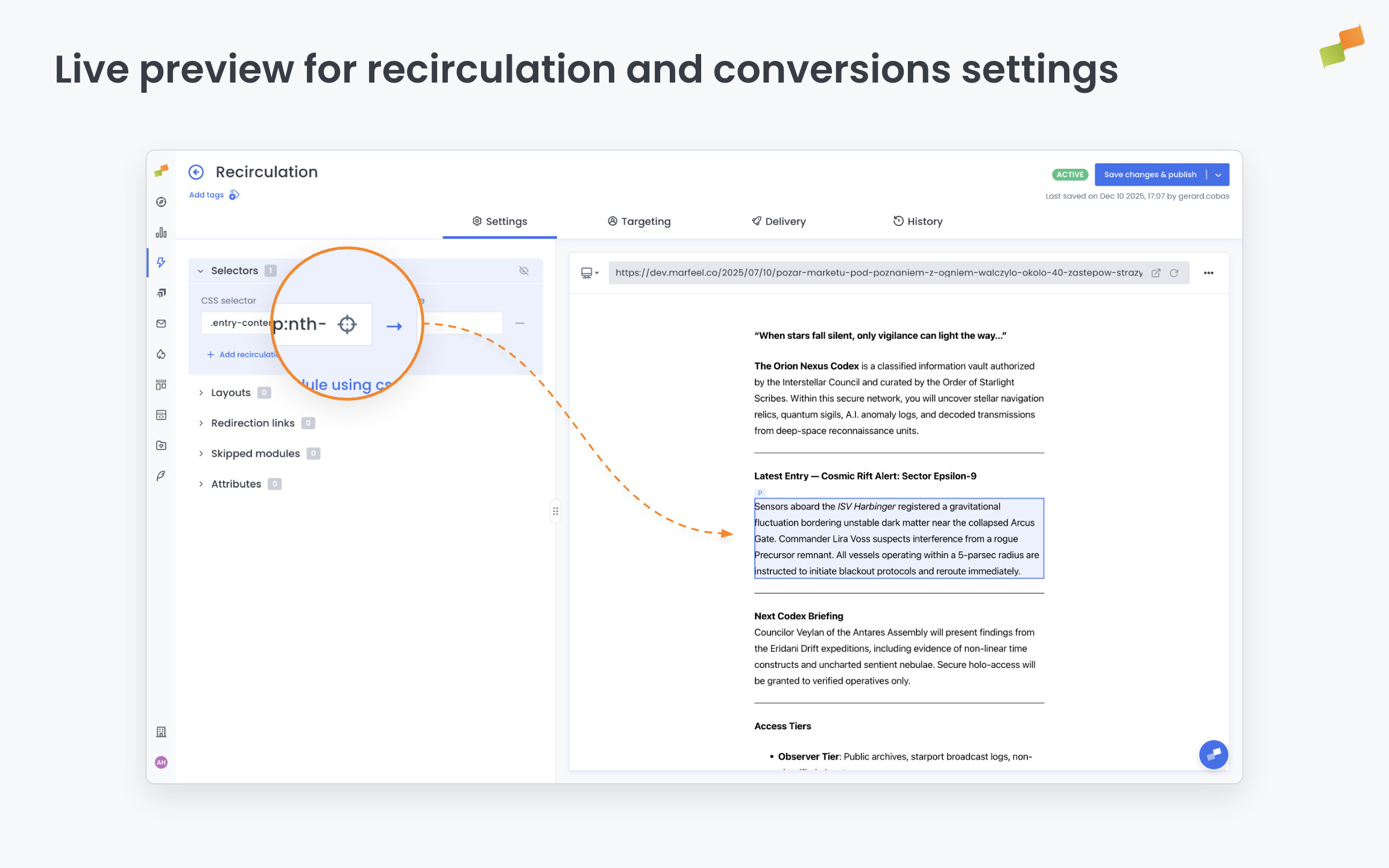
Here’s how you can get started:
- Open recirculation or conversions settings: a live preview loads alongside the configuration panel
- Click any element in the preview to pick its selector automatically. No manual input needed.
- Toggle “Show all selectors” to highlight every element in a group at once and confirm exactly what you’re targeting
Configure what you see. Not what you guess.
Learn more in the How to set up the no-code recirculation experience guide