

Smarter image cropping and automatic layout fallback for social posts
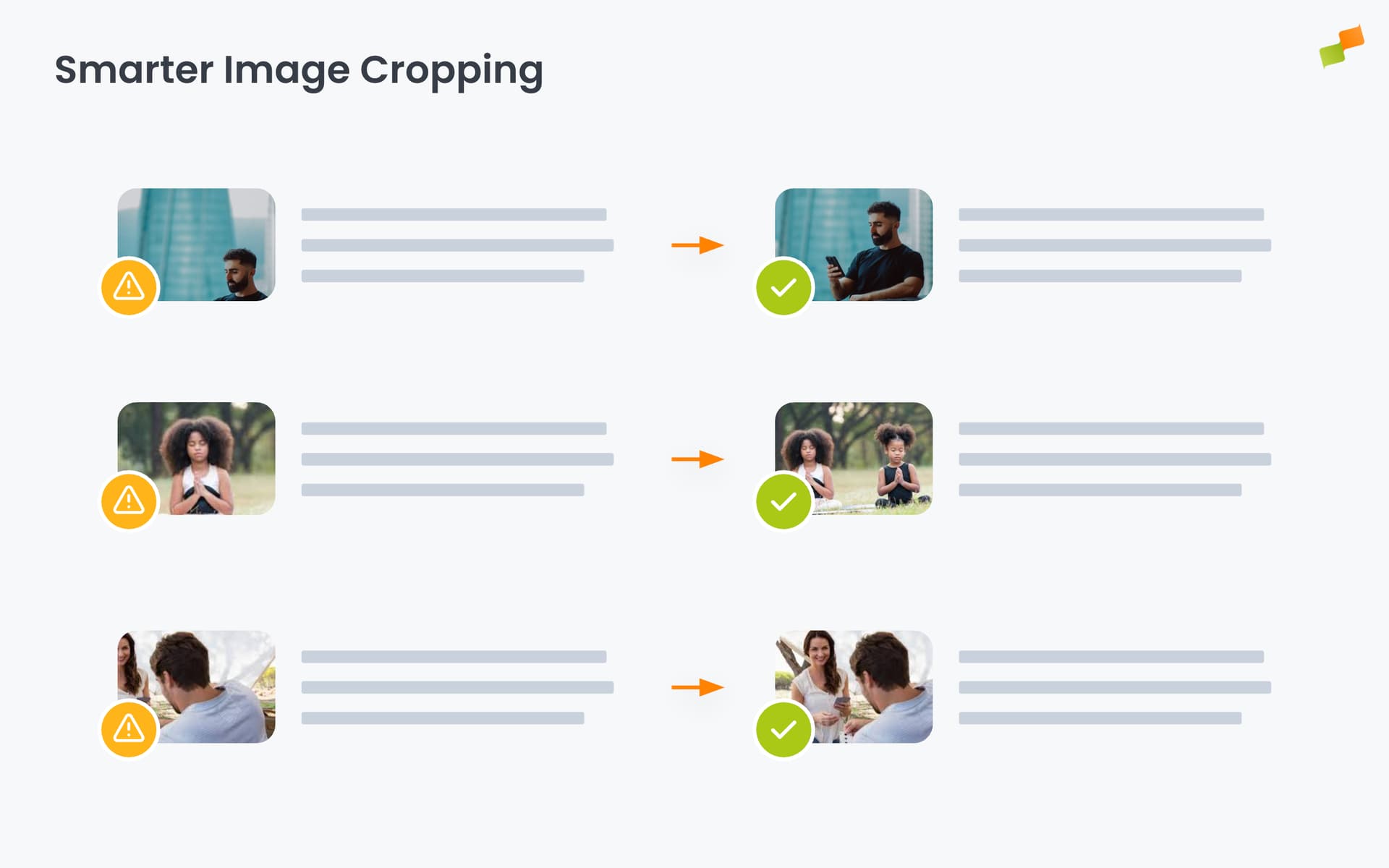
Amplify Autoposting now handles image cropping automatically. When your content includes group shots, event photos, or wide editorial images, Amplify detects faces and key subjects, crops to the right format, and only switches to a landscape-optimized layout when cropping would cut off a key subject.
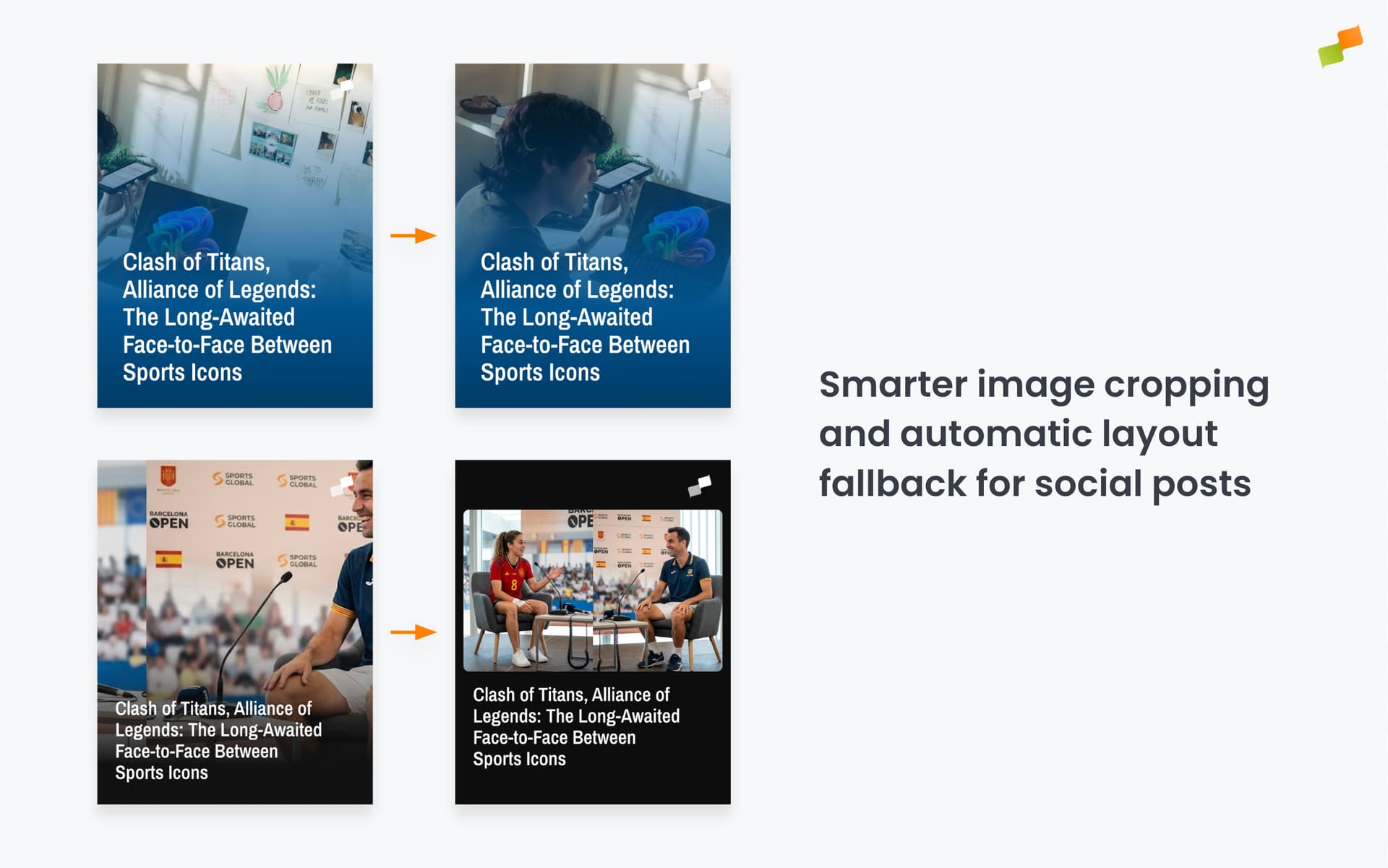
Group photos and wide shots are a cropping problem that doesn’t have a clean solution: a portrait 4:5 crop will cut someone off no matter where you place it. Until now, that meant catching it manually before it went out, or letting a badly cropped post go live. Amplify now makes the call: crop when it works, switch layouts when it doesn’t.
Here’s how it works:
- Smart cropping runs automatically when autoposting with Layouts: no setup needed
- For images with people, face detection keeps subjects centered in the crop
- When a landscape image can’t be cropped without losing key subjects, Amplify automatically switches to the fallback layout configured in your layout settings
All Marfeel default layouts are already set up with a landscape fallback. If you use custom layouts, configure a landscape fallback version so Amplify can switch to it when needed.
No manual review. No badly cropped posts. Autoposting that handles the hard cases on its own.
Learn more in the Build Amplify Layout templates for social media images guide