

Back to What's New
Save and Reuse Content Restriction Filters in Amplify Recommender Settings
You can now save content restrictions in Marfeel Amplify’s Recommender Settings as saved restrictions and reuse them across multiple recommenders without configuring the same rules from scratch each time.
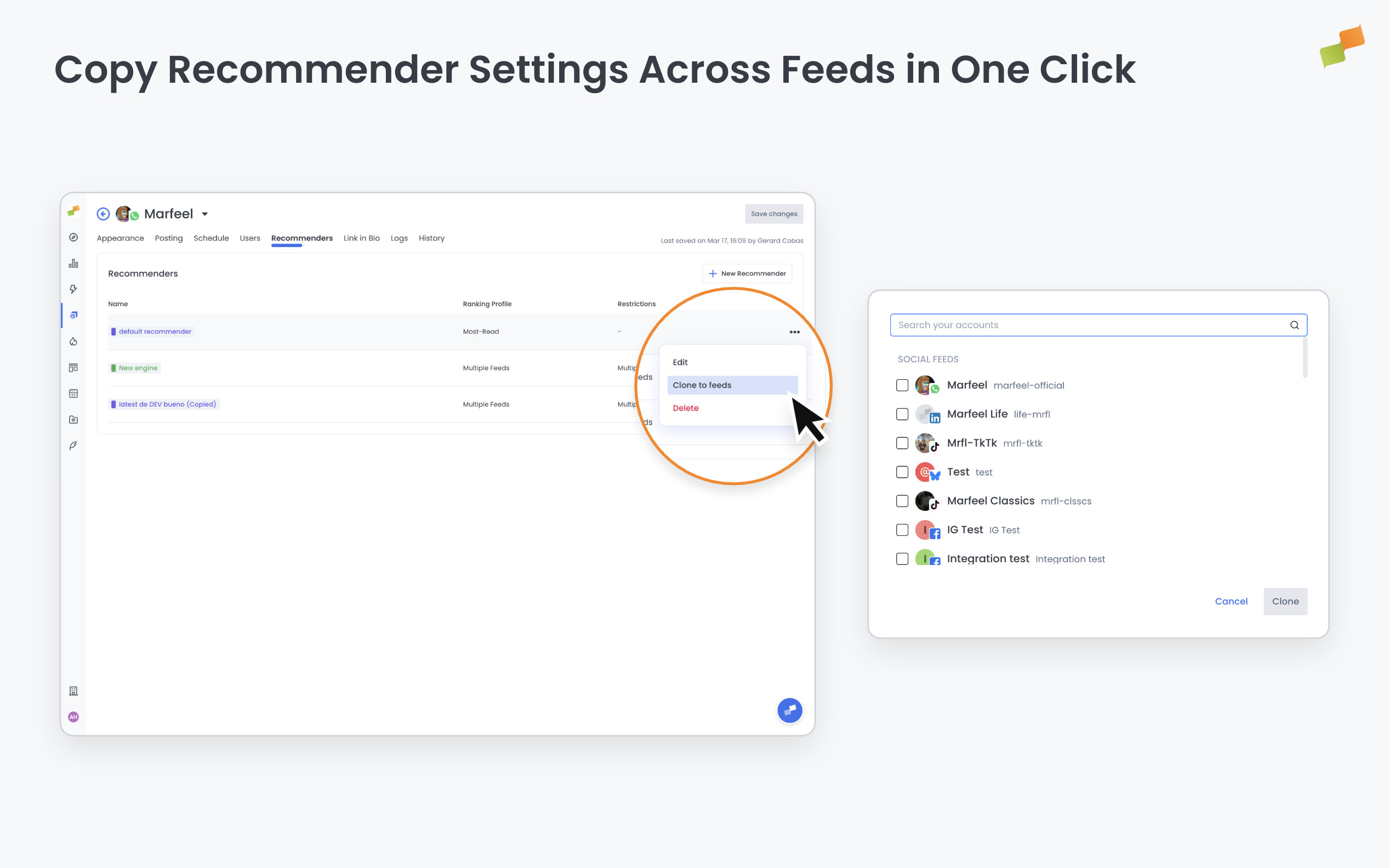
Here’s how you can get started:
- Define your content restrictions in Recommender Settings and save the configuration as a named saved restriction
- Apply any saved restriction to other recommenders directly from the content restrictions field
- See the active saved restriction name in the Recommenders table so you always know which rules each recommender is running
In Marfeel Amplify, go to Settings and open Recommenders. Edit or create a recommender and use the saved restrictions option in the content restrictions section.
Define the rules once. Apply them everywhere.
Learn more in the Amplify feeds, recommendations, and scheduling guide.