

Back to What's New
See which campaigns are driving traffic to your articles
Article details now show a Traffic campaign panel, so you can see which campaigns are sending readers to an article without leaving the page.
When an article is pushed through social, newsletters or partner placements, the question is always the same: which campaign is actually bringing the readers in? Traffic source tells you the channel. Traffic campaign tells you which specific push is working, right next to it.
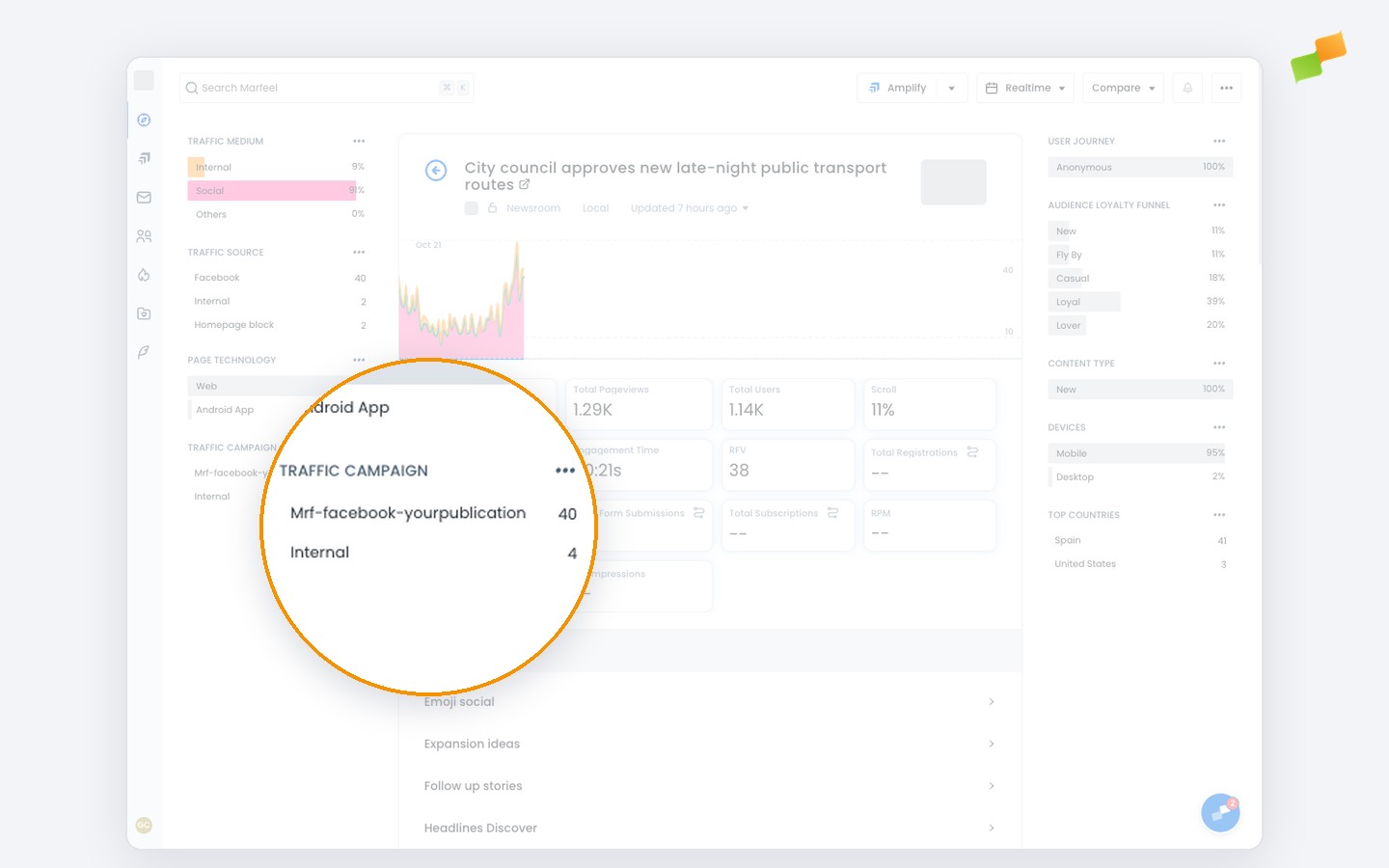
Here’s how you can get started:
- See the top campaigns sending traffic to an article
- Expand the list beyond the top results
- Click a campaign to filter the rest of the article’s data by it, the same way you already filter by traffic source
On mobile, the Traffic campaign panel sits alongside the other article charts.
Know which campaign brought your readers, right from the article itself.
Learn more in the Quick start guide for editors using Marfeel Analytics guide