

Back to What's New
Article publish date now available in social post templates
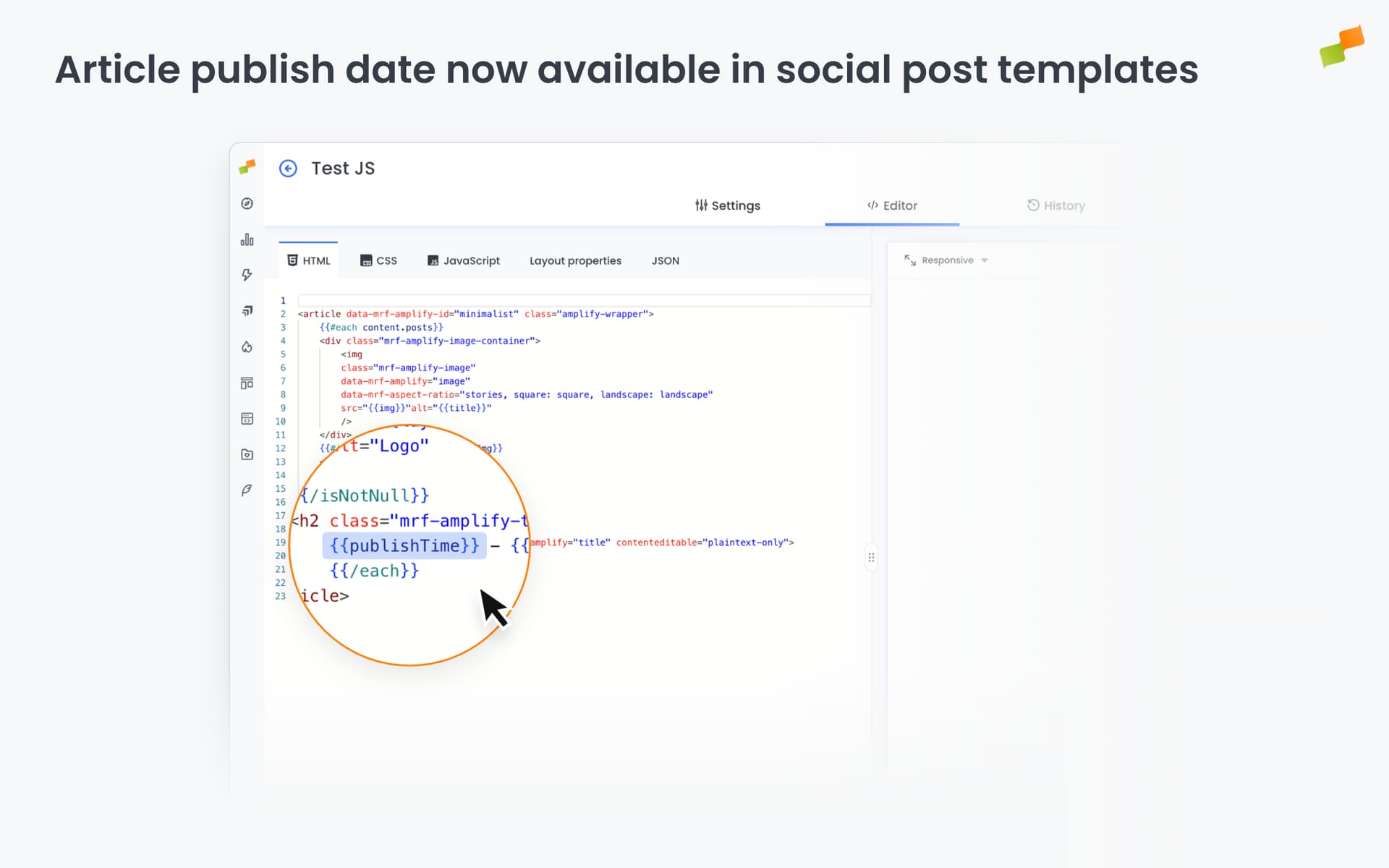
Social post templates now support a new variable: publishTime. Use it to include the original article publish date in any post you schedule.
When resharing evergreen content or referencing older articles, audiences want context about when it was originally published. Now you can surface that date directly in the post, without editing each one manually.
Here’s how you can get started:
- In your social post template, add
{{publishTime}}wherever you want the publish date to appear - Combine it with other template variables for richer post context
- Works across all channels where post templates are supported
Old article, clear date. One variable does it.
Learn more in the Amplify settings for social post branding and layout guide