

Back to What's New
New targeting filter mode in experience list
You can now switch between two targeting filter modes directly from the experience list: filter by the targeting you set up, or filter by the targeting that is actually active on your experiences.
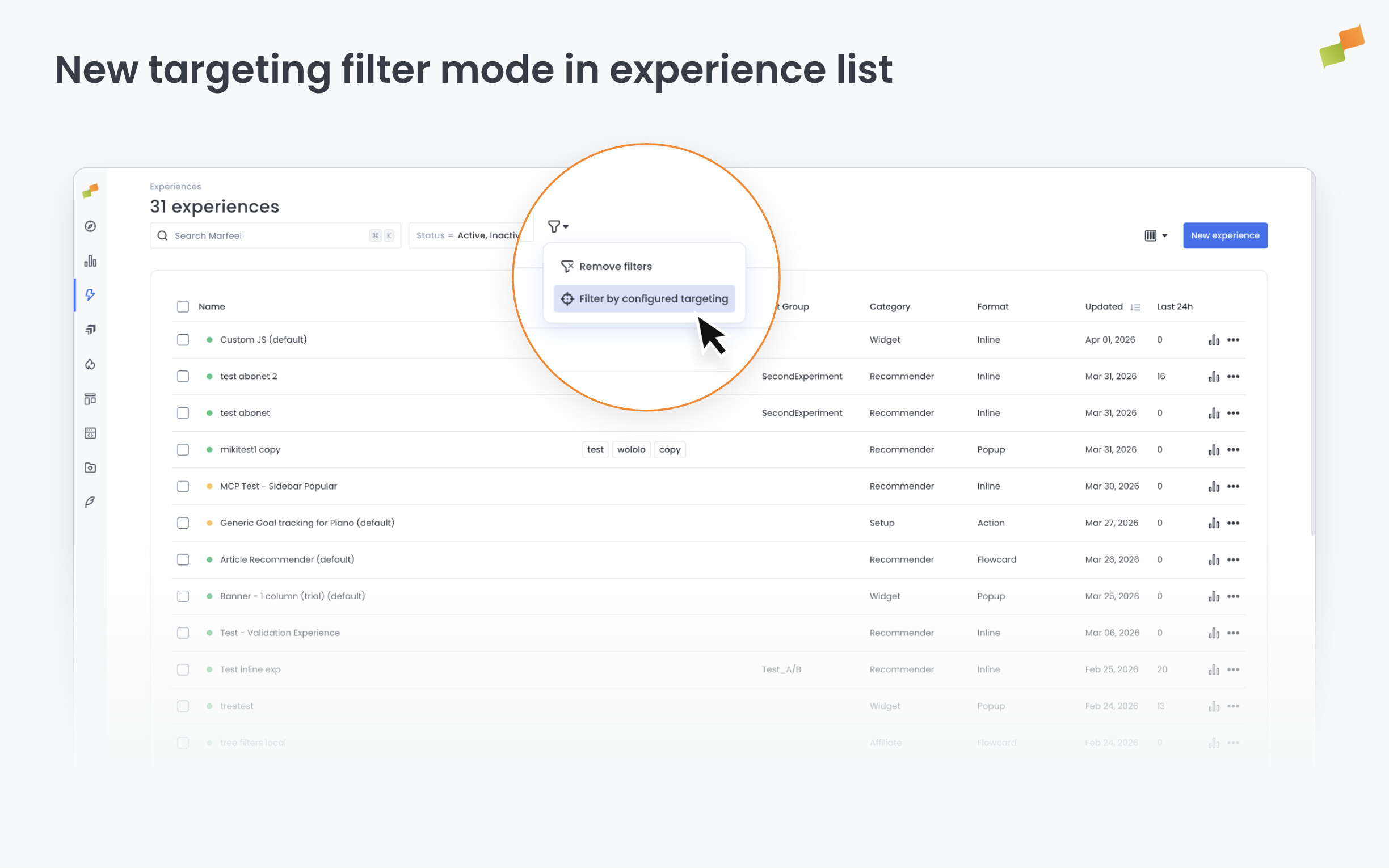
When reviewing a long list of experiences, it can be hard to tell which ones match a specific audience segment unless you know whether to look at what was configured or what is currently running. This toggle gives you both views on demand.
Here’s how you can get started:
- Open the experience list in Experience Manager
- Use the new targeting toggle in the list header to switch between “Filter by configured targeting” and “Filter by effective targeting”
- The selected mode is saved in the URL, so you can bookmark or share a filtered view
See exactly what is configured, or what is live. Your call.
Learn more in the Manage experiences with filters, tags, and cloning guide