

Back to What's New
Choose your preview image for Facebook article posts
When you share an article link to Facebook, you can now pick which image shows up in the preview instead of relying on the one we select automatically.
Article previews often default to an image that does not match the angle of your post. Now you can swap it for a better fit in seconds, right from the composer.
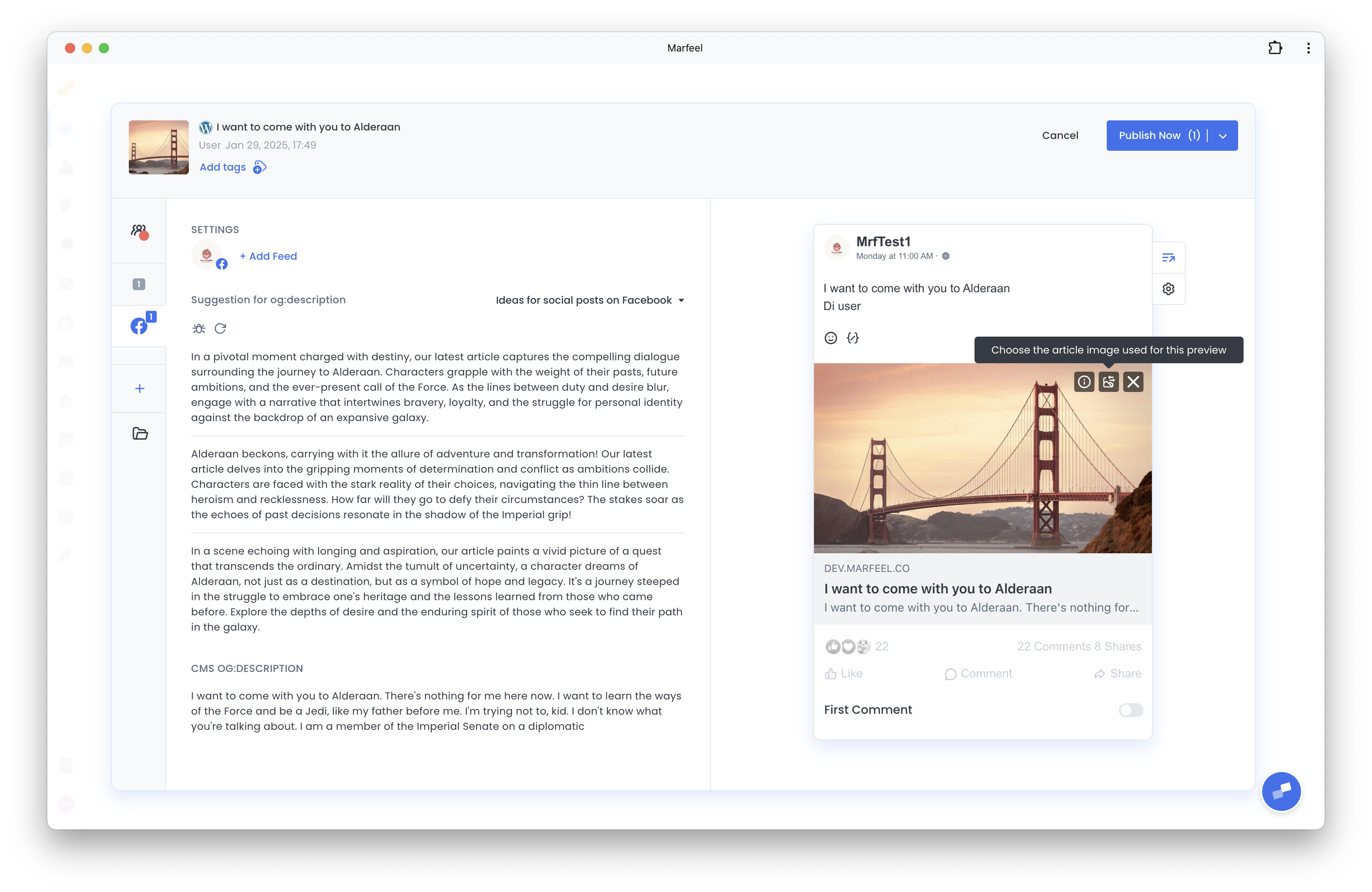
Here’s how you can get started:
- Open the image swap option on the Facebook article preview
- Choose from other suggested images pulled from the article
- Or upload your own image for the preview
Keep in mind that Facebook only allows this on verified domains: your domain must be verified in Meta Business Manager and your page needs Link Ownership permissions. Follow the steps in Enabling customizable Facebook preview to set it up.
Pick the picture that tells the right story.
Learn more in the Amplify articles for social media distribution guide