

Back to What's New
Social post scheduling on mobile now matches desktop
The social post scheduler on mobile now works exactly like on desktop. If you manage content across multiple networks, switching between them used to mean navigating a different mobile interface. Now it works the same way on every device.
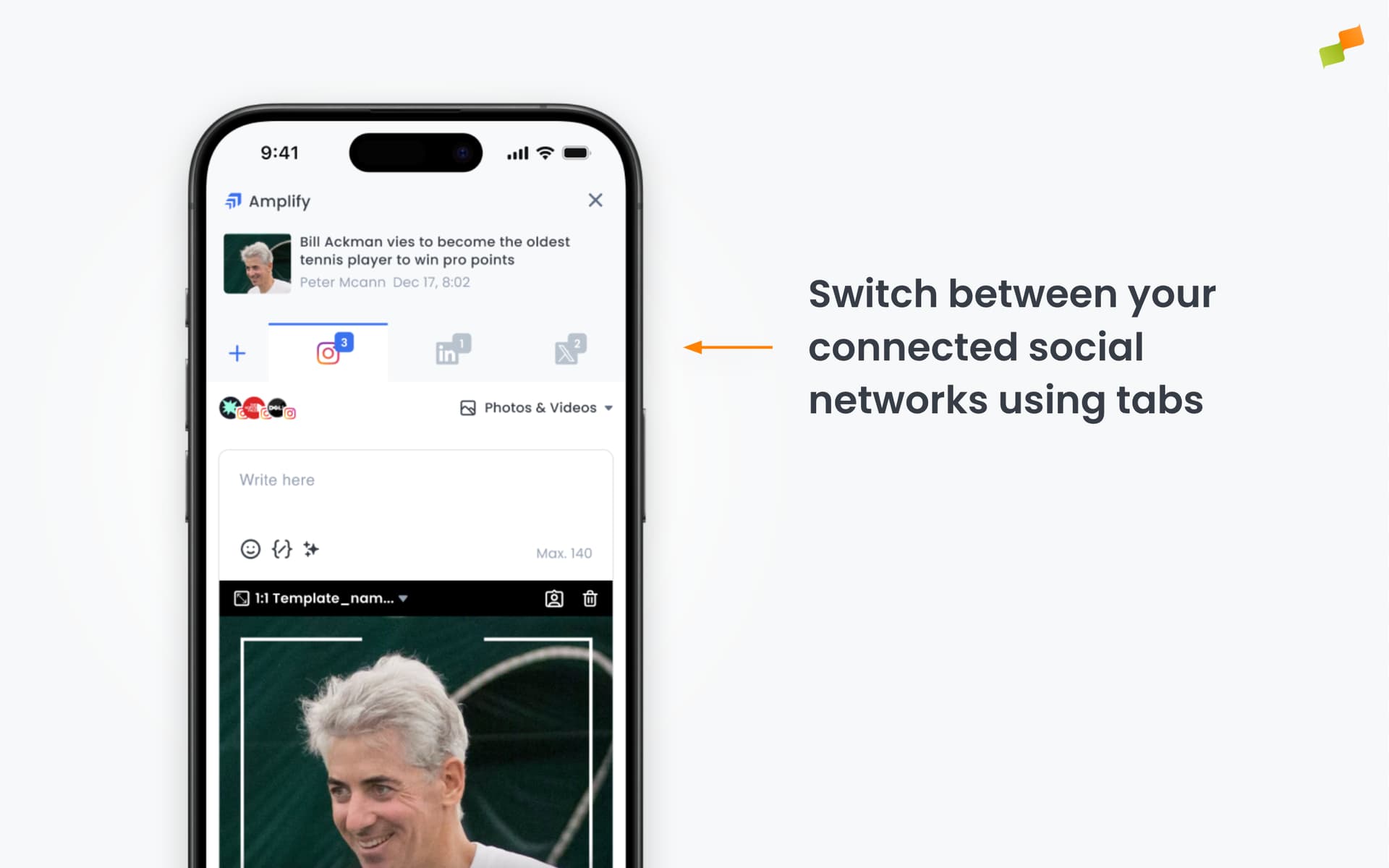
Here’s how you can get started:
- Switch between connected networks using tabs at the top: one tab per network, just like on desktop.
- Keep each network’s content separate: edits to a Facebook post won’t affect what you’ve written for Instagram or X.
- Add accounts at any time using the + button in the tab bar.
- Add or switch accounts without leaving your draft.
Same workflow, every device.