

See your experience status at a glance while editing
You can now see the current status of an experience directly in the editor header — no more navigating away or checking the list to confirm whether something is live, paused, or still waiting to go live.
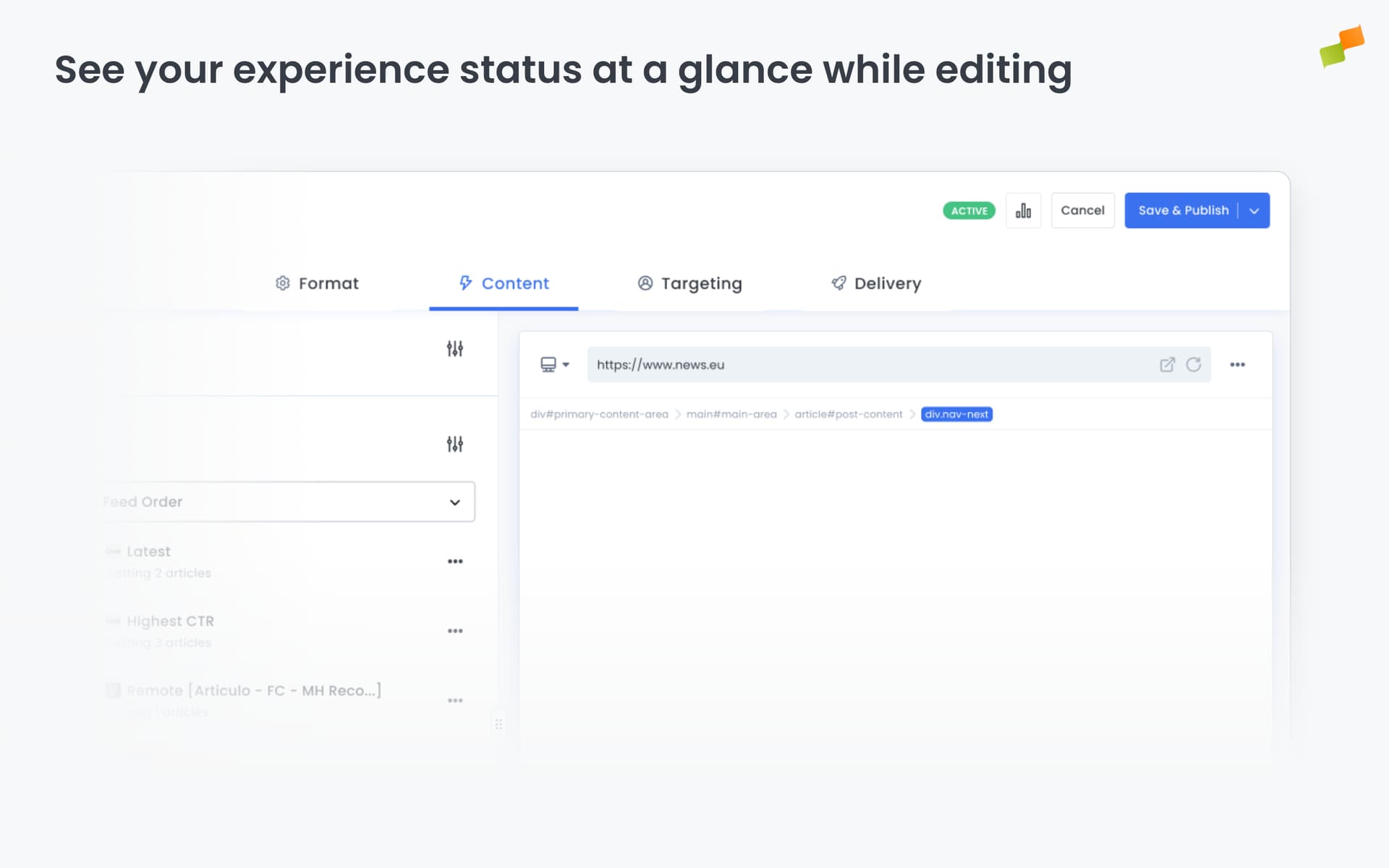
When you’re working inside an experience, a status badge appears in the header showing exactly where it stands. The badge is smart: it reads the start and end dates you’ve configured, so an active experience that hasn’t started yet shows as Scheduled, and one whose end date has passed shows as Completed — not just “Active.”
Here’s what you can see at a glance:
- Active — the experience is live right now
- Scheduled — active, but the start date is in the future
- Completed — active, but the end date has already passed
- Inactive — the experience is paused
- Archived — the experience has been archived
The badge appears for all existing experiences across the platform.
Edit with confidence. The status is always in view.
Learn more in the Experience Manager editor and configuration tabs guide