

Back to What's New
Amplify post times now follow each channel's time zone
Amplify’s post list and each channel’s planner now show scheduled and published post times in that channel’s own time zone, not just yours.
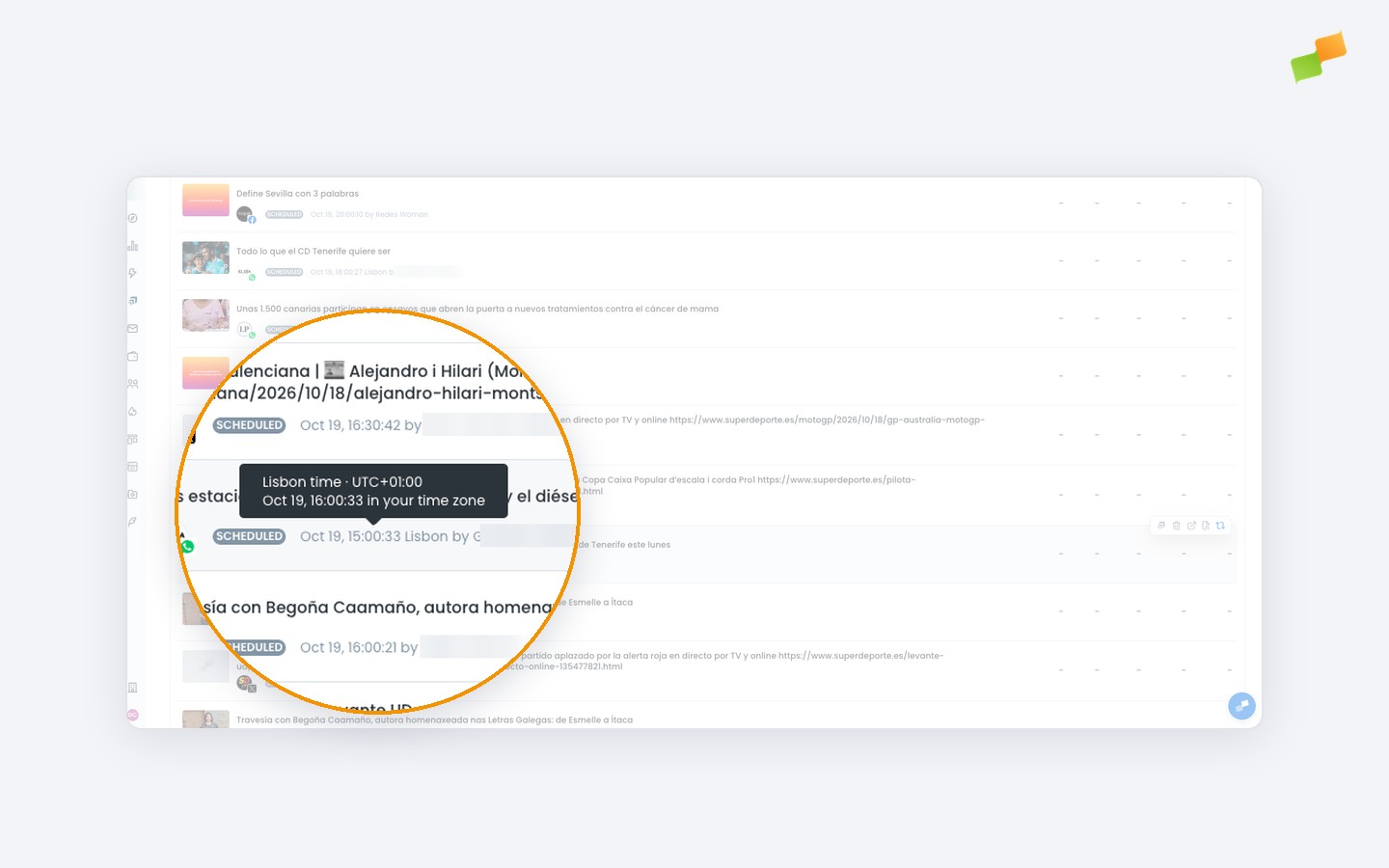
If you manage channels in different regions, post times used to appear only in your personal time zone, so you had to convert them yourself to know when a post would actually go out locally. Now, when a channel’s time zone differs from yours, the time is shown in that channel’s zone with its city name alongside it.
Here’s how you can get started:
- Read the local time at a glance: posts for channels outside your time zone show the channel’s local time and city
- Check the conversion when you need it: hover over the time to see the channel’s UTC offset and the equivalent time in your own time zone
- Plan in the right zone: each channel’s planner labels its time zone right next to the calendar
Scheduled times, now shown where your channels actually live.
Learn more in the Amplify articles for social media distribution guide