

Back to What's New
Logo previews now stay visible whatever their color
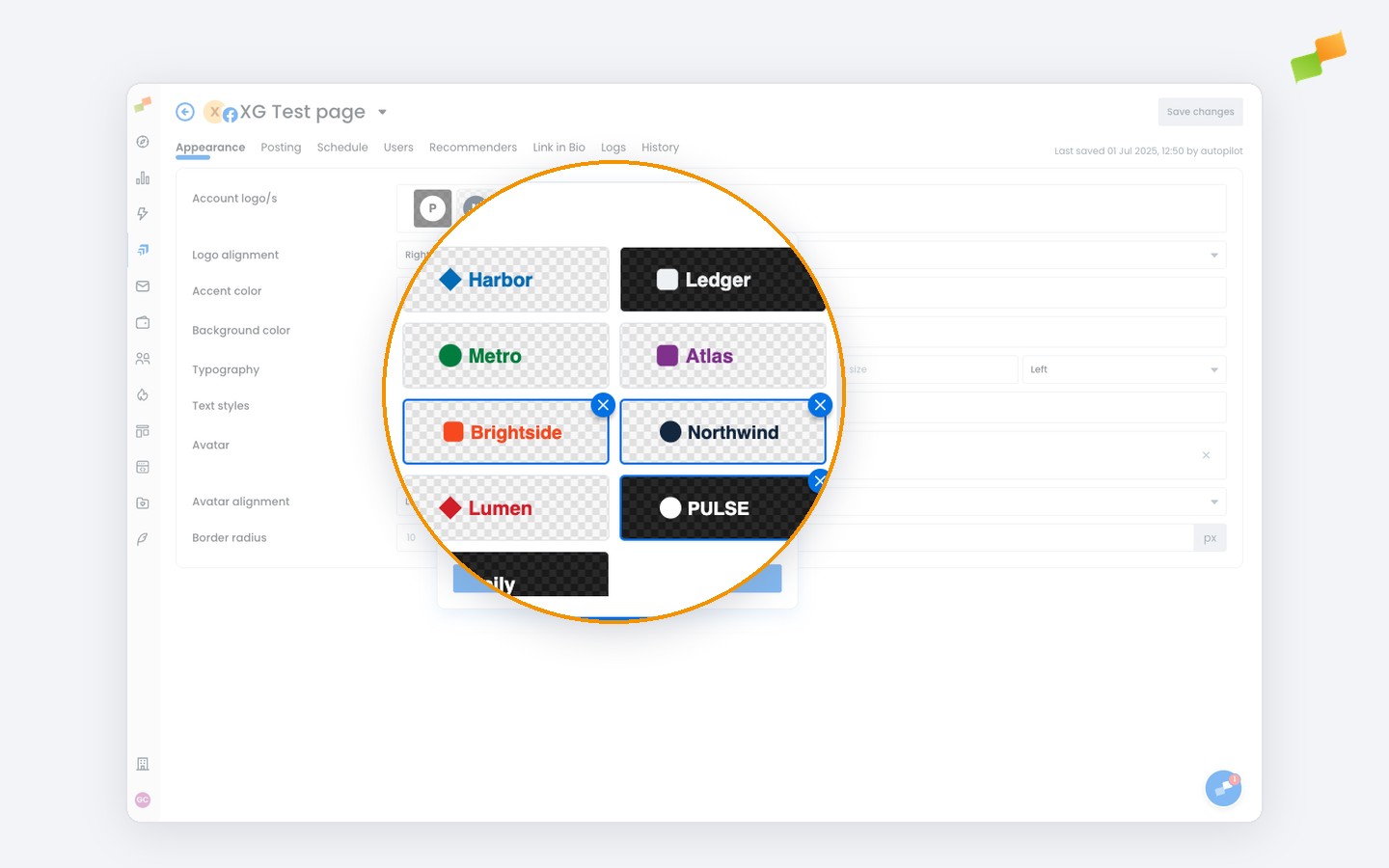
Logo previews in the logo picker and feed settings now adjust automatically, so every logo is clearly visible whatever its color.
White or light logos with transparent backgrounds used to blend into the picker’s backdrop, making it hard to tell them apart or even to tell whether a logo had loaded. Amplify now trims the empty space around each logo and places light logos on a dark backdrop, so light and dark logos alike stand out at a glance.
If a logo upload fails, you now see a clear error message instead of the upload silently not going through.
Pick with confidence, every time.
Learn more in the Amplify settings for social post branding and layout guide