

Back to What's New
New Portrait 3:4 format option for layouts
You can now use the Portrait 3:4 format across both layout design and social post scheduling in Compass.
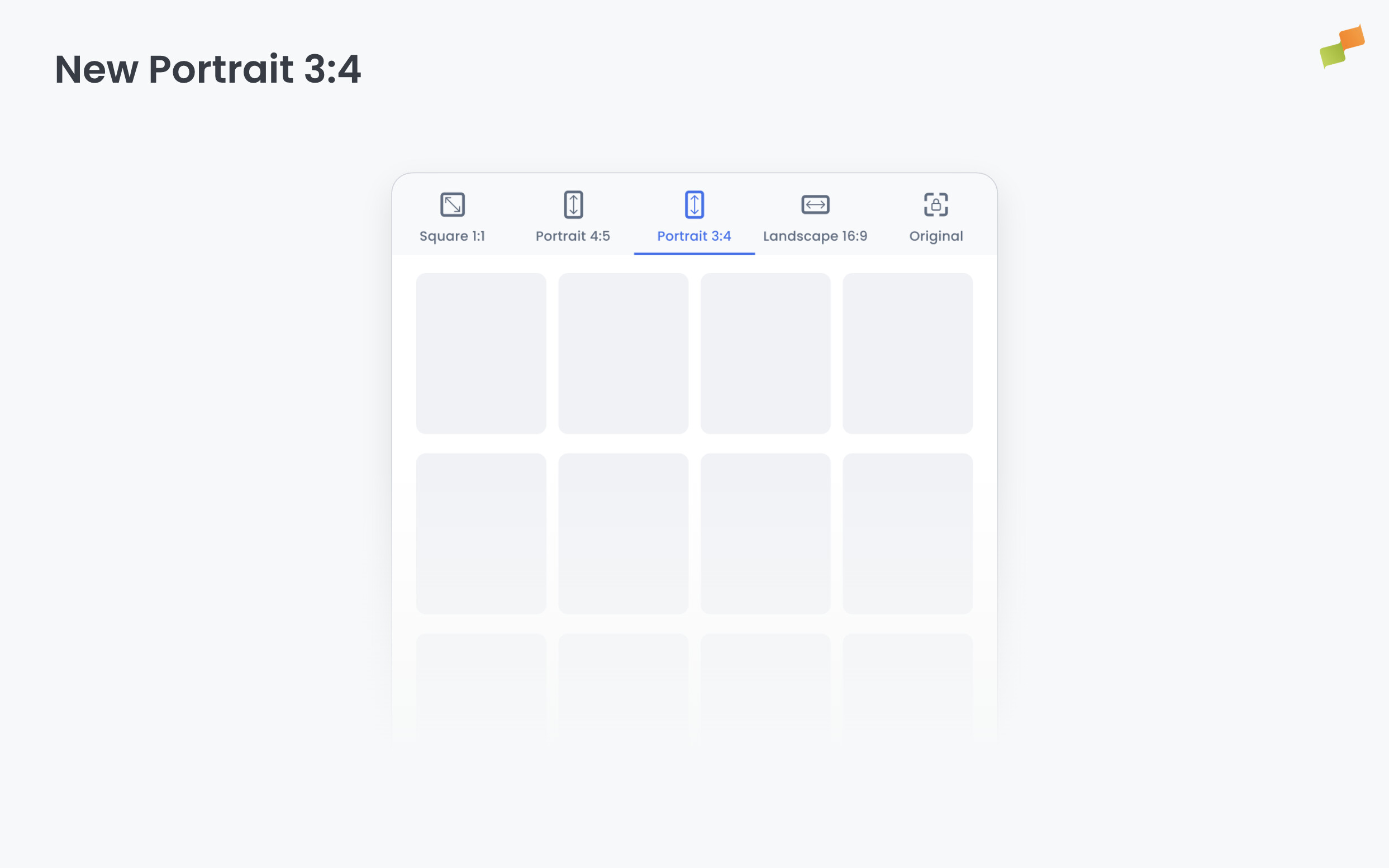
Content designed for platforms and placements that favor a taller portrait crop — such as certain social feeds and mobile-first surfaces — needed a format that sat between the standard 4:5 portrait and a full-screen vertical. Portrait 3:4 fills that gap without requiring custom dimensions.
Here’s how you can get started:
- Open any layout in the layout editor and select Portrait 3:4 from the aspect ratio options to design at 1080×1440
- When creating or scheduling a social post, choose Portrait 3:4 from the image ratio selector — compatible layouts will surface automatically
- Preview your content at the new dimensions before publishing
The format works end-to-end: design in the layout editor and post directly using the same 3:4 ratio from the social planner.
More format options. Less guesswork.