

Multimedia stats: filter by audio, video, live, on-demand
Explore reports in Compass now break down your multimedia plays by content type and delivery method. You can filter by audio or video, by whether content was streamed live or watched on demand — and track unique viewers for each combination.
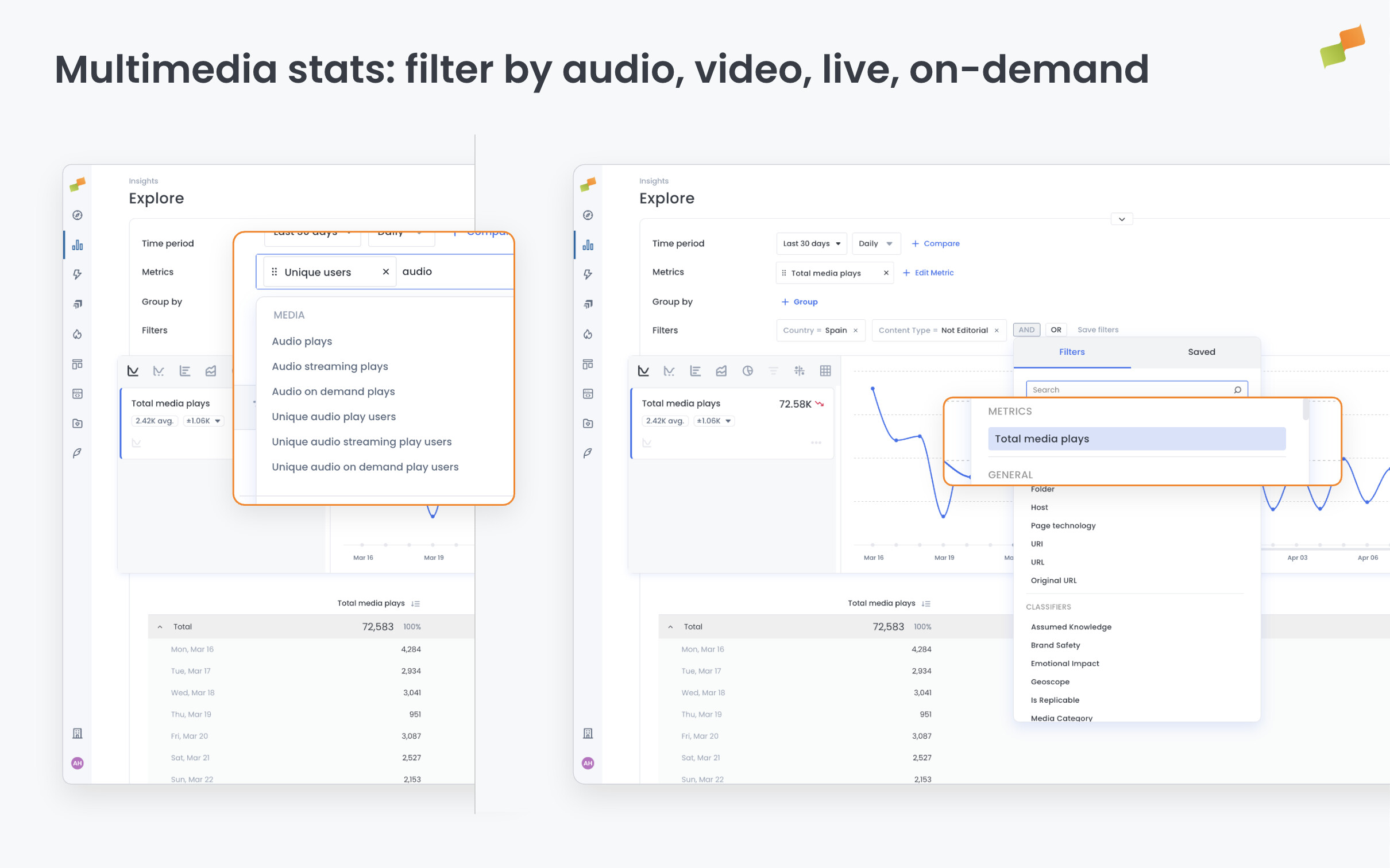
Until now, multimedia metrics gave you a single combined play count. That made it hard to know whether your audience was watching videos or listening to audio, or whether they were tuning into live streams or replaying on-demand content — let alone how many distinct people were doing each. Now you can see all of this within your existing Explore workflows.
Here’s how you can get started:
- Filter multimedia plays to show only audio, only video, or both
- Compare live stream engagement against on-demand viewing in the same report
- Combine filters — for example, isolate live audio plays or on-demand video plays
- Track unique play users per content type to measure reach, not just volume
These metrics are available across all historical date ranges in Explore, consistent with the way existing multimedia metrics work.
Know your audience by the content they choose.
Learn more about filtering multimedia plays by content type and delivery method — or browse the full Media Metrics & Dimensions reference for definitions of every new metric.