

Subscribe to audit error alerts for site technology
Audit error alerts notify you the moment a site technology issue is detected, so you can respond before it impacts SEO, site performance, or social media visibility. Alerts are delivered through Slack, Microsoft Teams, or email.
The Audits module runs continuous checks across your site. Subscribing to alerts means you receive a notification for each new error without needing to monitor the dashboard manually.
You can subscribe to error alerts for the following audit categories:
- Crawling availability
- AMP documents strict validation
- Structured data schema validation
- Search Engine Indexing
- Open Graph tagging validation
- Audits related to Marfeel adoption
How to subscribe to error alerts
Section titled “How to subscribe to error alerts”- Go to Audits and click on the
Subscribebutton in the top-right corner.
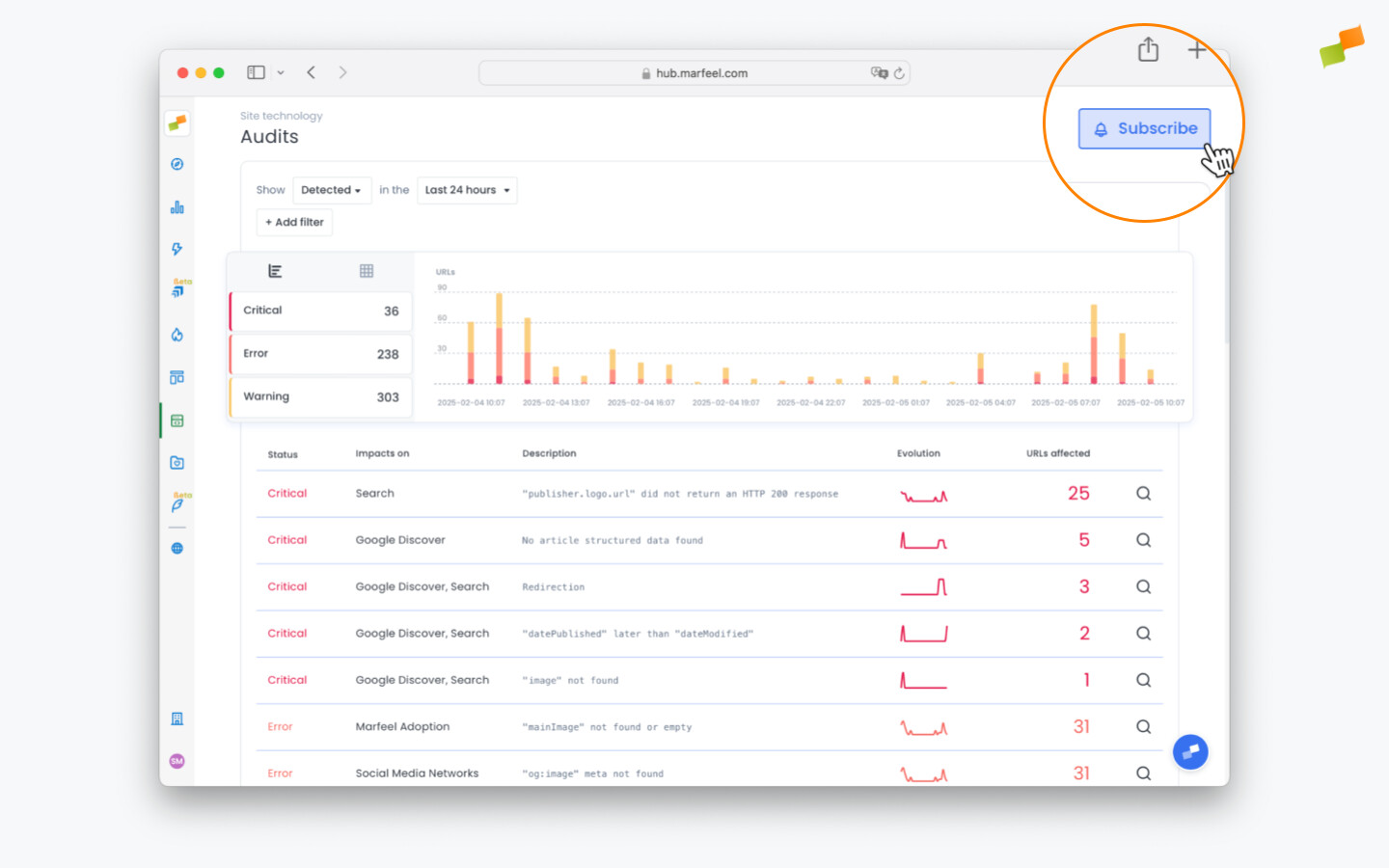
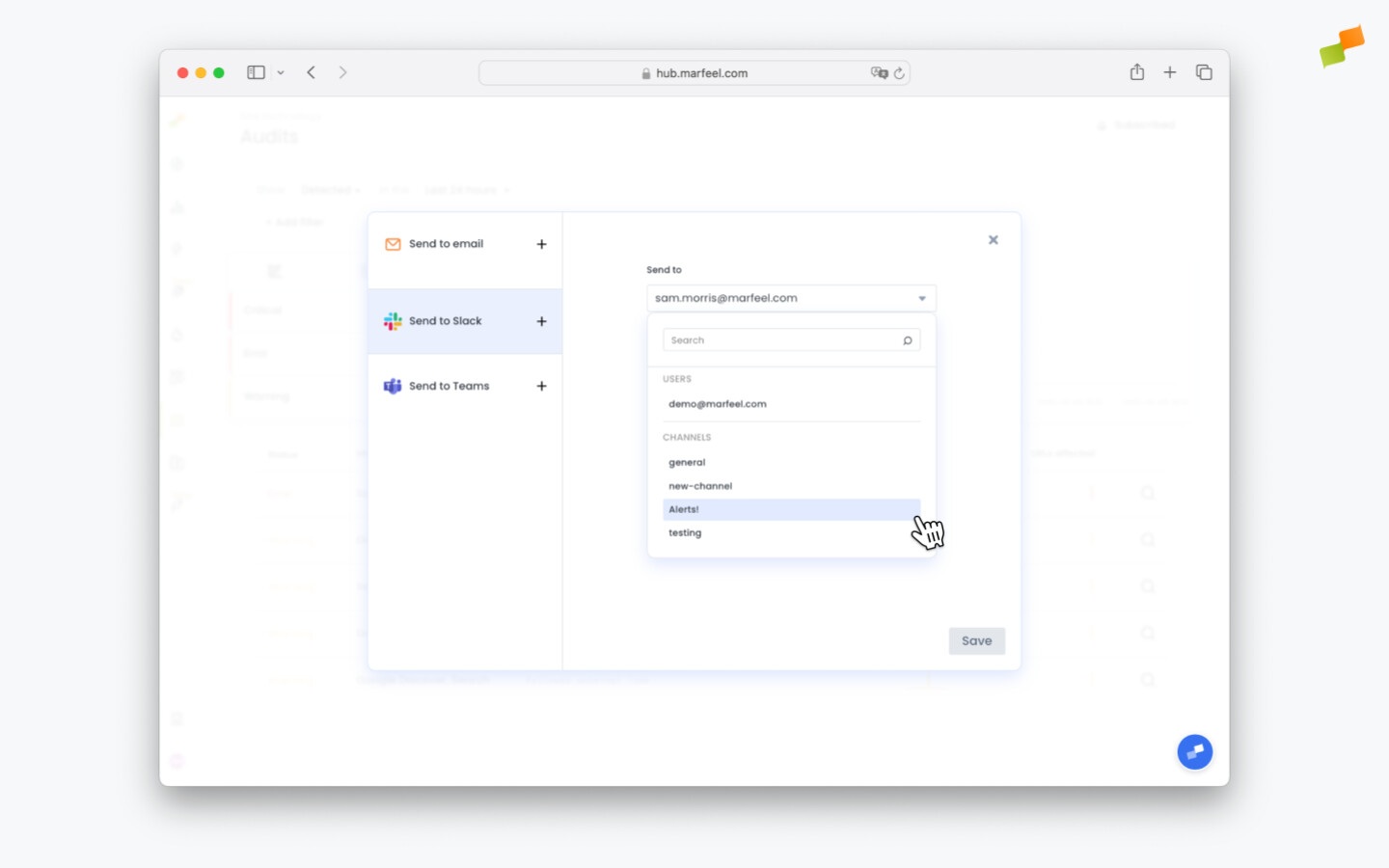
- Choose your delivery method: Slack, Microsoft Teams, or email.
- Unlike other scheduled reports, there is no need to select a delivery frequency. Error notifications trigger automatically whenever an issue is detected. Keep an eye on your messaging app or inbox to respond immediately.
- Click
Save
Default alerts
Section titled “Default alerts”Admins receive audit alerts for all errors by default. To unsubscribe, go to My profile > Scheduled reports. You can edit or remove the default subscription from that screen.
What types of errors can I subscribe to alerts for?
You can subscribe to alerts for crawling availability, AMP document strict validation, structured data schema validation, search engine indexing, Open Graph tagging validation, and Marfeel adoption audits.
How are audit alerts delivered?
Audit alerts are delivered via Slack, Microsoft Teams, or email. Notifications trigger automatically whenever an error is detected, with no need to set a delivery frequency.
Do admins receive audit alerts automatically?
Yes. Admins receive audit alerts for all errors by default. To unsubscribe, go to My Profile and then Scheduled Reports to edit or remove the default subscription.