

Context Exposure experience for front-end data activation
Context Exposure experience sends content, user, session, and page view context from the Marfeel backend to the front-end for data activation. This enables publishers to:
- Optimize ad configurations based on connection speed
- Make decisions on Piano based on Marfeel RFV or propensity to subscription
Example use cases
Section titled “Example use cases”- Enhanced ad configuration: Publishers can create different ad configurations based on contextual information like connection speed or content type, delivering optimized ad experiences to users.
- Targeted advertising: By exposing dimensions like RFV (Recency, Frequency, and Volume) or subscription status, publishers can use external platforms like Facebook to target lookalike audiences with relevant ads.
- Custom actions: Publishers can perform custom actions on the front-end based on the exposed context, creating personalized user experiences tailored to each visitor’s behavior and session data.
Dimensions available for exposure
Section titled “Dimensions available for exposure”Context Exposure supports dimensions across three categories: content, user, and session. These dimensions drive targeting and customization across your experiences.
- Content
- Avg scroll
- Avg Duration / Engagement Time
- Avg RPM
- Topics and Tags
- IAB Categories and Sentiment
- Number of words and all content metrics
- User
- Loyalty and RFV
- First visit
- User Journey
- Last paywall shown
- Session
- Medium and source
- Duration and pageviews
- Operating system and Browser
- Connection type and Speed
- Geo data (Country, Region, Subregion and City)
The list of available dimensions can be customized and expanded based on specific requirements.
Configuration
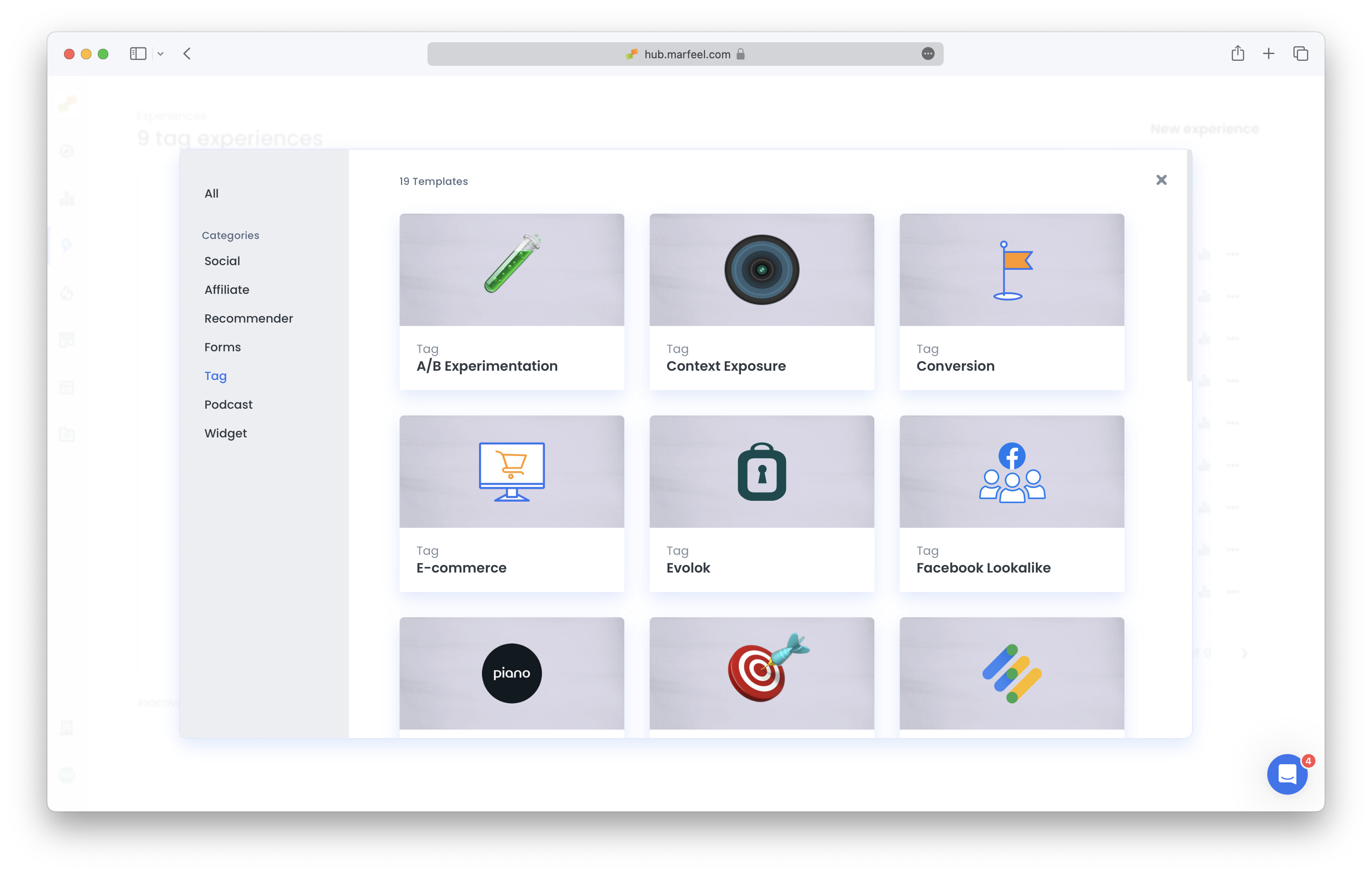
Section titled “Configuration”Open Experience Manager and click New Experience. Select Context Exposure from the creation popup.
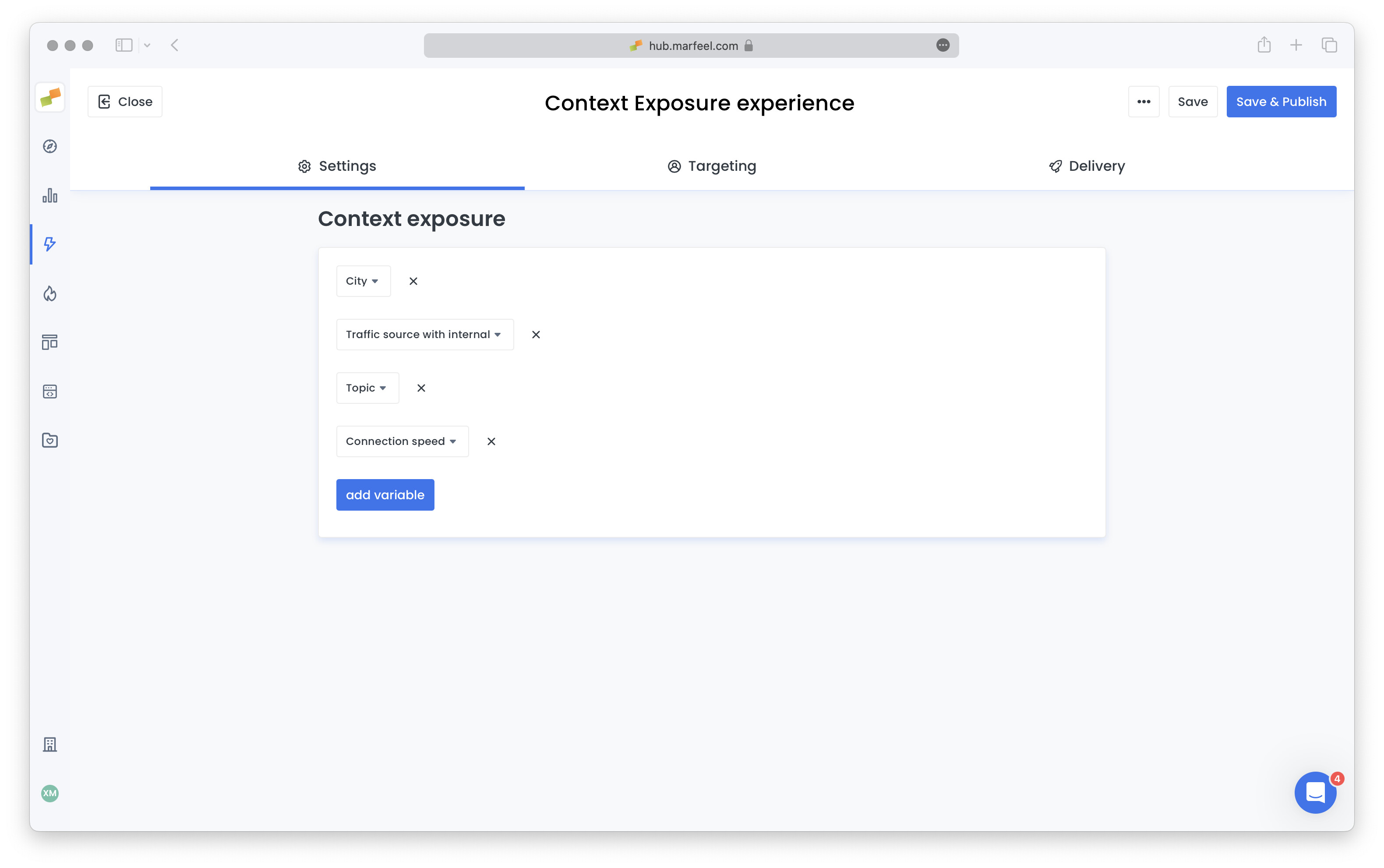
In the configuration screen, click the add variable button and choose each variable you need from the dropdown. Repeat until all required variables are set.
You can refine targeting to control when this context is exposed, as with all experiences. By default, no targeting is set (Pre-targeting), which delivers context to the front-end as fast as possible.
Click Save & Publish when ready. You can always edit the experience by selecting it in the Experience Manager list.
Access exposed context from the browser runtime using the Marfeel SDK:
marfeel.cmd.push((['compass', (c) => { console.log(c.getContext()); // this will return an object with all key values. console.log(c.getContext('<variable_name>')) // this will return the value for the specified variable name.}]))
For instance, to send the source of the visit as a key value to an external provider, the implementation looks similar to this:
marfeel.cmd.push((['compass', (c) => { const source = c.getContext('source'); provider.setKeyValue('source', source)}]))What dimensions can Context Exposure send to the front-end?
Context Exposure can send content dimensions (avg scroll, engagement time, RPM, topics, IAB categories, sentiment, word count), user dimensions (loyalty, RFV, first visit, user journey, last paywall shown), and session dimensions (medium, source, duration, pageviews, OS, browser, connection type and speed, geo data including country, region, subregion, and city). The list can be customized and expanded based on specific requirements.
How do I configure a Context Exposure experience?
Open Experience Manager, click New Experience, and select Context Exposure. In the configuration screen, click the add variable button and choose each variable you need from the dropdown. Optionally refine targeting to control when context is sent. By default, no targeting is set (Pre-targeting), which delivers context to the front-end as fast as possible. Click Save & Publish when ready.
How do I access exposed context variables at runtime?
Use the Marfeel SDK command marfeel.cmd.push(['compass', (c) => { c.getContext(); }]). Calling c.getContext() returns an object with all exposed key-value pairs. Calling c.getContext('variable_name') returns the value for a specific variable. You can test this directly in your browser Dev Tools console.