

Create custom social monitoring panels in Marfeel
Marfeel Social Monitoring includes off-the-shelf panels from different countries and types of news outlets like General News, Sports, Lifestyle, and others. You can also create custom panels to track specific and niche publications of your interest.
To create a custom panel, follow these steps:
- Open the Social Monitoring tool from your main menu.
- Click
New boardin the upper right of your screen. - Click on Connect to add your Meta business account.
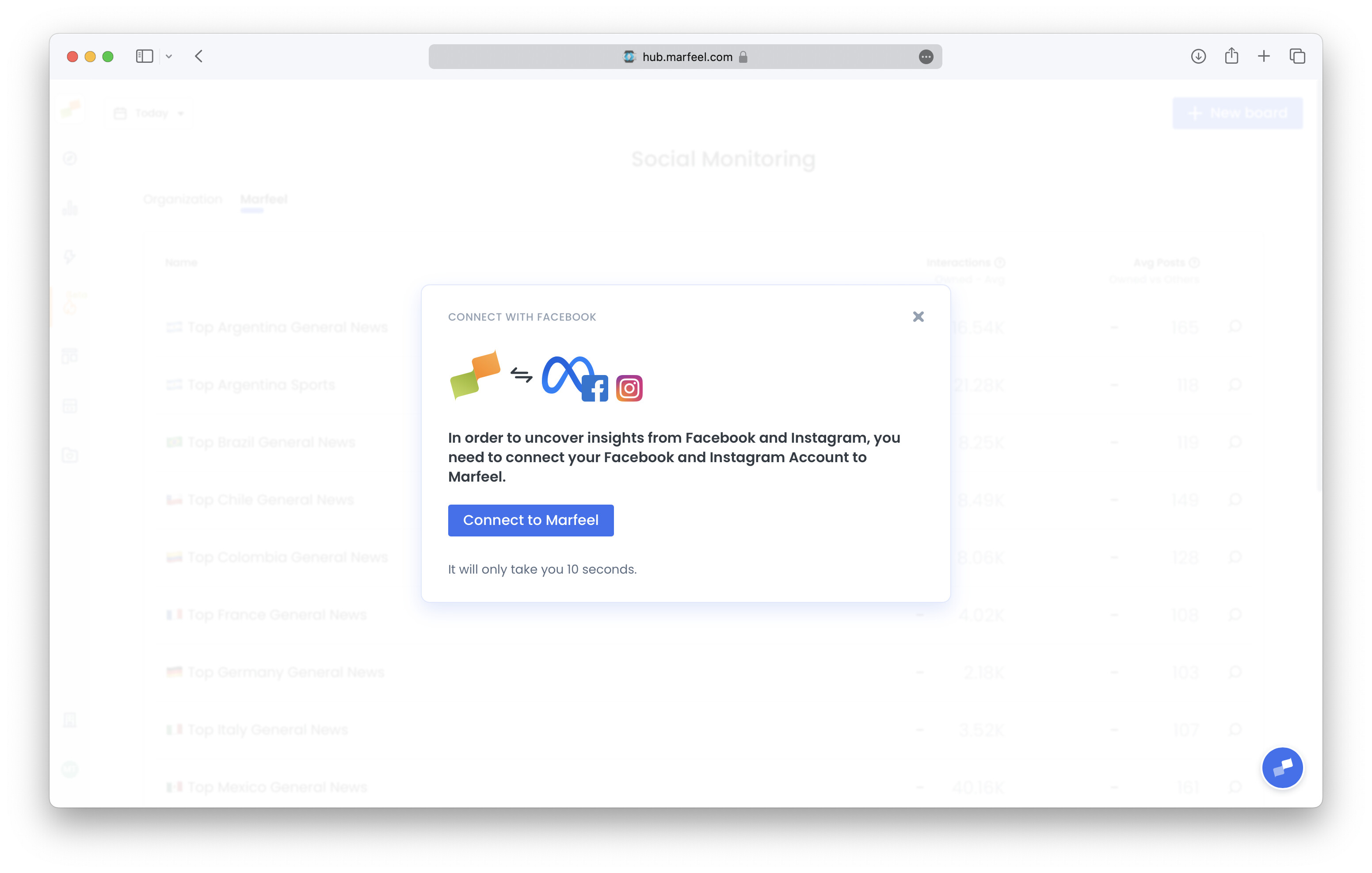
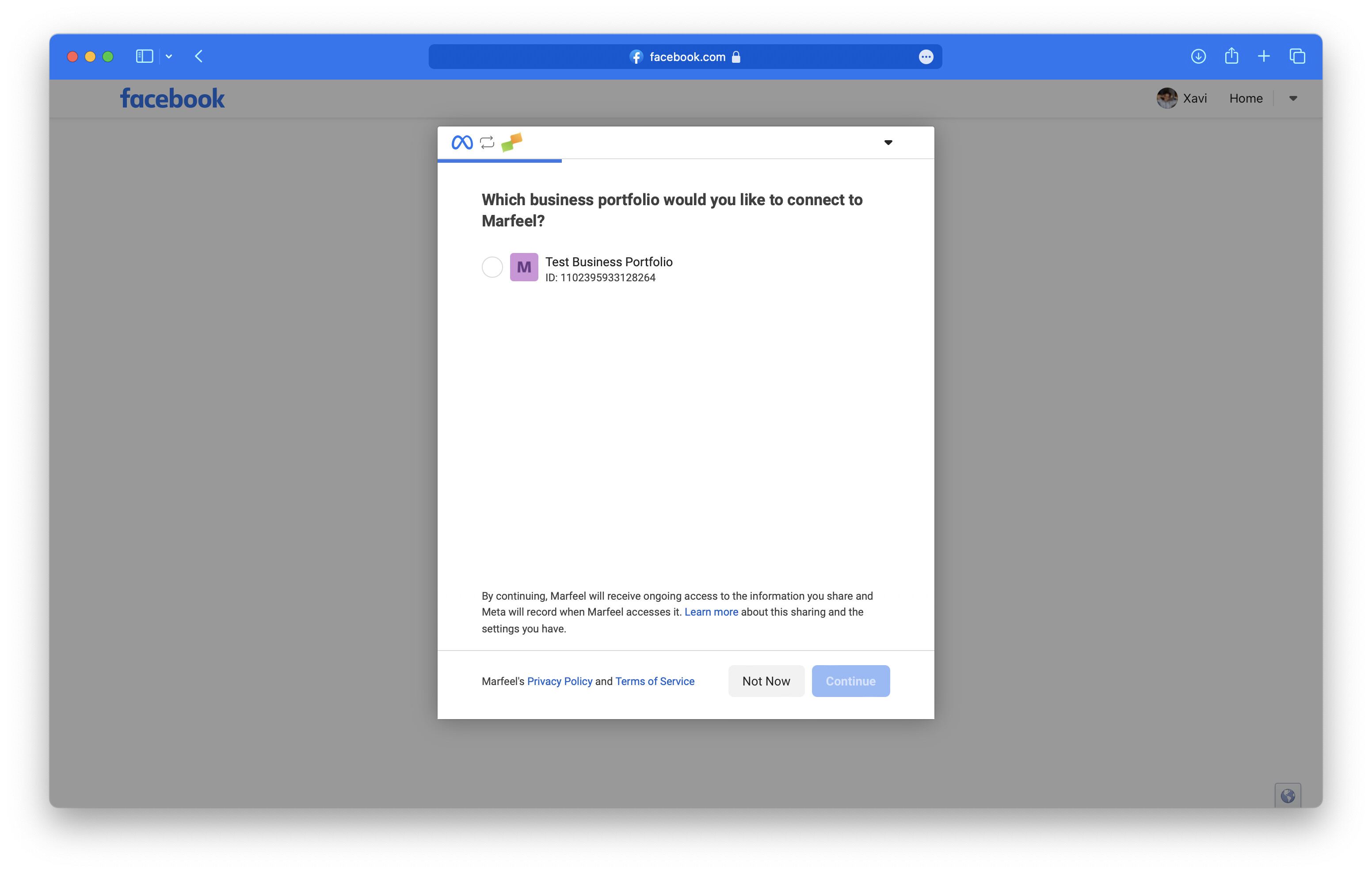
- Choose the account you want to connect and follow the steps requested from Meta.
- Name your board and add the URLs of the Facebook, Instagram, YouTube, and TikTok account feeds you want to track. You can add up to 50 feeds by entering them comma-separated.
Considerations
Section titled “Considerations”- The amount of feeds you can track depends on your contracted plan.
- For every 10 feeds to monitor you’ll have to connect an extra Facebook user to Marfeel.
Once your custom panel is set up, you can explore engagement metrics and interaction data for all tracked feeds, or review the Social Monitoring overview to learn about filters, sections, and benchmarking capabilities.
🎓 Become a Marfeel Monitoring expert 📈 Learn how to track trends, benchmark performance, and react in real time with our Marfeel Monitoring Course.
✅ Actionable insights ✅ Editorial use cases ✅ Certificate of completion included
🧠 Start now on Marfeel Academy.