

How can I track which articles are currently on my homepage?
Your homepage makes both your readers and Google discover your content quickly, becoming key to both recirculation and traffic acquisition.
With Marfeel Tag Rules you can to create automatic rules to tag articles linked in the homepage, so your newsroom can understand what works and what does not.
Requirement: You will need to have your Homepage’s blocks properly tagged in order to follow this guide. If this is not your case, please check our documentation.
Step-by-step Guide
Section titled “Step-by-step Guide”1. Create the automatic tagging rules
Section titled “1. Create the automatic tagging rules”Articles on the Homepage
Section titled “Articles on the Homepage”- Access Marfeel Tag Rules.
- Click on “New Rule”.
- In the configuration panel follow the following steps:
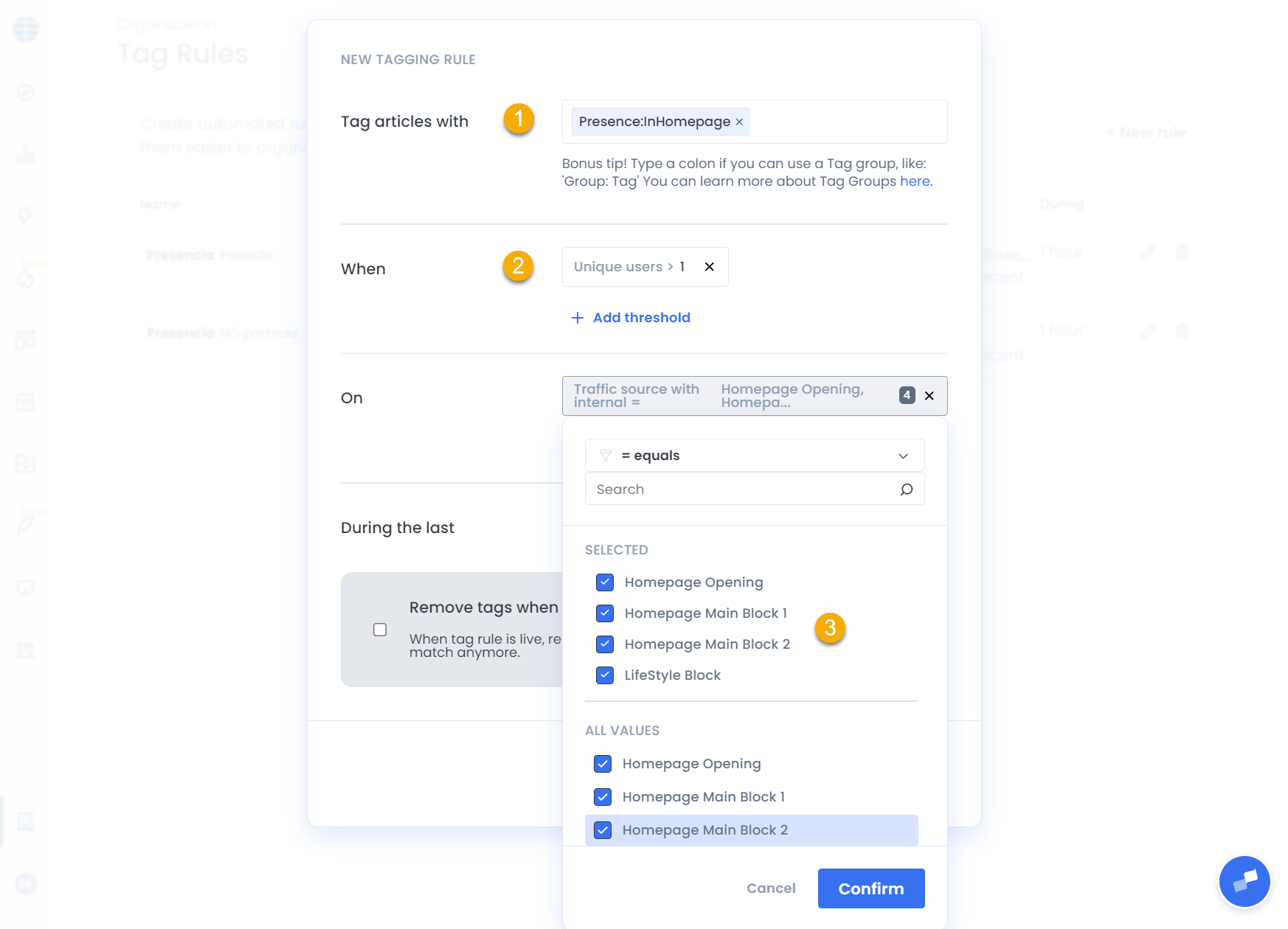
- Tag articles with:
Presence:InHomepage - When: Filter by Unique Users > 1
- On: Choose the dimension
Traffic Source with Internaland select the names of all tagged modules of your homepage. Also filter by Content Type =New, Recent, Evergreen - During the Last: 1 Hour
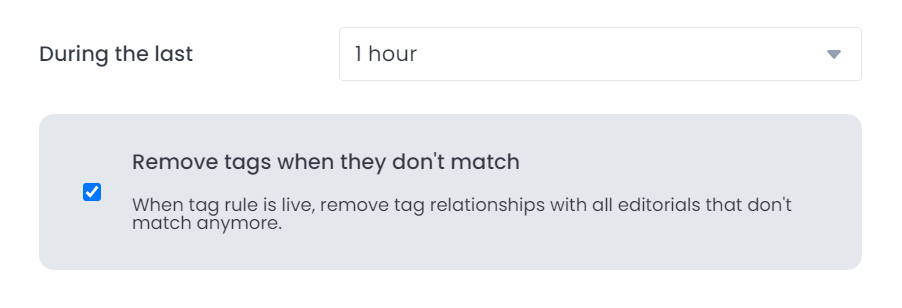
- Check the “Remove tags when they don’t match” box.
- Click on “Create”.
Articles Not on the Homepage
Section titled “Articles Not on the Homepage”- Create a new “New Rule”.
- Tag articles with:
Presence:NotInHomepage - When: Filter by Unique Users > 1
- On: Choose the dimension
Tagand set it as NOT =Presence:InHomepage. Also filter by Content Type =New, Recent, Evergreen - Configure During the Last Hour in the next block and
- Make sure to check the “Remove tags when they don’t match” box.
- Click on “Create”.
2. Configure the tag appearance
Section titled “2. Configure the tag appearance”- Access Tag Styles
- Click on New Style
- Search the tags you have just created: InHomepage and NotInHomepage.
- Choose your styles
- Confirm
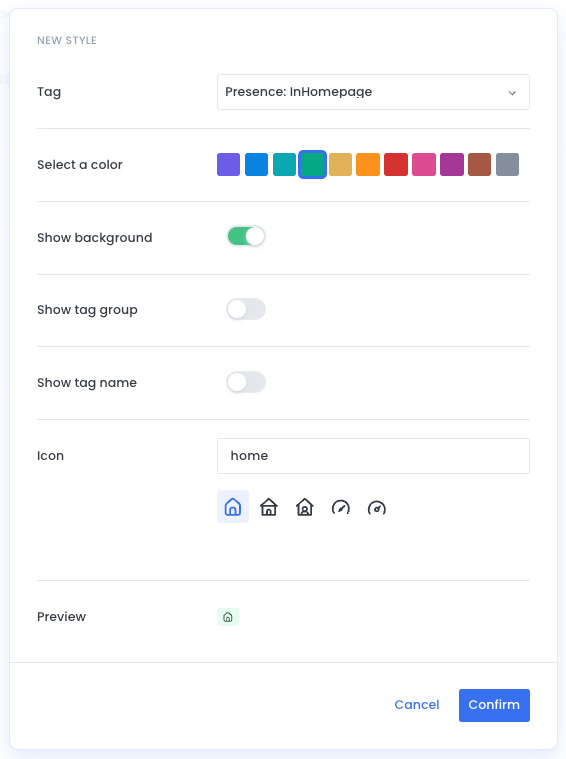
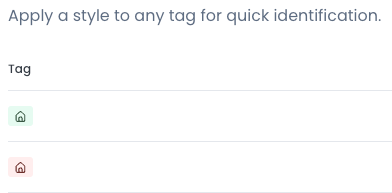
You can make the tags look simple by only showing an icon and color. You will need to do this twice: one for each tag.
It can look like this:
3. Show it on Compass in Real Time
Section titled “3. Show it on Compass in Real Time”- Access Playbook Settings
- On Content Rows, click on
+and search forPresence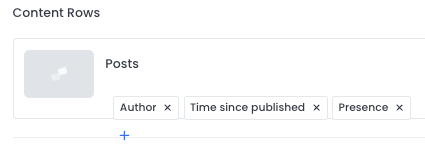
- Apply the changes
- Go back to Editorial
Congratulations! Now, all your newsroom will easily know which articles are present in your homepage and quickly apply filters.
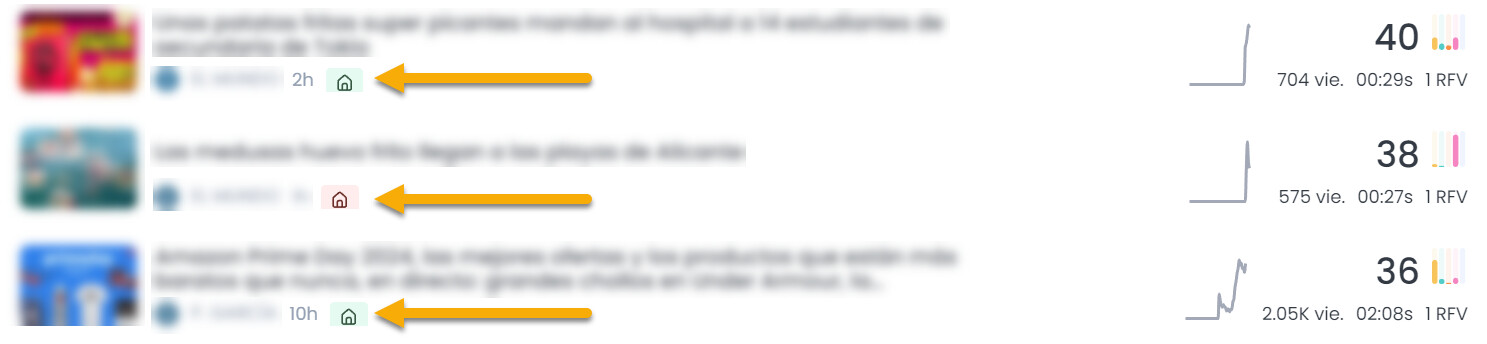
Want to learn more?
Section titled “Want to learn more?”- Check our tips from Marfeel Academy for Editorial