

Customize organization appearance and time zone
Admin users can personalize the platform’s look and reporting behavior through the Organization settings screens. Three areas are configurable: the system time zone, sidebar branding, and the graphics color theme.
System time zone
Section titled “System time zone”The organization time zone defines the day boundary for all your reports, regardless of where the data originates. For example, if you choose United States, Los Angeles Time, the beginning and end of each day is calculated based on Los Angeles Time, even if the hit comes from New York, London, or Barcelona.
Users across multiple time zones can override this setting individually in their user profile. User-level time zones only apply to the Marfeel Compass real-time view.
Logo and sidebar appearance
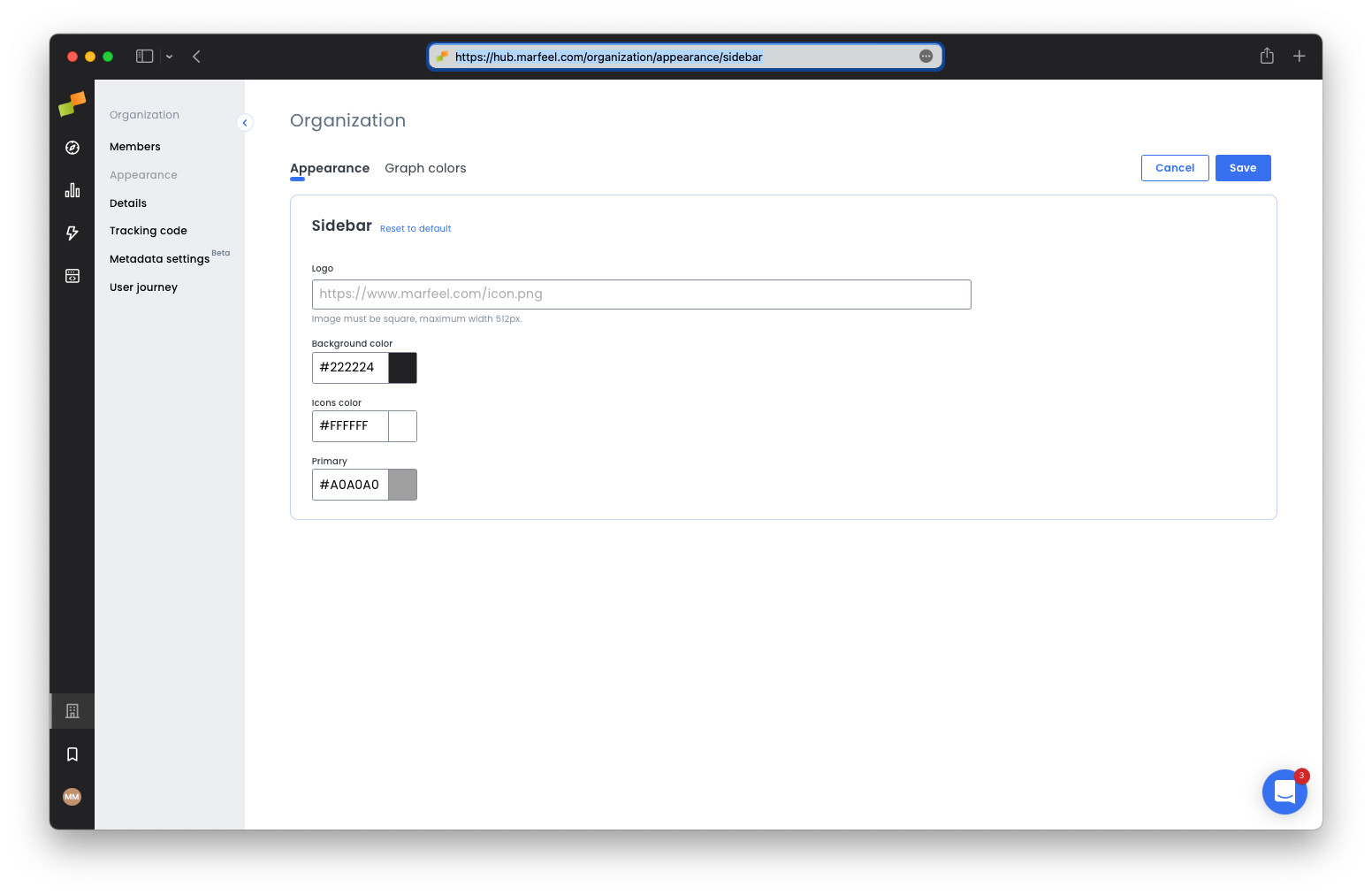
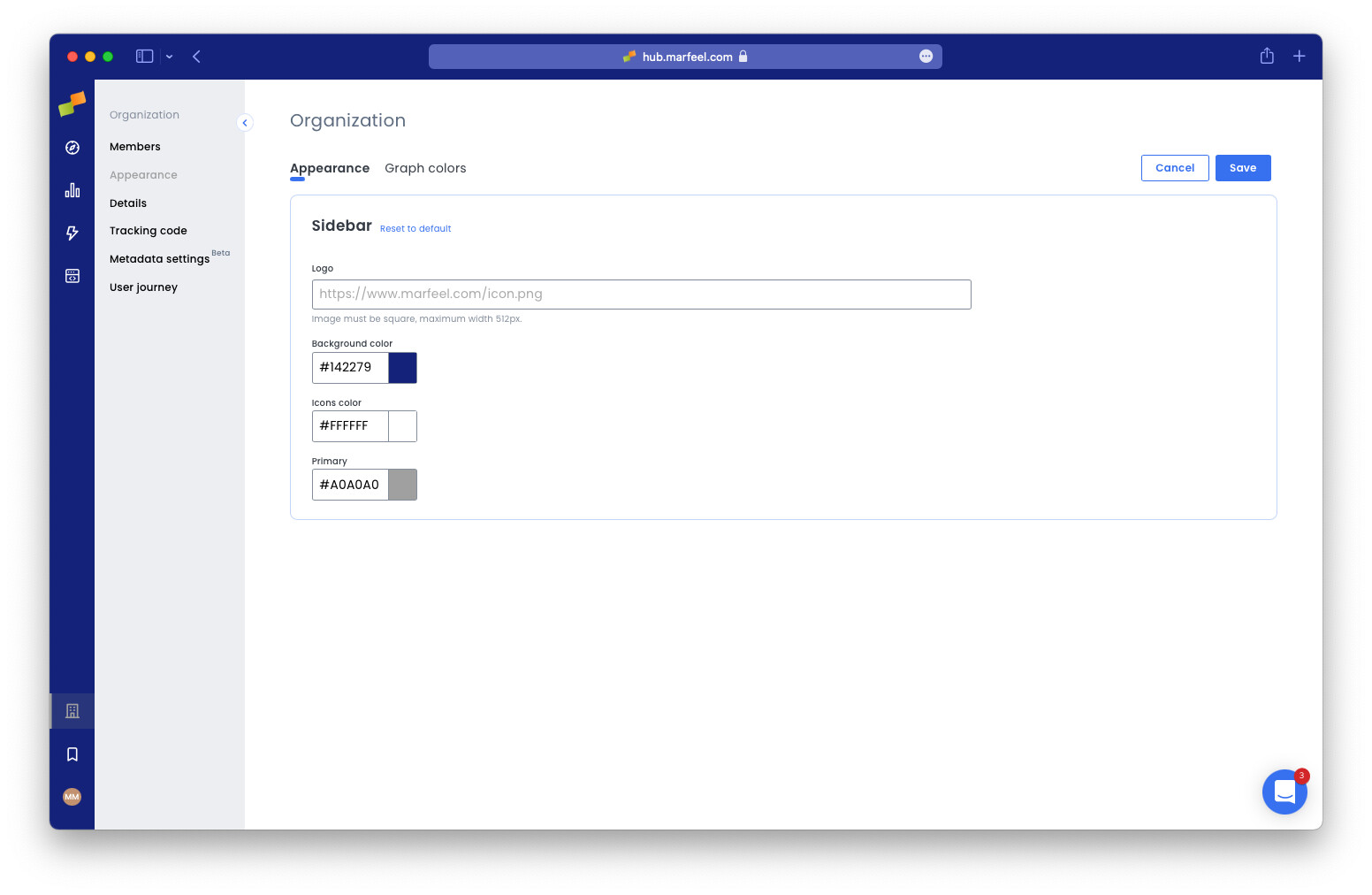
Section titled “Logo and sidebar appearance”You can match the Marfeel UI to your organization’s branding by uploading a custom logo and selecting a color scheme. Configure both in the Appearance view.
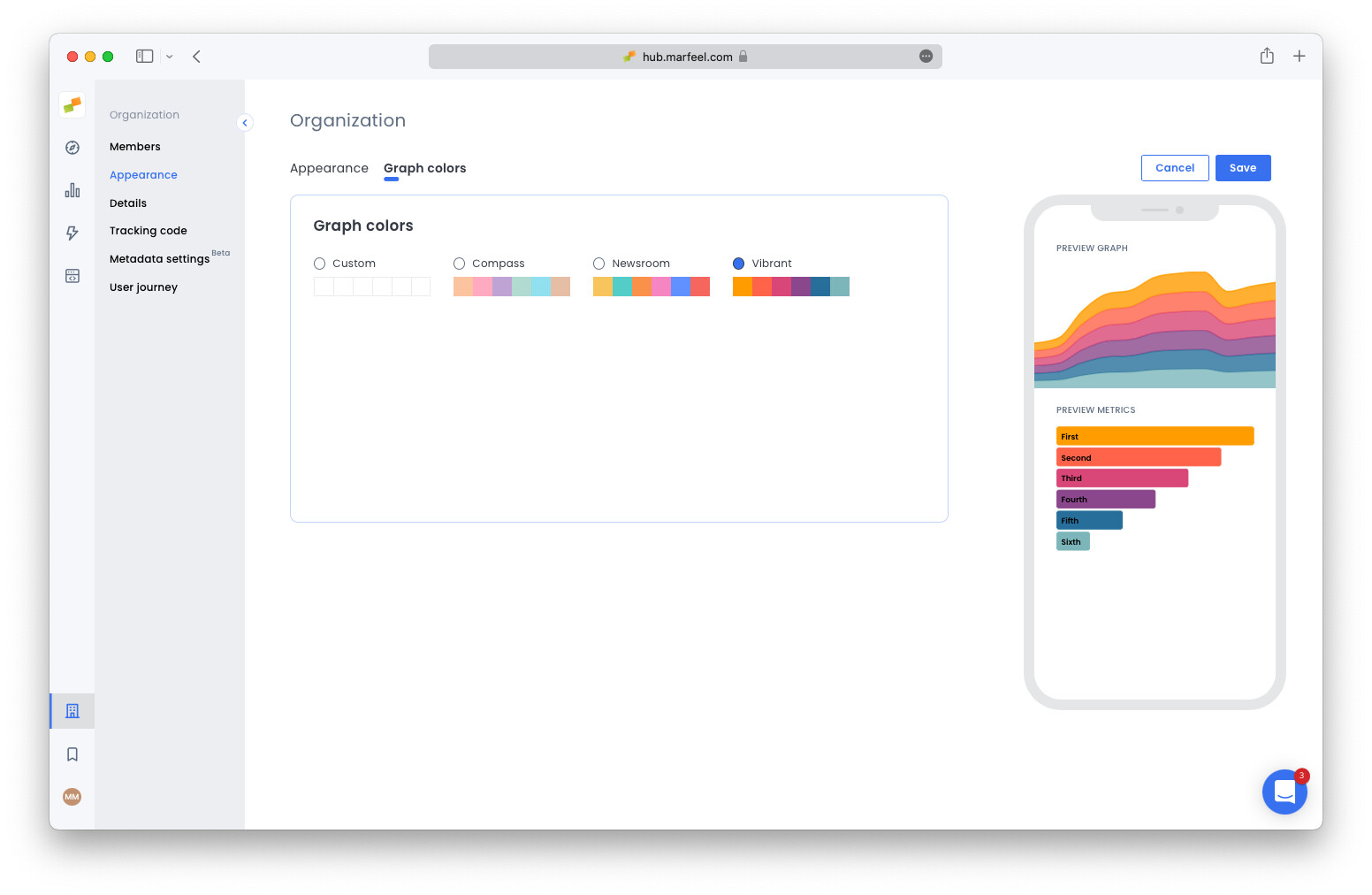
Graphics theme
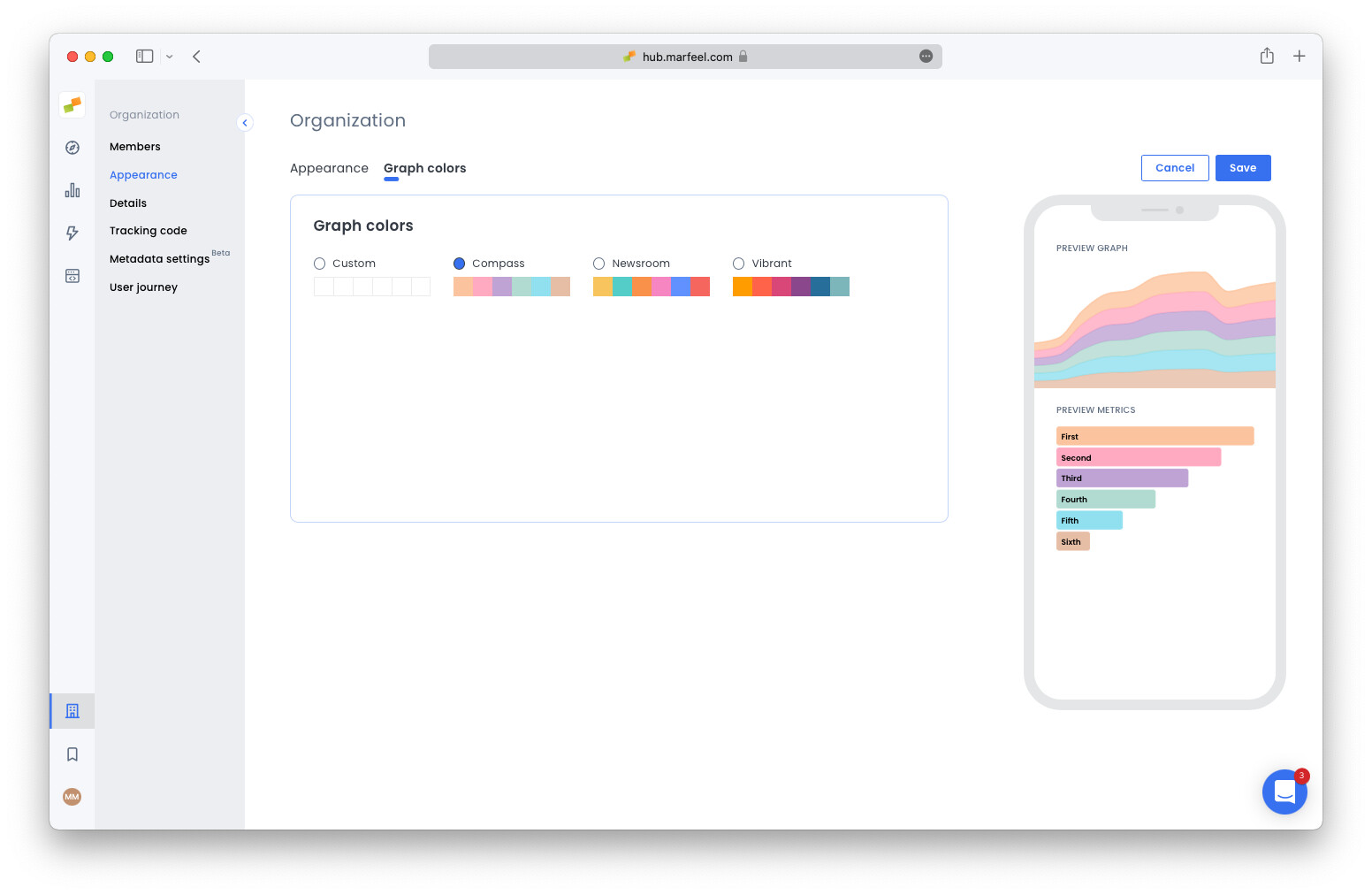
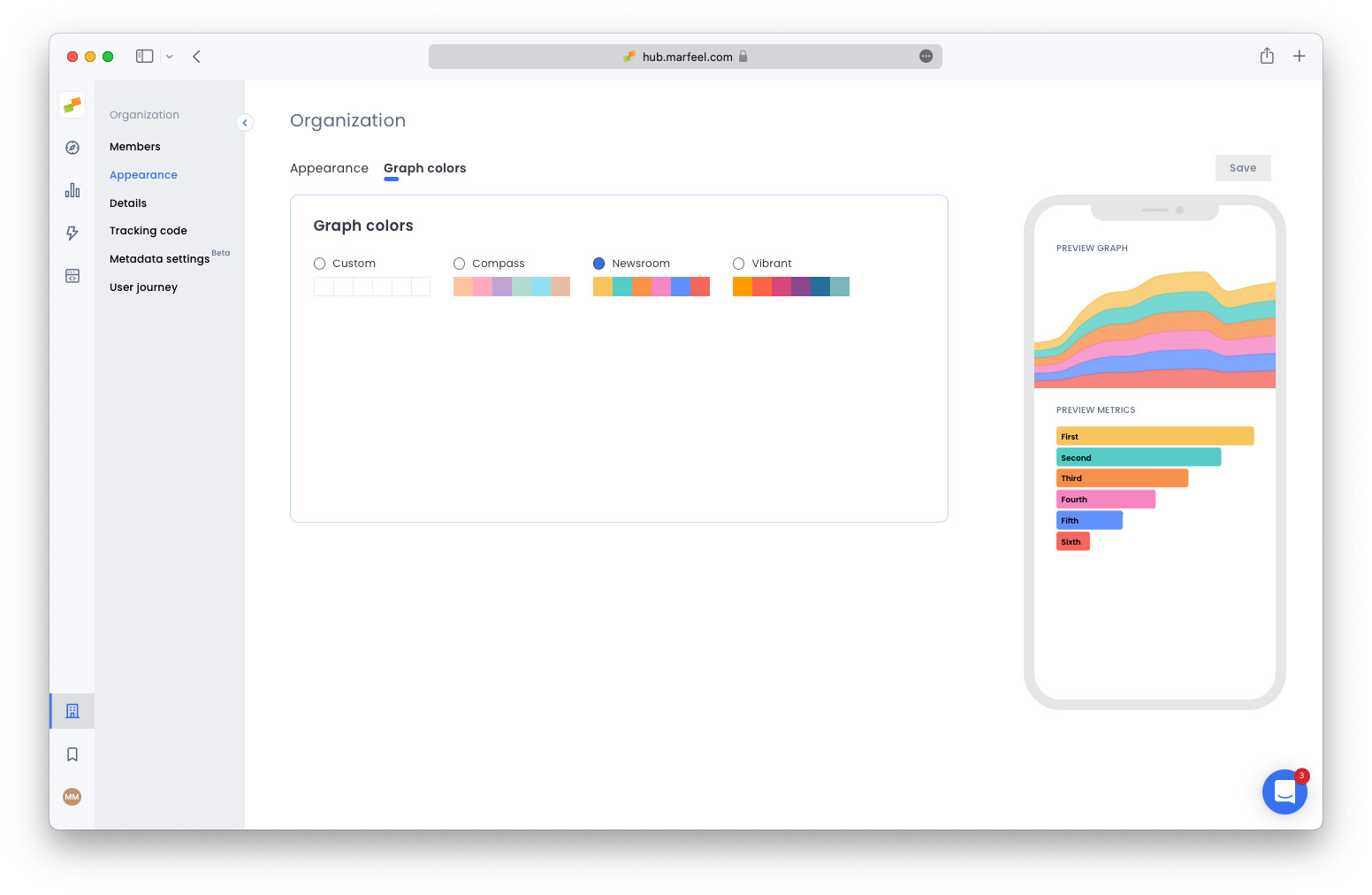
Section titled “Graphics theme”You can also customize the color scheme of the graphics by choosing one of three themes: Compass, Newsroom, or Vibrant.
How does the organization time zone affect reports?
The organization time zone sets the day boundary for all reports, regardless of where the data originates. For example, choosing United States, Los Angeles Time means each day starts and ends on Los Angeles Time, even if traffic comes from New York, London, or Barcelona.
Can individual users override the organization time zone?
Yes. Users in different time zones can set their own time zone through their user profile. However, user-level time zones only apply to the Marfeel Compass real-time view, not to historical reports.
What graphics themes are available for chart colors?
Marfeel offers three graphics themes: Compass, Newsroom, and Vibrant. Each theme applies a different color scheme to all charts and graphs across the platform.