

User profile and timezone settings
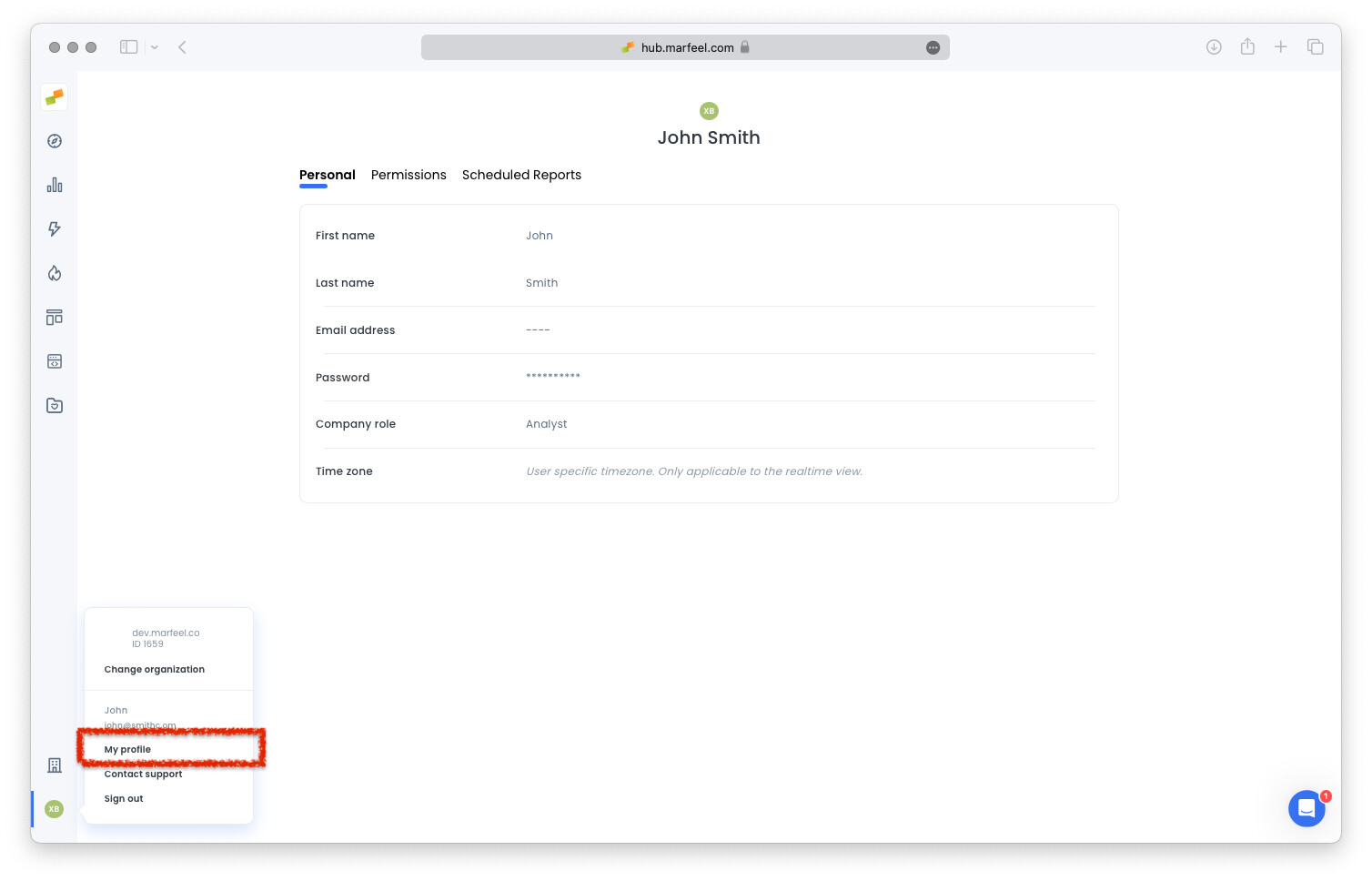
Users can configure their profile, personal timezone, and display preferences through My Profile.
User timezone
Section titled “User timezone”Users working in a different timezone than the one configured at the Organization level can personalize it to their needs.
Tip: User timezones will only be applied to the real time view.
My Profile
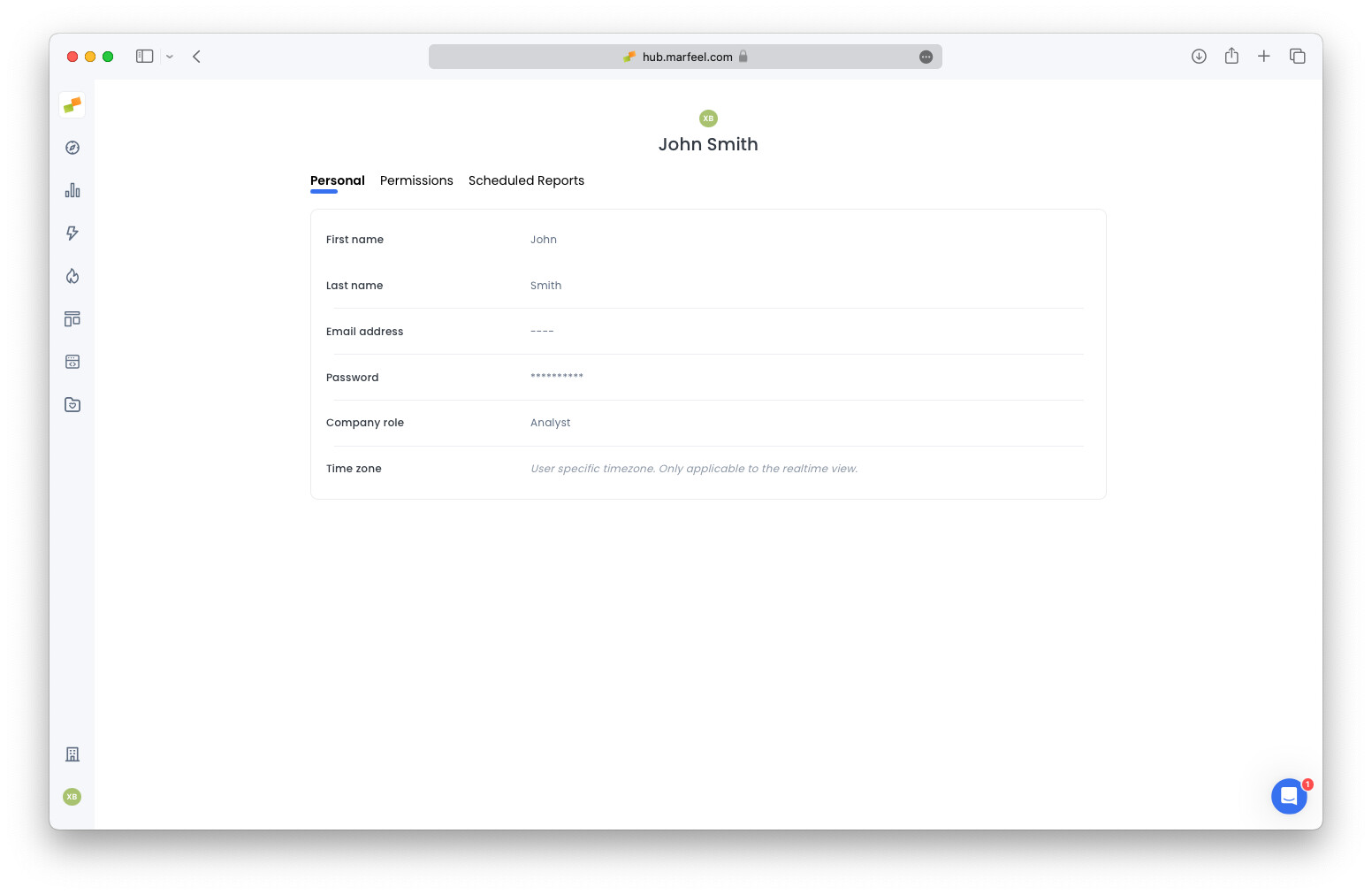
Section titled “My Profile”Users can change their name, last name, or company role at any time. The system automatically shows, hides, and configures automatic reports depending on the provided values.
Can I set a different timezone than my organization's default?
Yes. Users working in a different timezone than the one configured at the organization level can personalize it through My Profile. The user timezone only applies to the real time view.
What happens when I update my profile name or company role?
The system automatically shows, hides, and configures automatic reports depending on the values you provide for your name, last name, and company role.