

Demo mode for anonymizing Marfeel reports
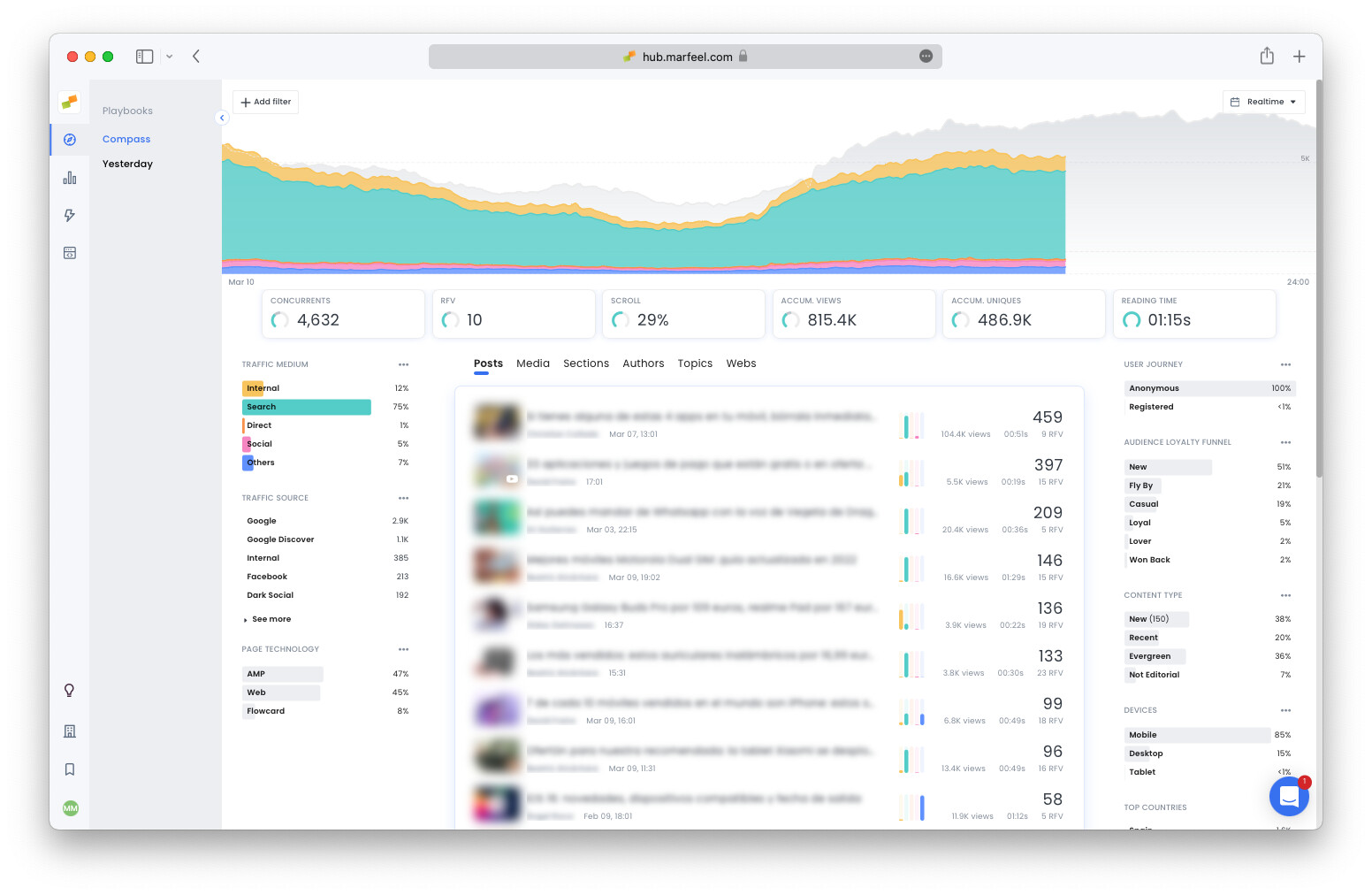
Marfeel demo mode automatically blurs all sensitive information and anonymizes site-specific data in your reports. Use it when you need to show Marfeel reports without exposing article titles, URLs, authors, or domains.
Enabling demo mode
Section titled “Enabling demo mode”Add the ?demo=true query parameter when browsing to hub.marfeel.com. You can append it to any URL or use the default: hub.marfeel.com/?demo=true
Disabling demo mode
Section titled “Disabling demo mode”Set the query parameter to ?demo=false or browse directly to hub.marfeel.com/?demo=false
How to take screenshots
Section titled “How to take screenshots”Follow these recommendations to capture clean screenshots for your presentations. Demo mode pairs well with Big Screen Mode when presenting reports on large displays.
- Take screenshots from the Marfeel PWA or from Safari with
Compact tab layout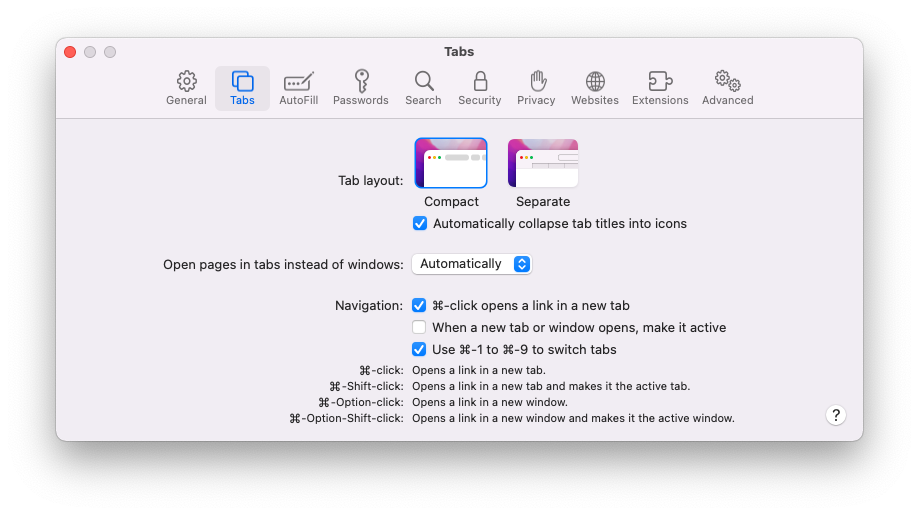
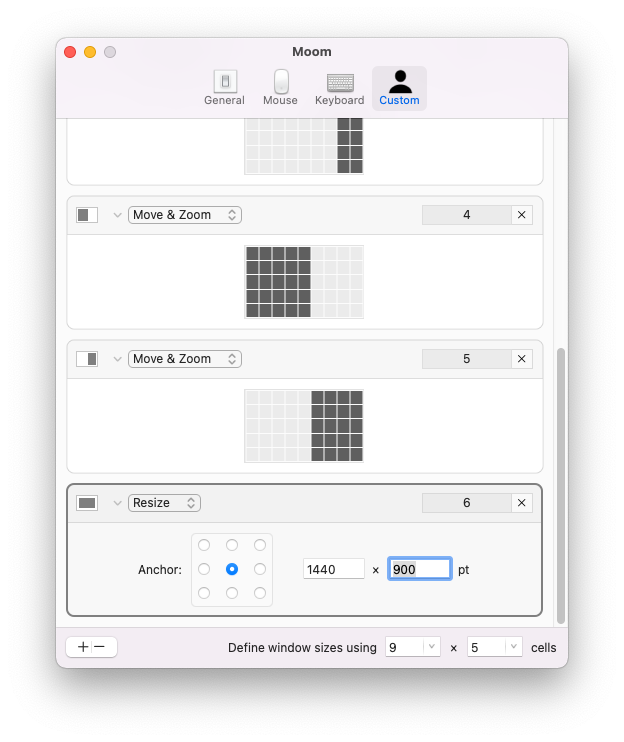
- Set the window to 1440x900 pixels. A window manager application like Moom makes this easy with a custom resize preset.
- Press simultaneously ⌘ + ⇧ + ^ + 4
- Press space
- Click on the window you want to capture
- This produces a screenshot with a transparent halo background
How to highlight areas of a screenshot
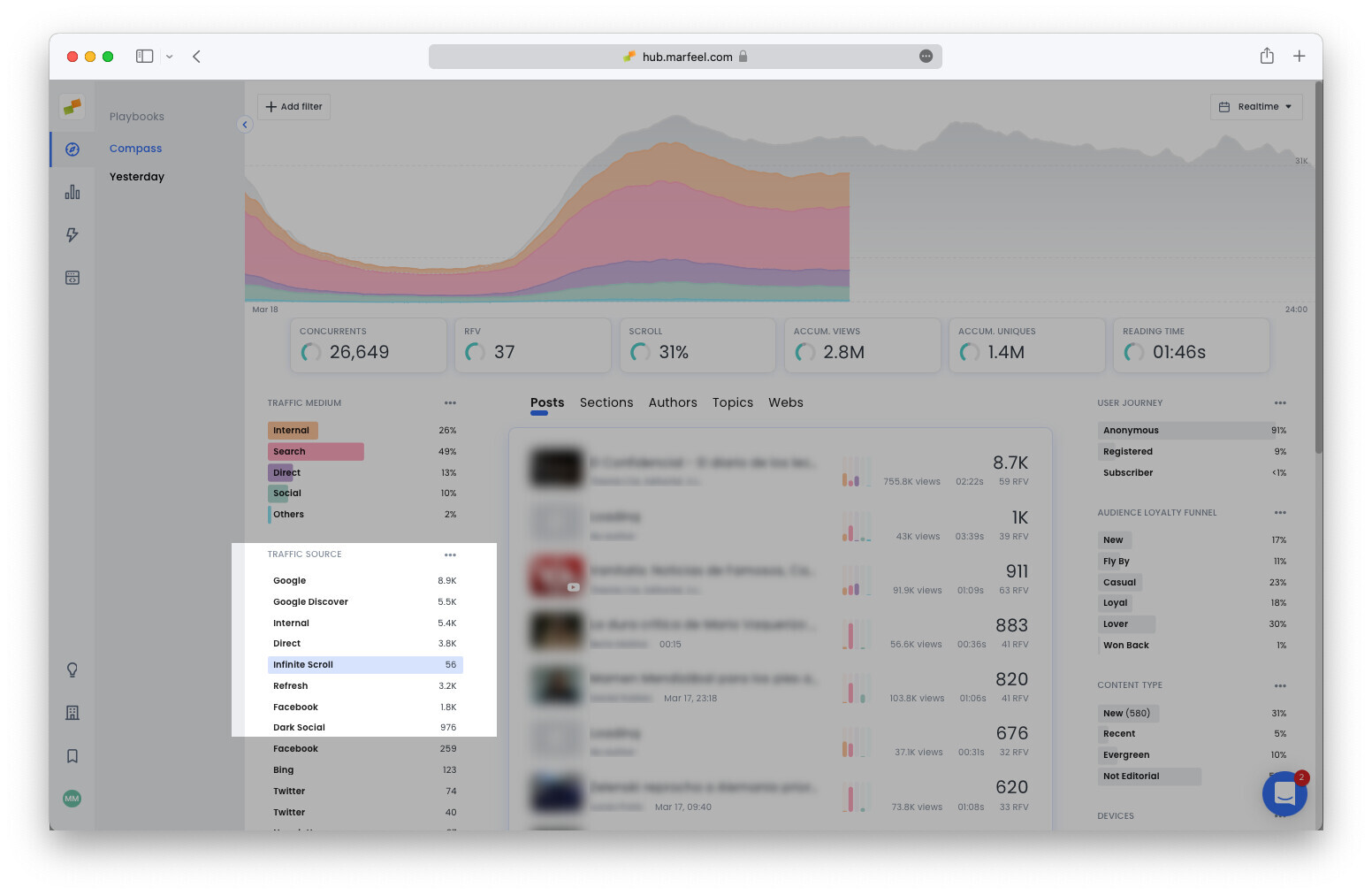
Section titled “How to highlight areas of a screenshot”Use the Mask option in the macOS Preview application to focus attention on a specific element of your screenshot.
- Copy the screenshot to your clipboard
- Open Preview and select
File>New from clipboard - Go to
Tools>Annotate>Mask
How do I enable demo mode in Marfeel?
Add the query parameter ?demo=true to any hub.marfeel.com URL. For example, browse to hub.marfeel.com/?demo=true. This automatically blurs all sensitive information and anonymizes site-specific data.
How do I disable Marfeel demo mode?
Set the query parameter to ?demo=false or browse directly to hub.marfeel.com/?demo=false.
What is the recommended screenshot size for Marfeel presentations?
The recommended window size is 1440x900 pixels. Use a window manager application like Moom to set this resolution precisely.