

Install Marfeel as a mobile or desktop app
Marfeel is available as a native app for iOS, Android, and desktop, giving you access to your data across all your devices. Download from the Apple App Store or Google Play:


The apps support iPhone, iPad, Android phones, tablets, and desktop, offering a fully responsive experience.
Marfeel as a PWA
Section titled “Marfeel as a PWA”hub.marfeel.com can also be installed as a PWA (Progressive Web Application) on your desktop, smartphone, or tablet. A PWA lets you:
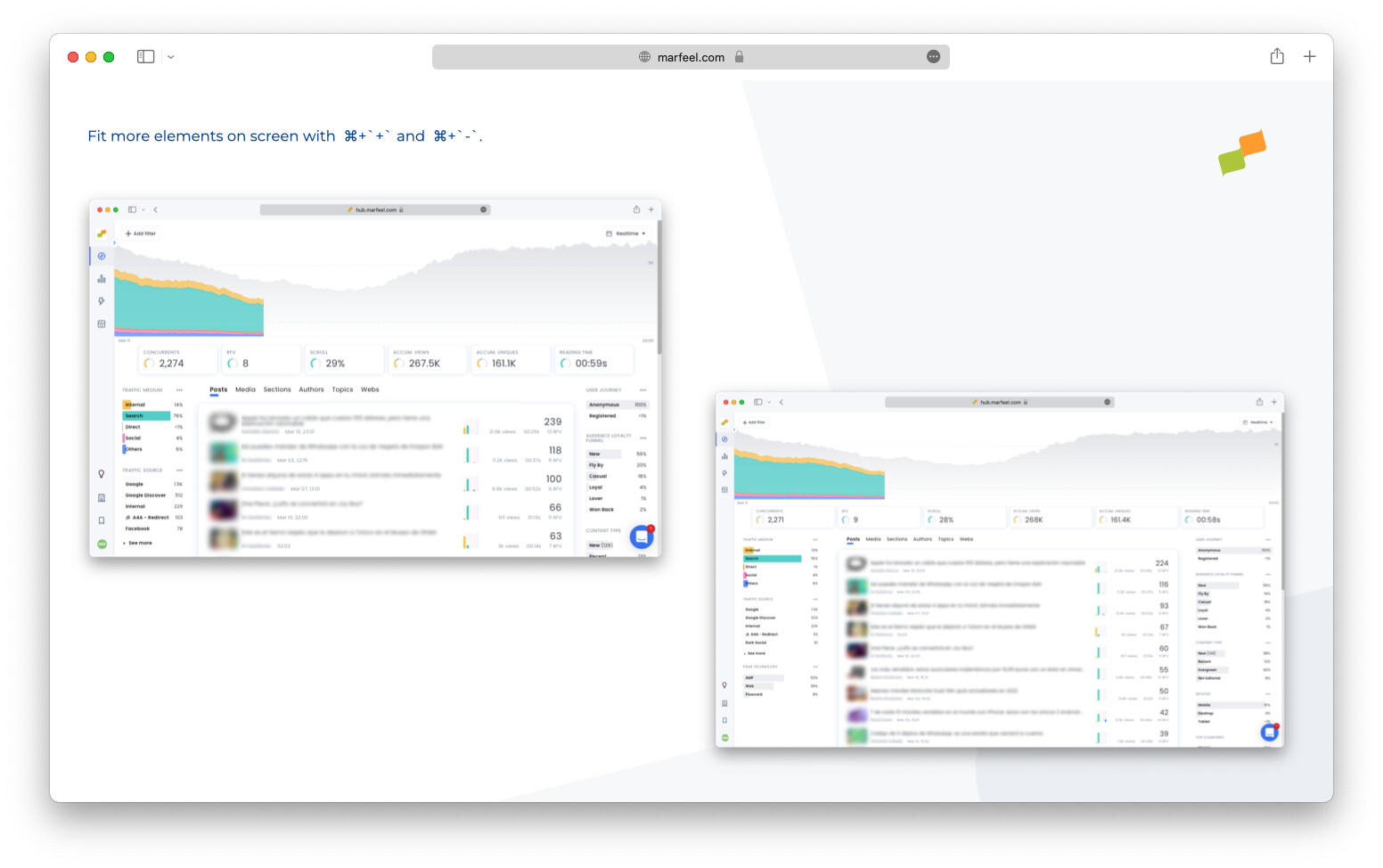
- Maximize screen space by removing browser bars and distractions. Ideal for small monitors, video walls or Big Screen mode.
- Install Marfeel as a native application on your home screen or desktop.
- Keep it always available one click away.
PWA for iOS
Section titled “PWA for iOS”To install Marfeel as a PWA on your iOS device:
- Open hub.marfeel.com in Safari
- Tap the Share button on the Safari toolbar
- Tap
Add to Home Screen - Tap
Add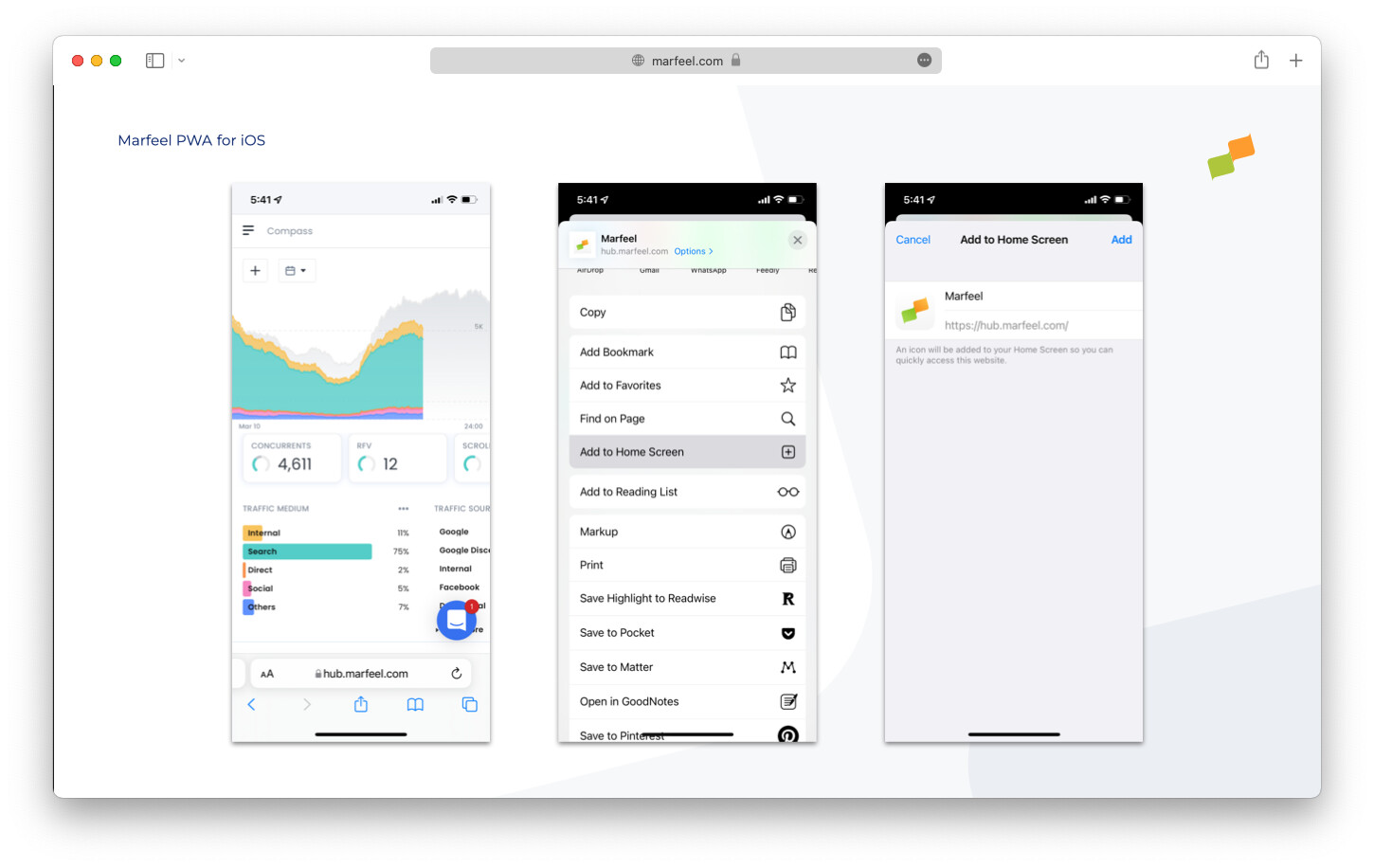
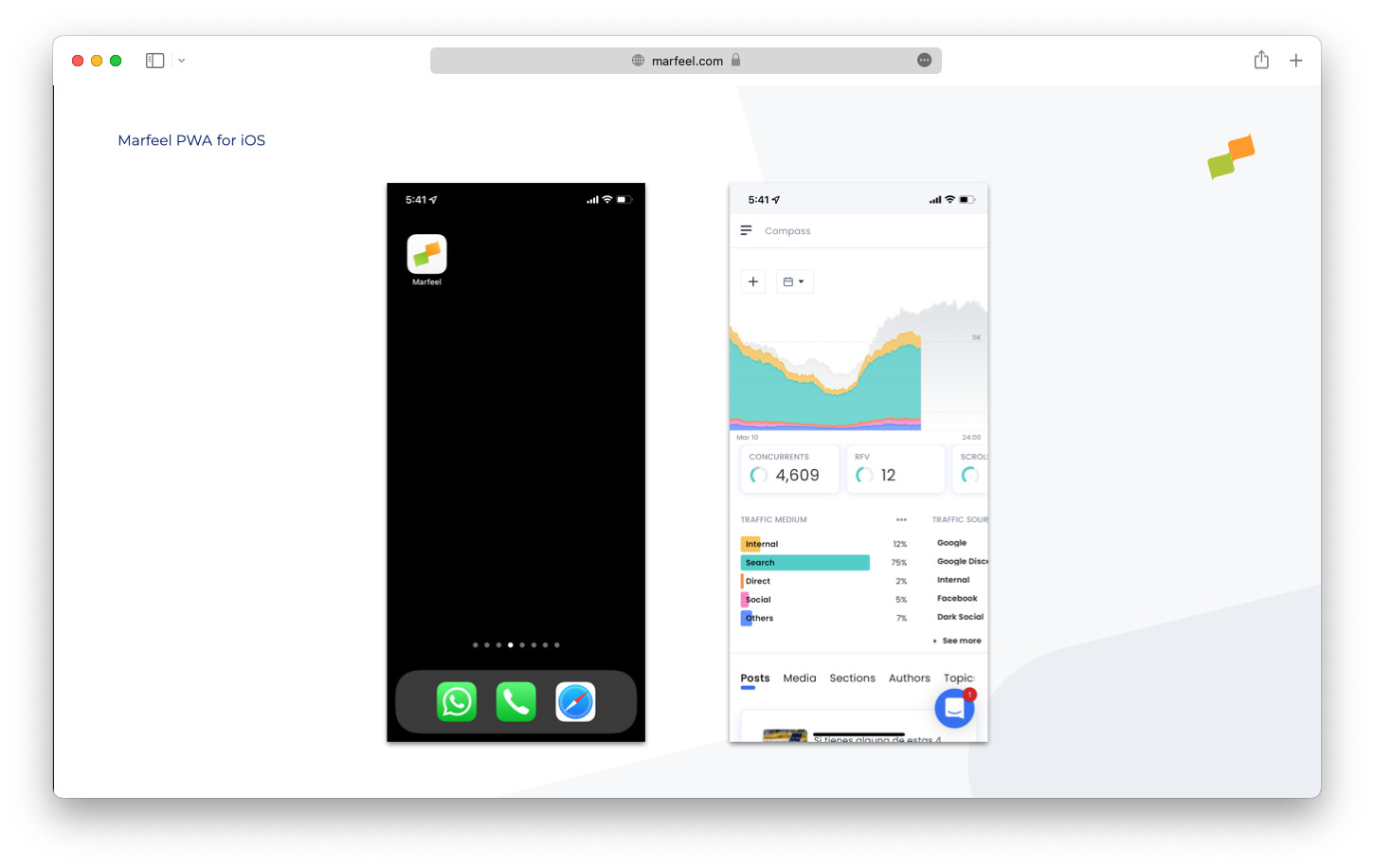
- The Marfeel app icon appears on your home screen
- Enjoy a full-screen experience with more space and quick access
PWA for Android
Section titled “PWA for Android”- Open hub.marfeel.com in Chrome
- Tap the three-dot menu
- Tap
Add to Home screen - Tap
Add - Tap
Add to Home Screen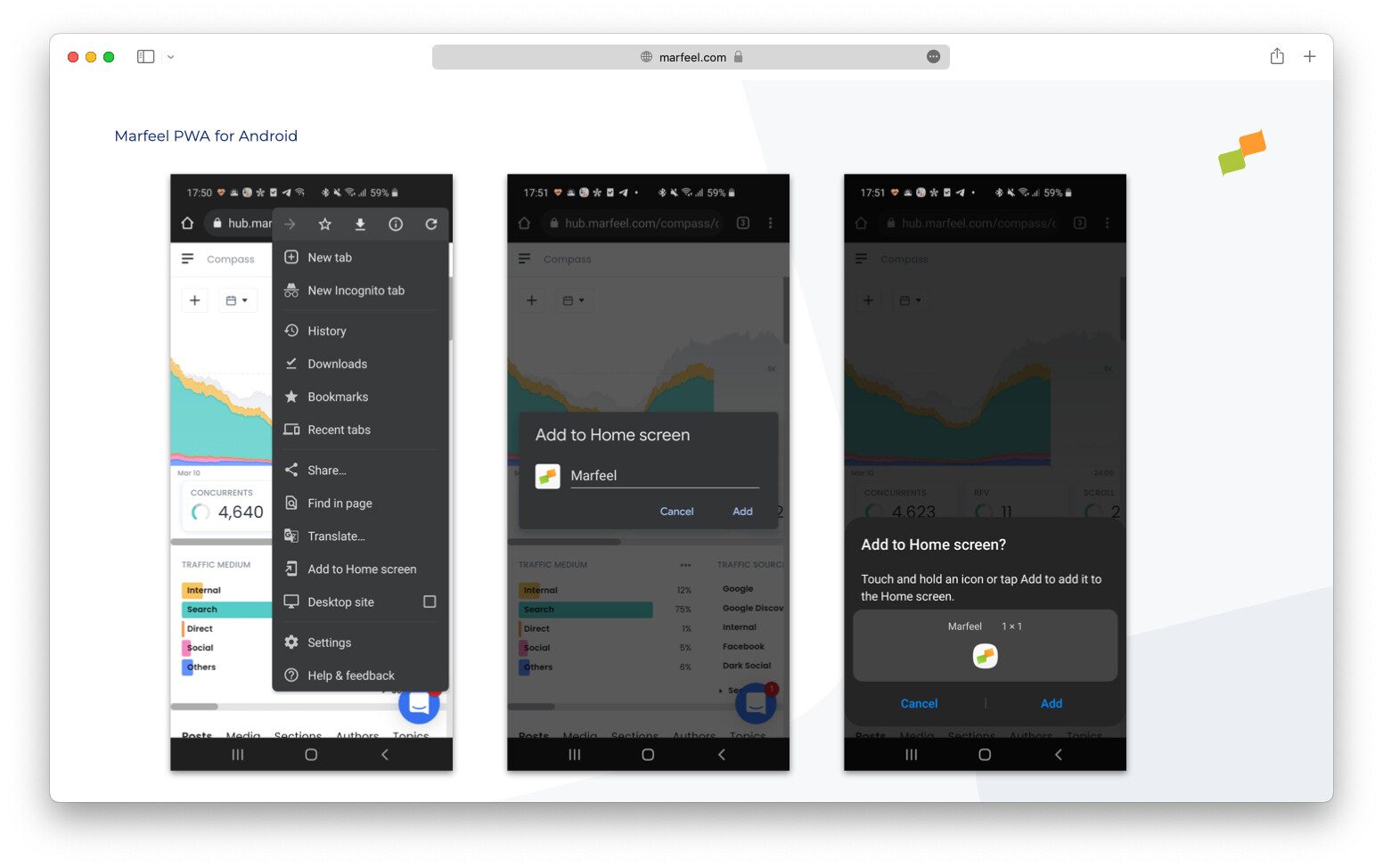
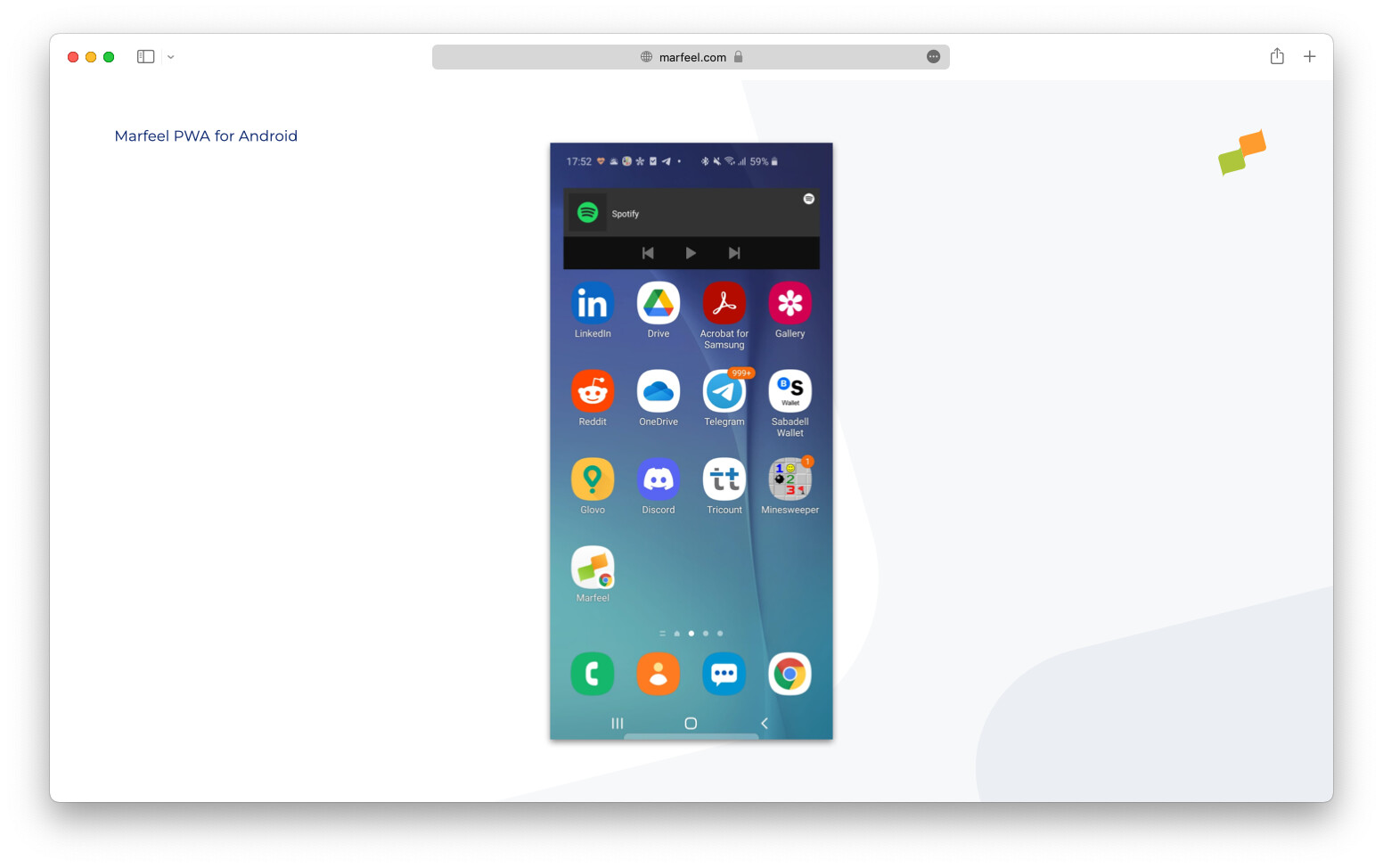
- The Marfeel PWA is now available on your home screen
PWA for Chrome desktop
Section titled “PWA for Chrome desktop”-
Go to hub.marfeel.com and select the
Create shortcutoption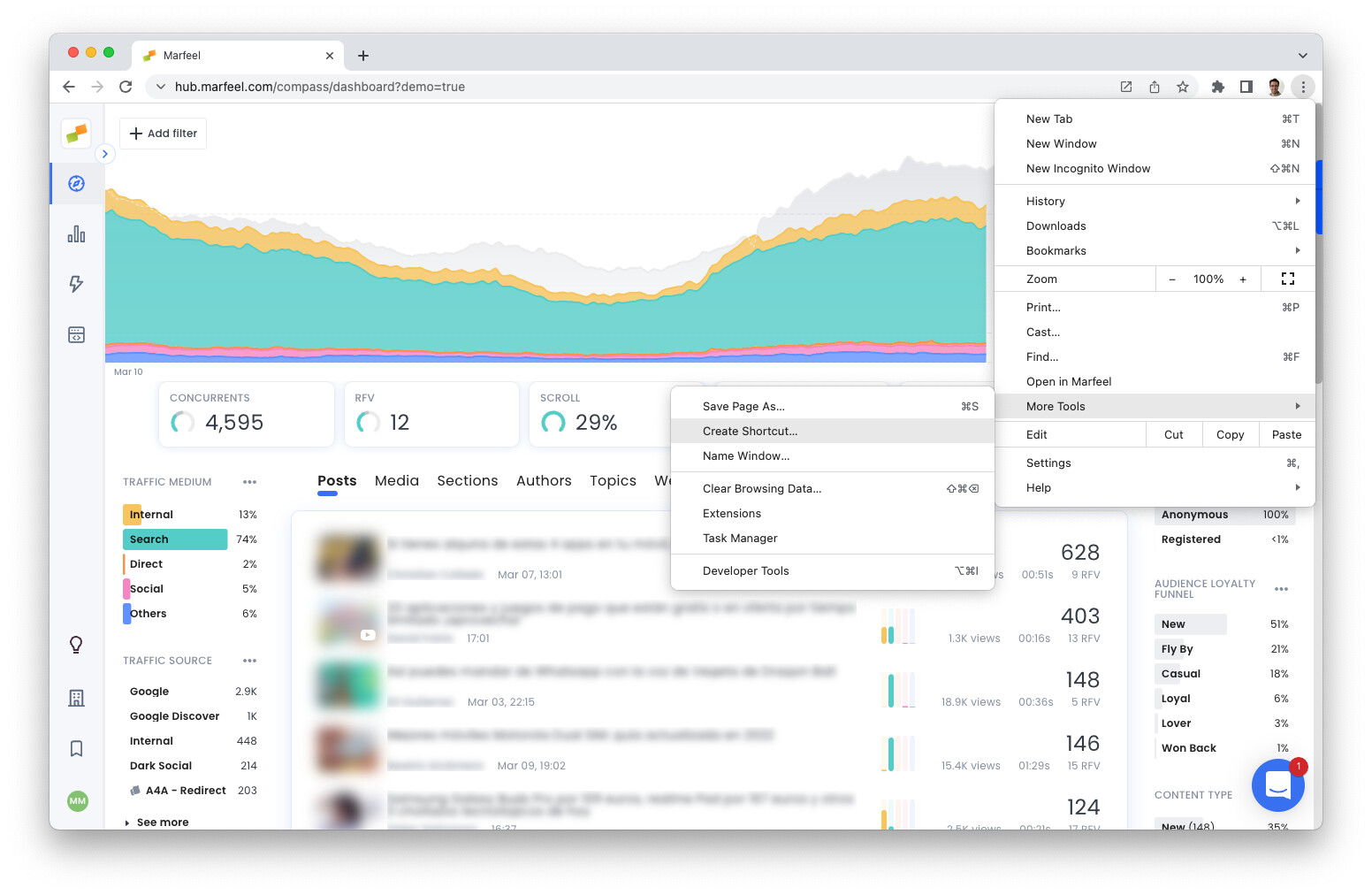
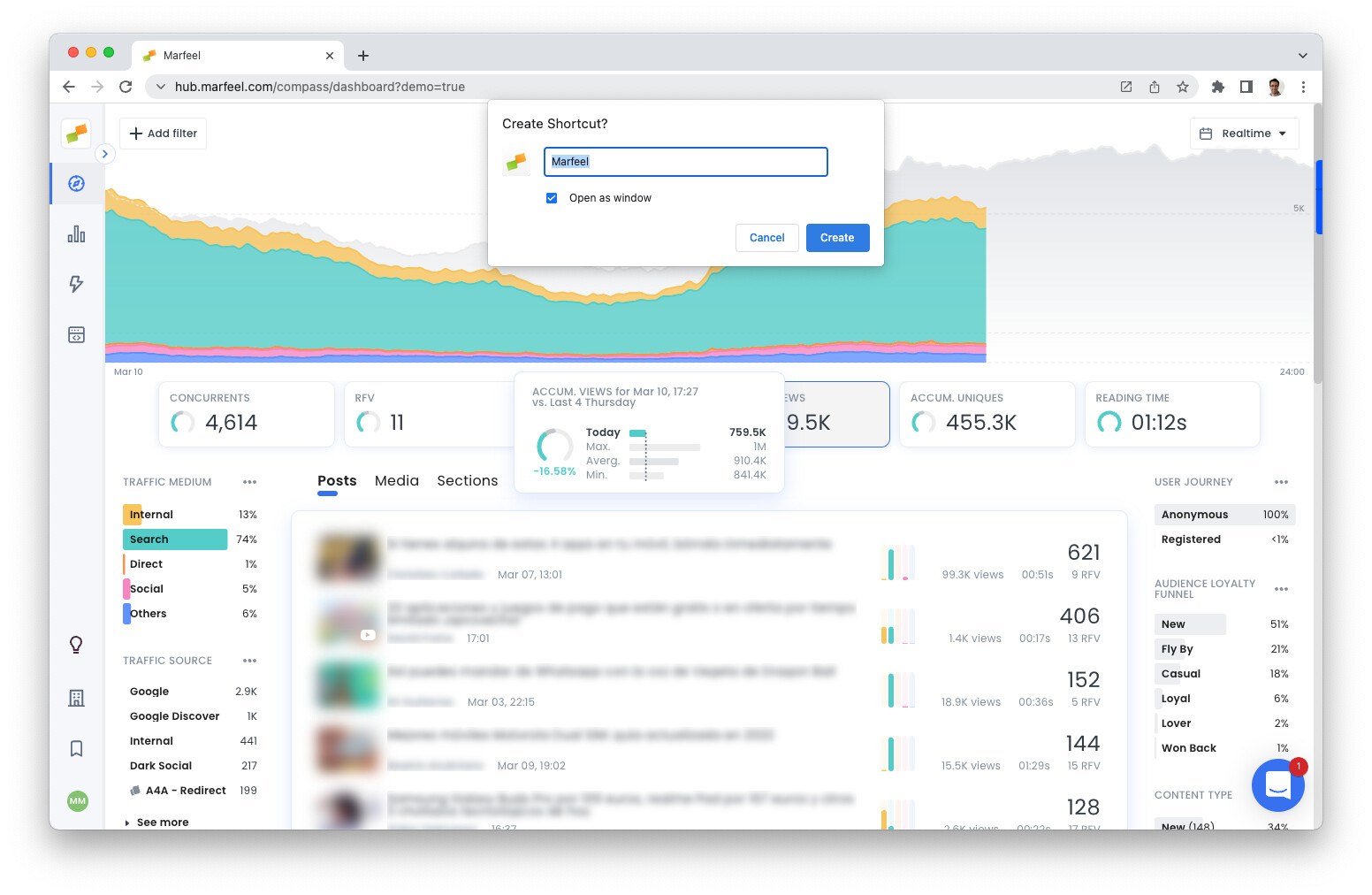
-
Check the “Open as window” option
-
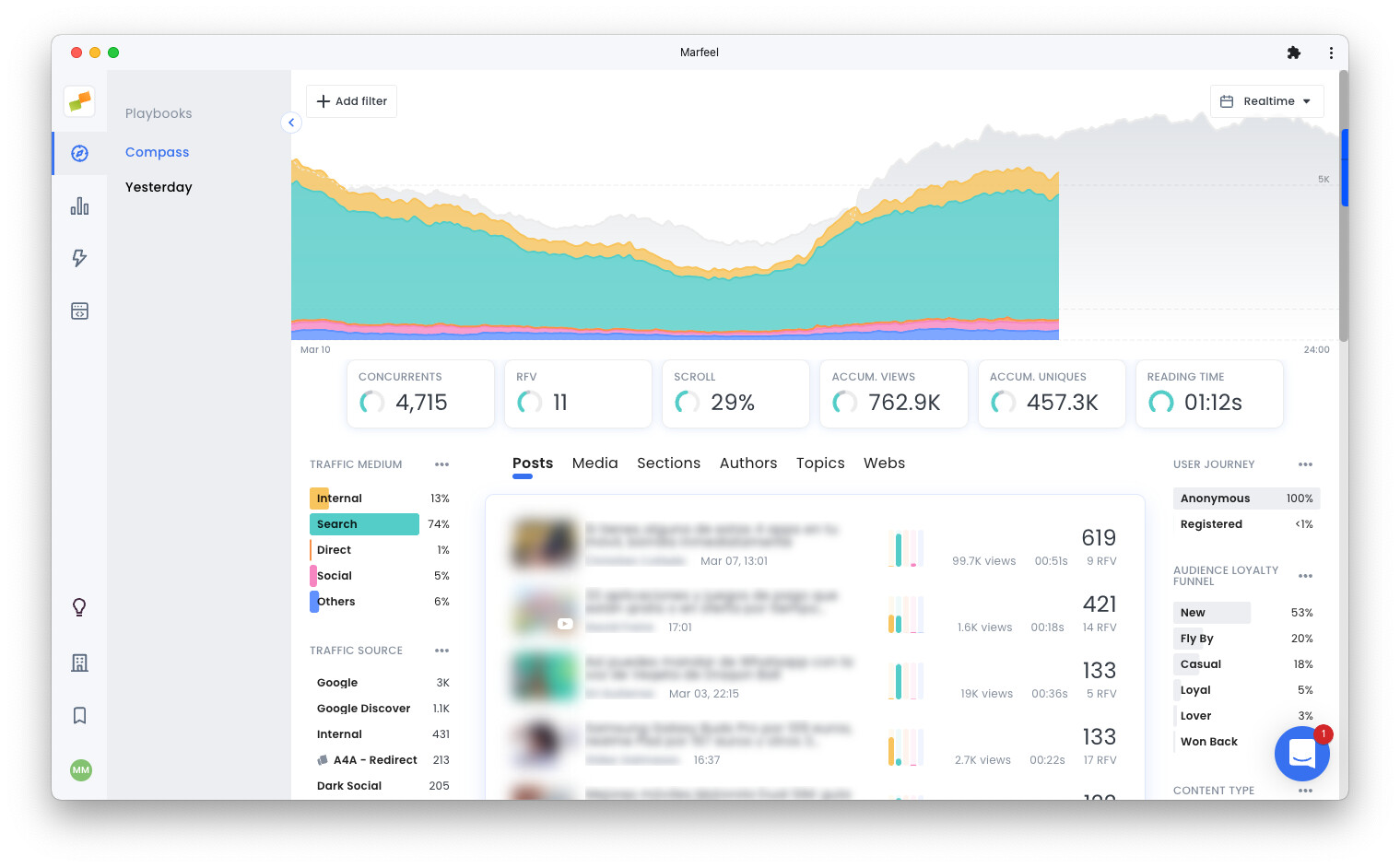
A new window loads without browser bars
-
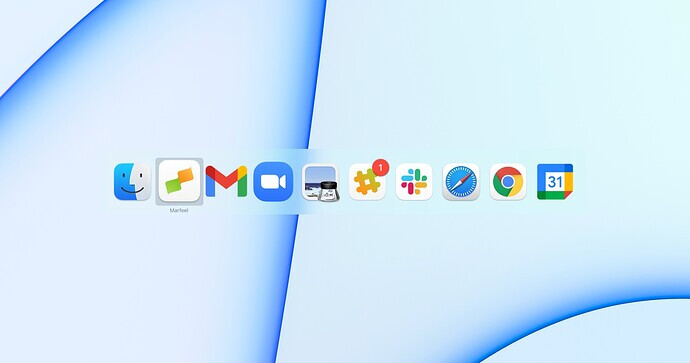
The PWA appears when you Cmd+Tab (macOS) or Alt+Tab (Windows)
-
The PWA is available in your dock or taskbar

How do I install Marfeel on my iPhone or iPad?
Download the Marfeel app from the Apple App Store, or install it as a PWA by opening hub.marfeel.com in Safari, tapping the Share button, and selecting Add to Home Screen.
Can I install Marfeel as a PWA on my desktop?
Yes. Open hub.marfeel.com in Chrome, select Create shortcut from the menu, and check Open as window. The PWA appears in your dock or taskbar and runs without browser bars.
What are the benefits of installing Marfeel as a PWA?
A PWA removes browser bars and distractions, maximizes screen space (ideal for small monitors or video walls), installs as a native app on your home screen or desktop, and is always one click away.