

Article-level social media data in Compass
Marfeel’s social media module shows social media data for any article directly inside the platform. From the Compass dashboard, open any article to see when it was published or mentioned on your social channels, which accounts posted it, and how traffic responded.
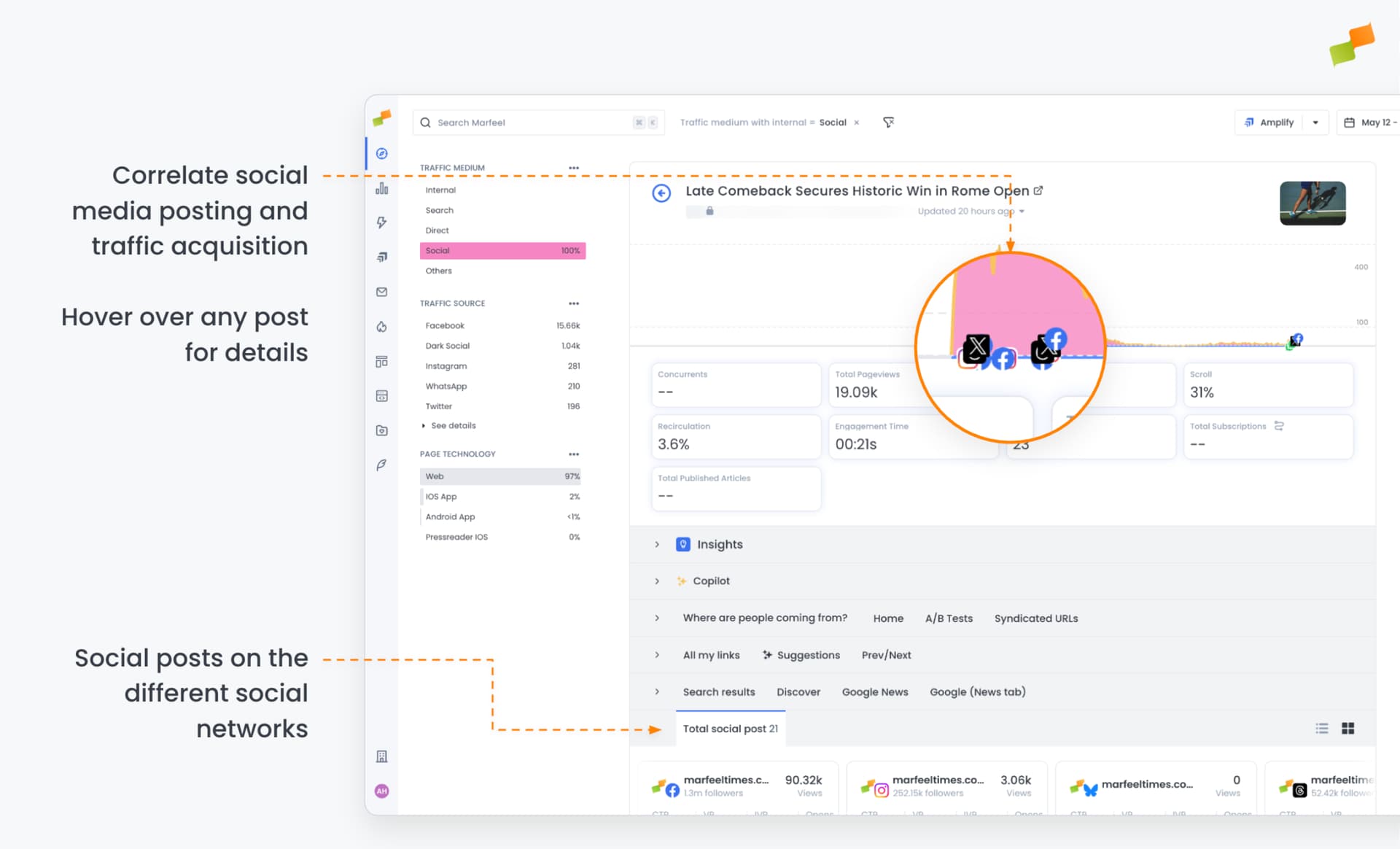
Measure traffic impact from social posts
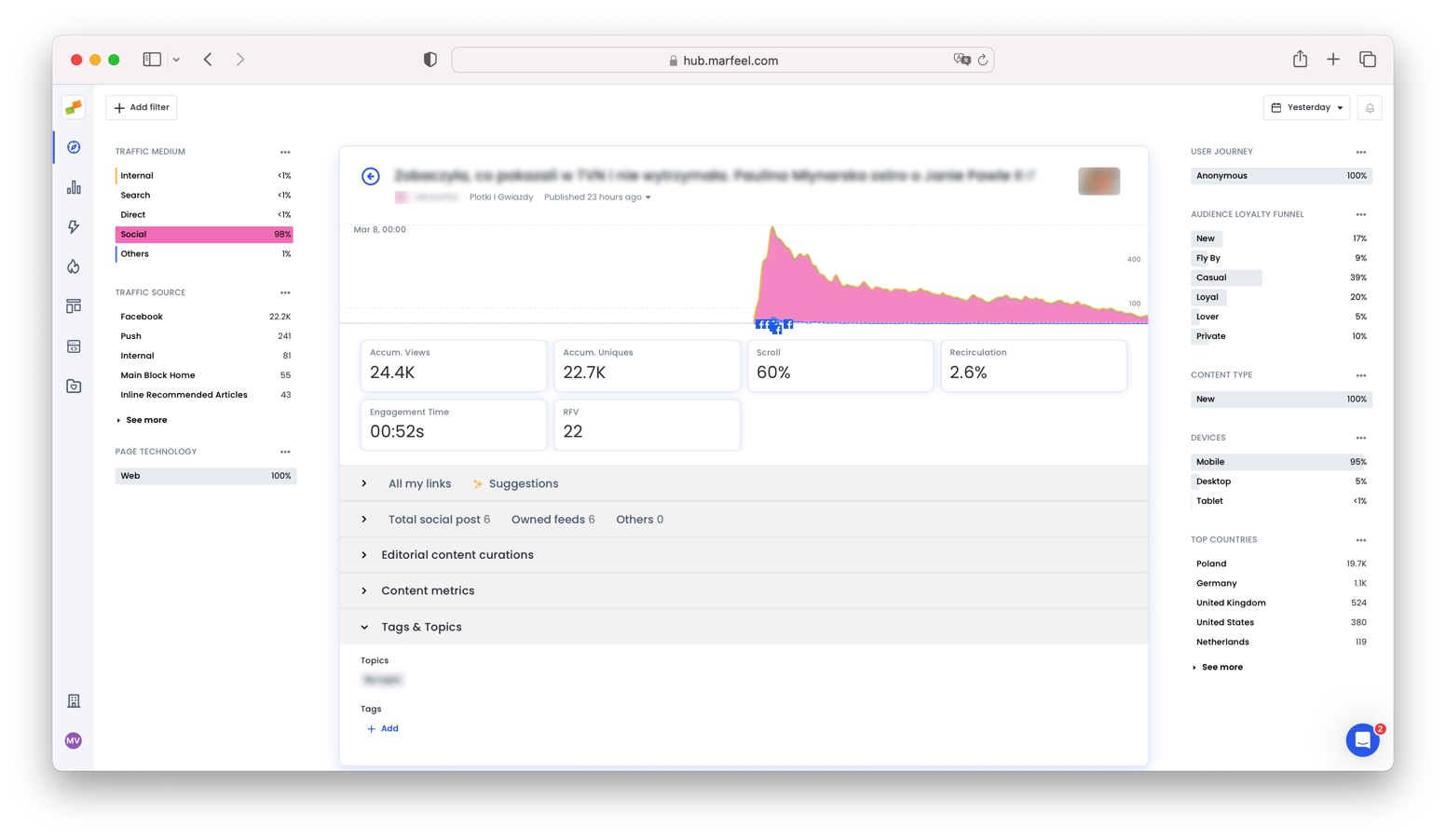
Section titled “Measure traffic impact from social posts”The traffic graph makes it easy to connect social activity to traffic changes. A social icon on the x-axis marks the exact moment a link was posted to a channel (for example, Facebook), so you can see the effect on acquired traffic in terms of volume and source. Click on any post to jump directly to the original social channel.
This view pairs well with social metrics and dimensions for deeper analysis across authors, sections, and topics.
How do I see social media data for a specific article?
Open any article from the Compass dashboard. The social detail view shows when the article was published or mentioned on your social channels, which accounts posted it, and how traffic responded.
Can I see how a social post affected my article traffic?
Yes. The traffic graph displays a social icon on the x-axis at the exact moment a link was posted, making it easy to correlate social activity with traffic volume and source. You can click on any post to jump directly to the social channel.