

LinkedIn integration setup for social analytics
The LinkedIn integration imports engagement data from your LinkedIn posts into Marfeel, including real-time metrics for posts, likes, shares, comments, and followers. Posts from your account are synced and matched with existing articles based on the link shared within each post. All data is available in the Explore module and Compass playbook. For a deeper dive on the social media module and how to get the most out of it, see the user guide.
Set up the LinkedIn integration
Section titled “Set up the LinkedIn integration”Super admin of the pages you want to connect to Marfeel. Being Content administrator is not enough.
You can check this by going into your company page's Settings > Manage Admins.- If you use OAuth to authenticate on the LinkedIn platform, log out from LinkedIn in the browser you are using to set up the integration before starting.
- Go to the Organization icon in the sidebar, and select
Integrations. Navigate to the ‘Social’ section. Click on Connect inside the LinkedIn integration box.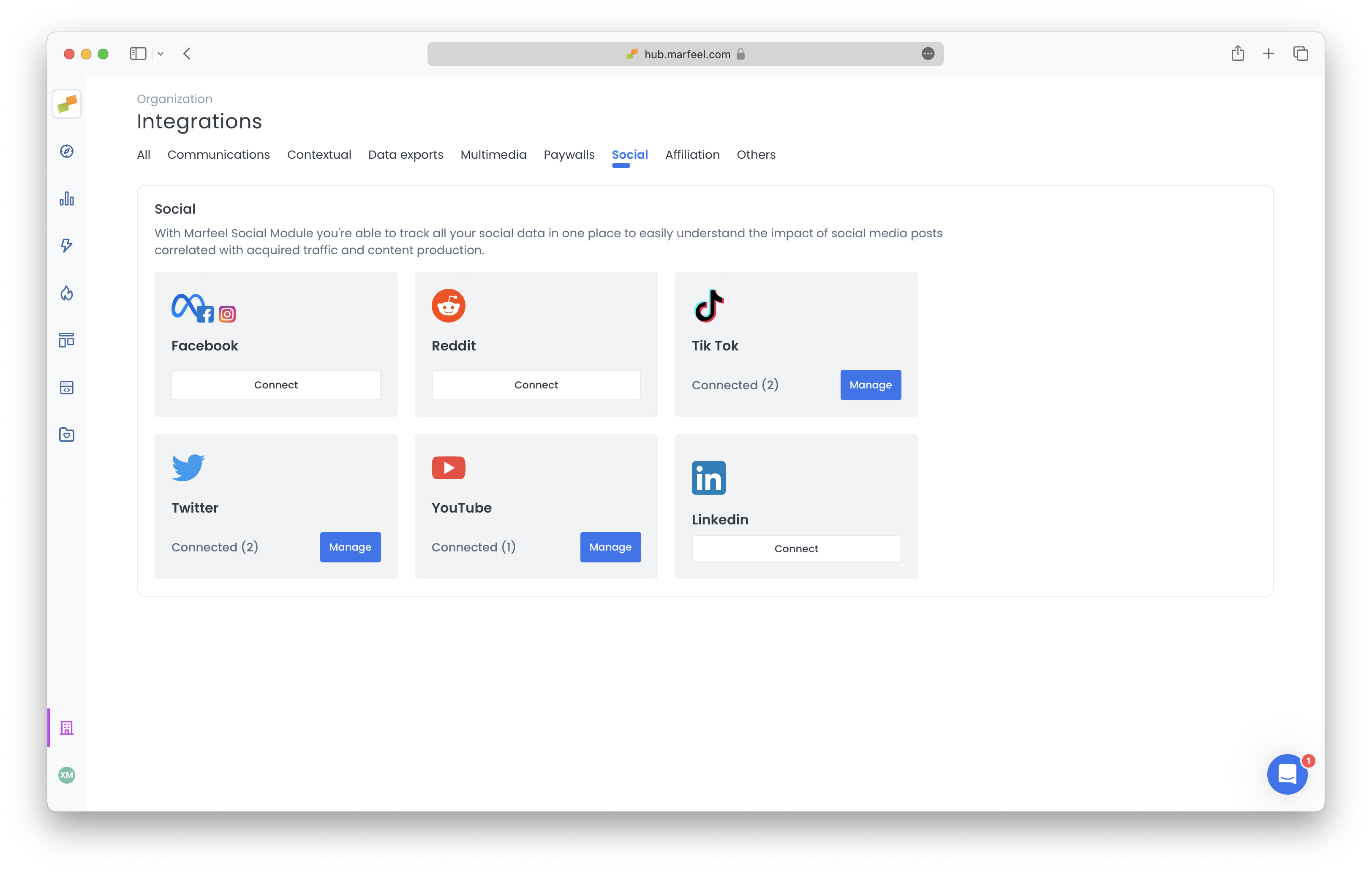
- You will be prompted to authenticate. Use the authentication method you normally use to log in to LinkedIn. If you need to log in via OAuth, sometimes the option is not visible and you need to click on
Join nowfor it to appear.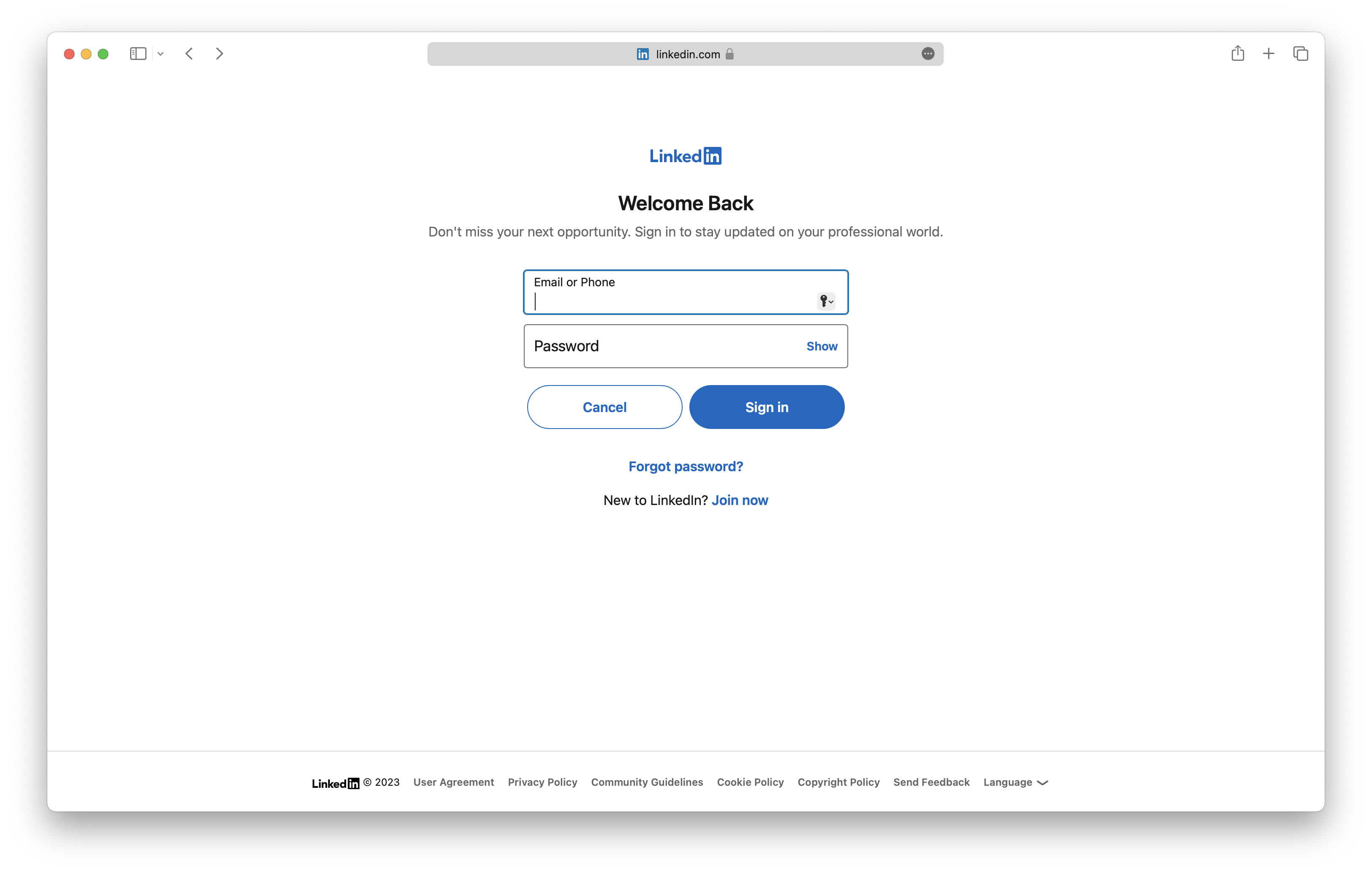
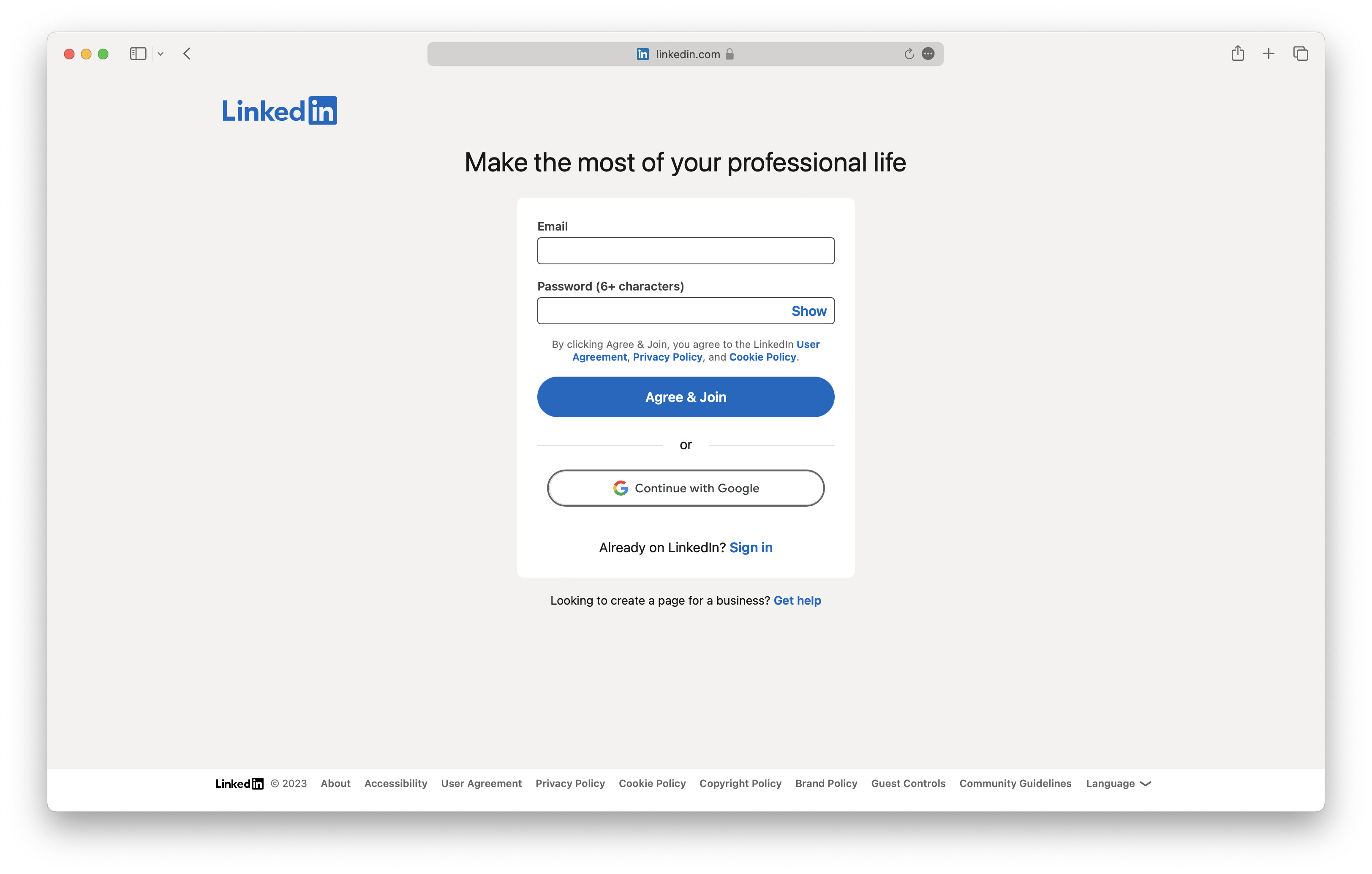
- After logging in, you will be prompted to accept permissions. Click on
Allow.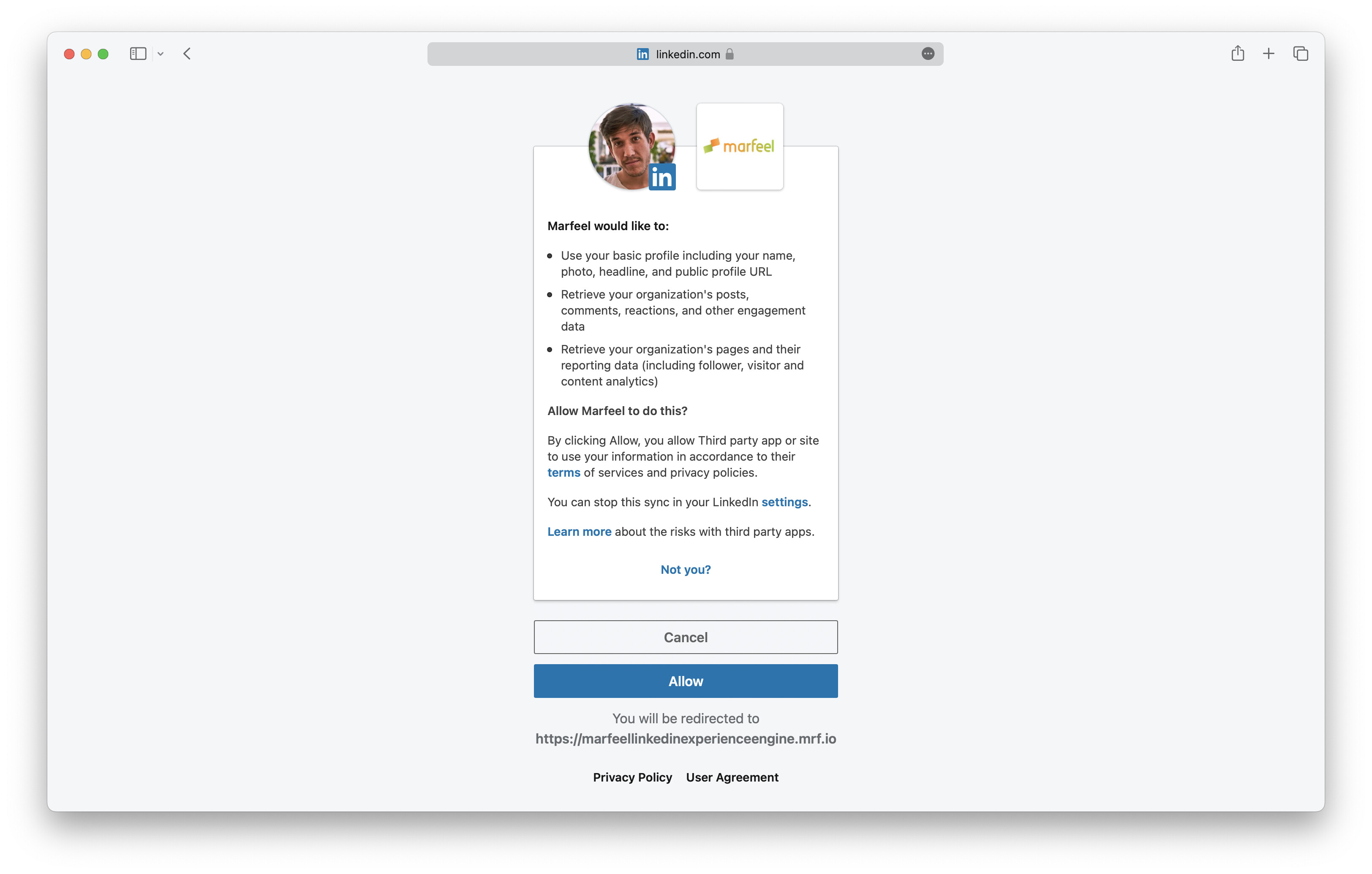
- After logging in and granting permissions, you will be redirected back to the Marfeel platform. A popup displays the pages you have admin access to. Select the ones you want to connect and click on
Confirm.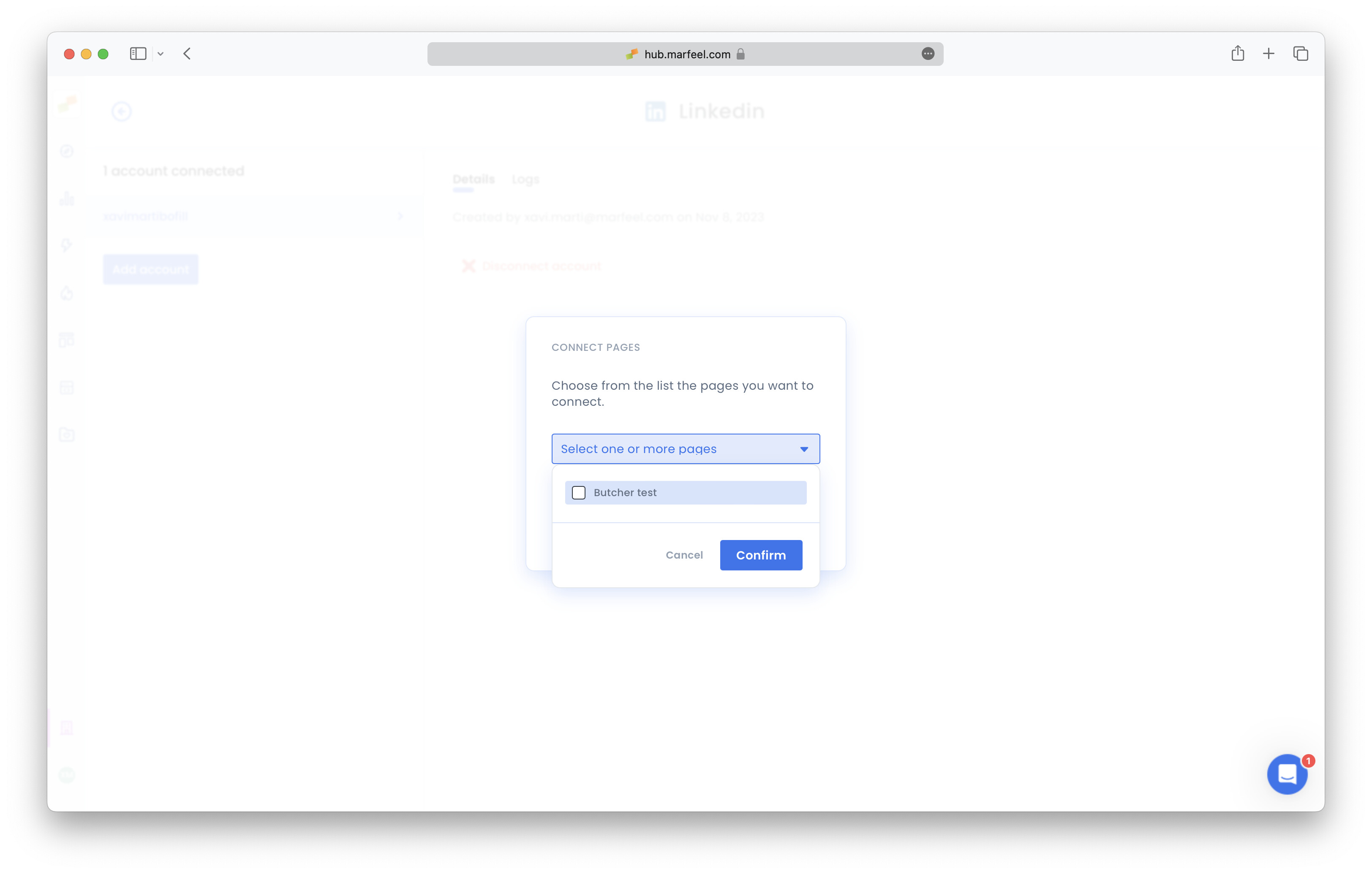
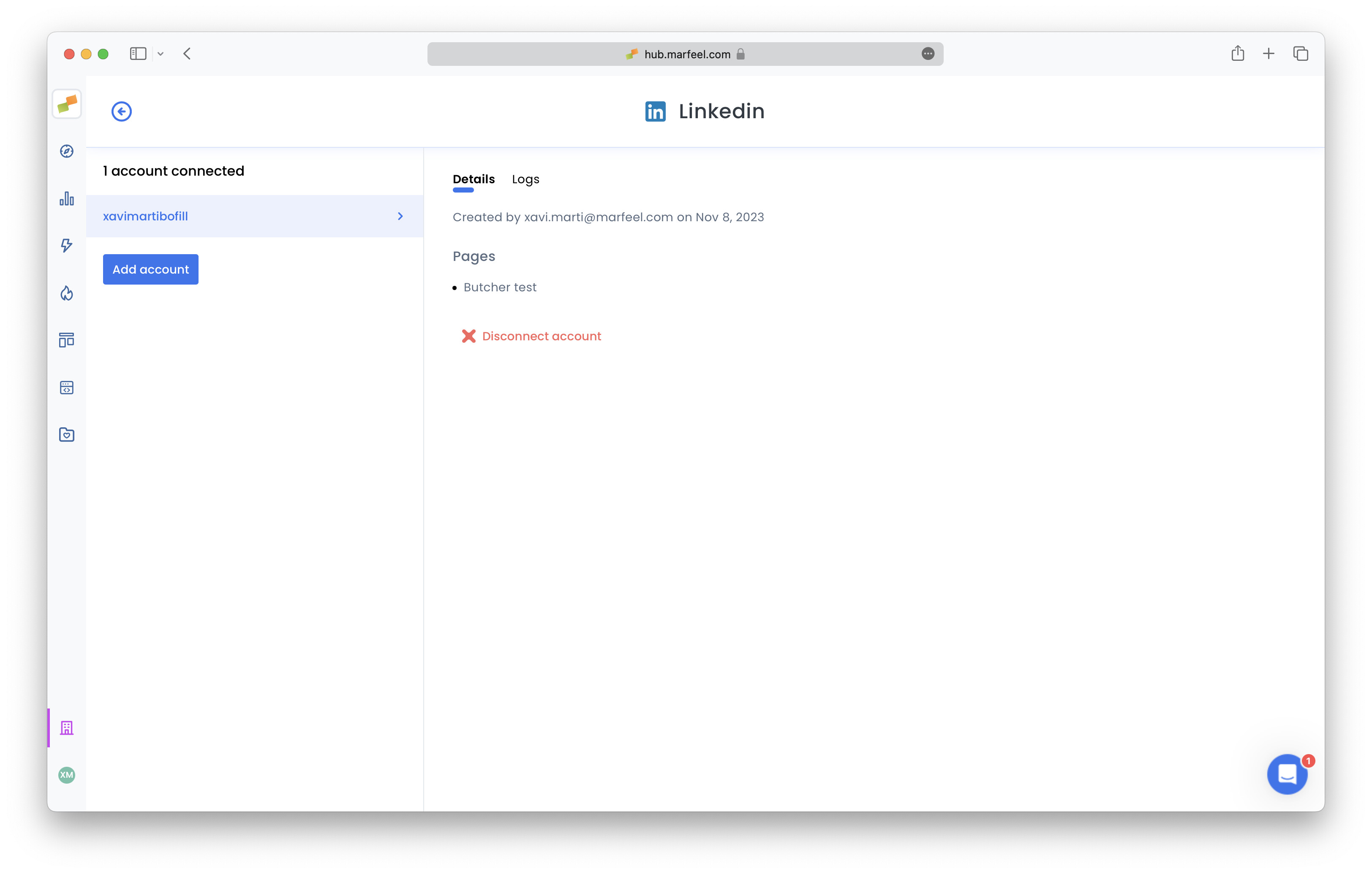
- Your LinkedIn integration should now be connected. Check the ‘Logs’ tab for feedback on how many posts are being retrieved, and potential errors. Keep in mind that it takes about a minute to get up and running. Once connected, you can track social metrics and dimensions across all your linked accounts.
Do I need Super admin access to connect LinkedIn?
Yes. You must be a Super admin of the LinkedIn pages you want to connect. Content administrator access is not sufficient. You can verify your role by going to your company page’s Settings > Manage Admins.
How long are LinkedIn credentials valid?
LinkedIn credentials remain valid for 1 year. After expiration, you will need to recreate the integration by going through the setup process again.
Where can I see my LinkedIn engagement data after connecting?
All LinkedIn engagement data, including posts, likes, shares, comments, and followers, is available in the Explore module and Compass playbook. For a complete overview, see the social module user guide.