Pinterest integration setup for Marfeel social
The Pinterest integration imports real-time engagement metrics from your Pinterest posts into Marfeel. Tracked metrics include posts, likes, shares, comments, and followers. Posts from your account are synced and matched with existing articles based on the link shared within each post, and all data is available in the Explore module and Compass playbook.
You can also publish posts to Pinterest directly from within Marfeel.
For a deeper dive on the social media module and how to get the most out of it, see the user guide.
Set up the Pinterest integration
Section titled “Set up the Pinterest integration”Before starting, make sure you are an administrator of the Pinterest account you want to connect to Marfeel.
-
Go to the Organization icon in the sidebar and select
Integrations. Navigate to the Social section, then click Connect inside the Pinterest integration box.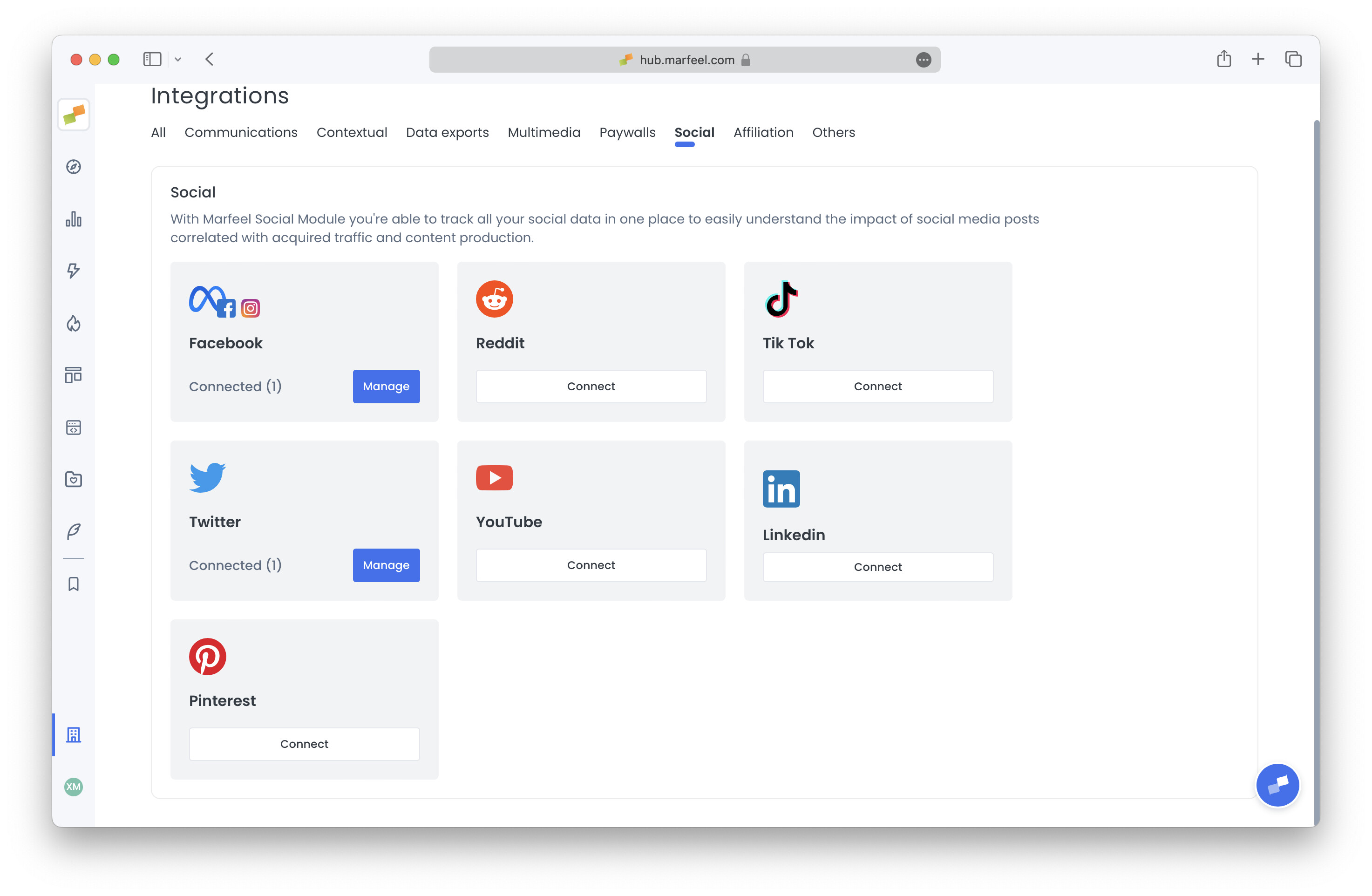
-
Complete the OAuth authentication process by clicking “Give Access” when prompted by Pinterest.

-
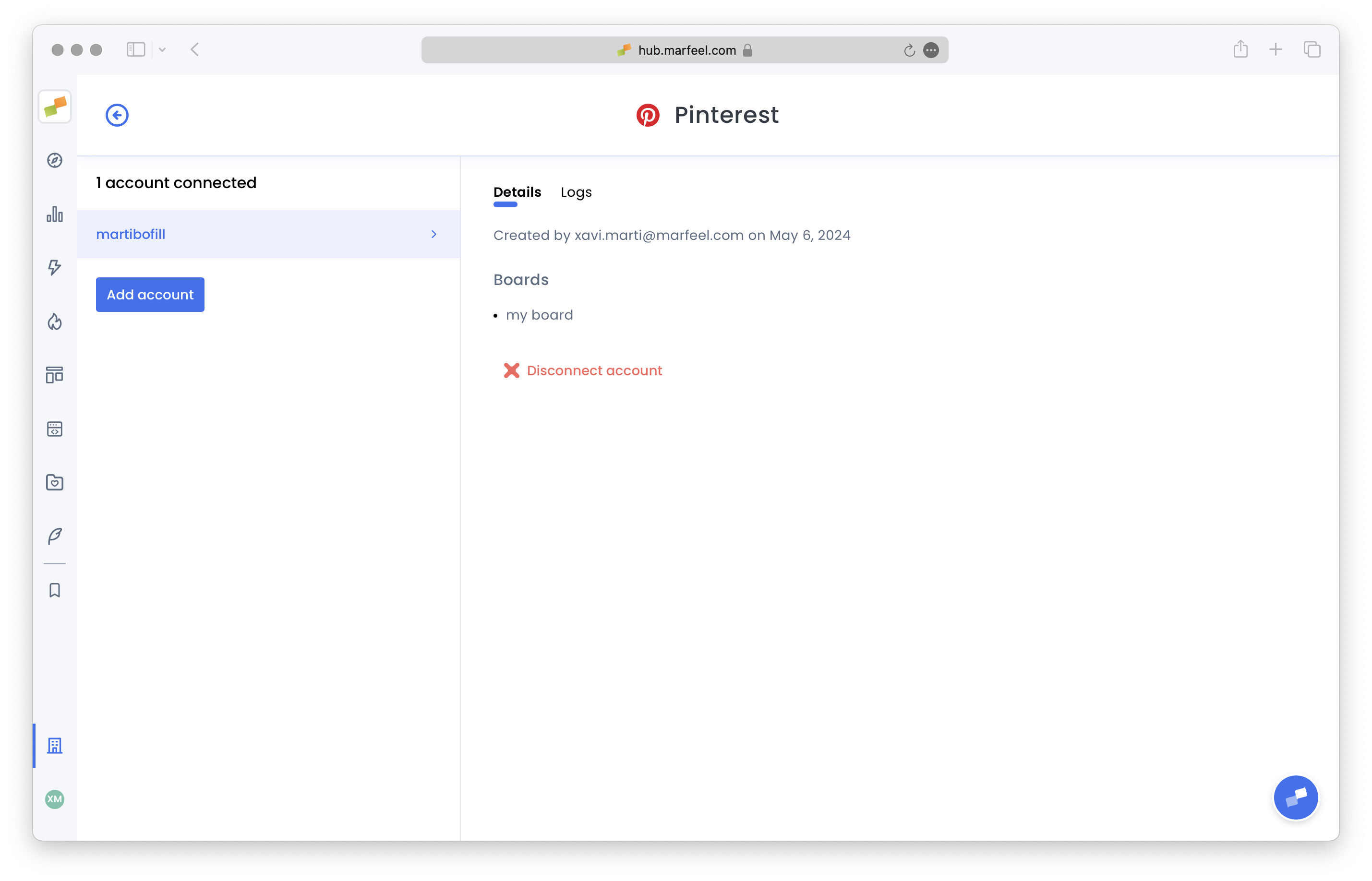
The integration is now complete. The list of Pinterest boards for the connected account is displayed.