

Set up the X (Twitter) integration
The X (formerly Twitter) integration connects your X account to Marfeel, letting you import data from all tweets that share your articles. This includes real-time engagement metrics: posts, replies, retweets, likes, and followers. All imported data is available in the Explore module and Compass playbook.
You can also use this integration to post to your X/Twitter accounts directly from within Marfeel.
For a deeper dive on the social media module and how to get the most out of it, see the user guide.
Set up the X/Twitter integration
Section titled “Set up the X/Twitter integration”-
Go to the Organization icon in the sidebar, select
Integrations, and navigate to the “Social” section.
-
Click
Connectin the X integration box. You will see the following authorization prompt: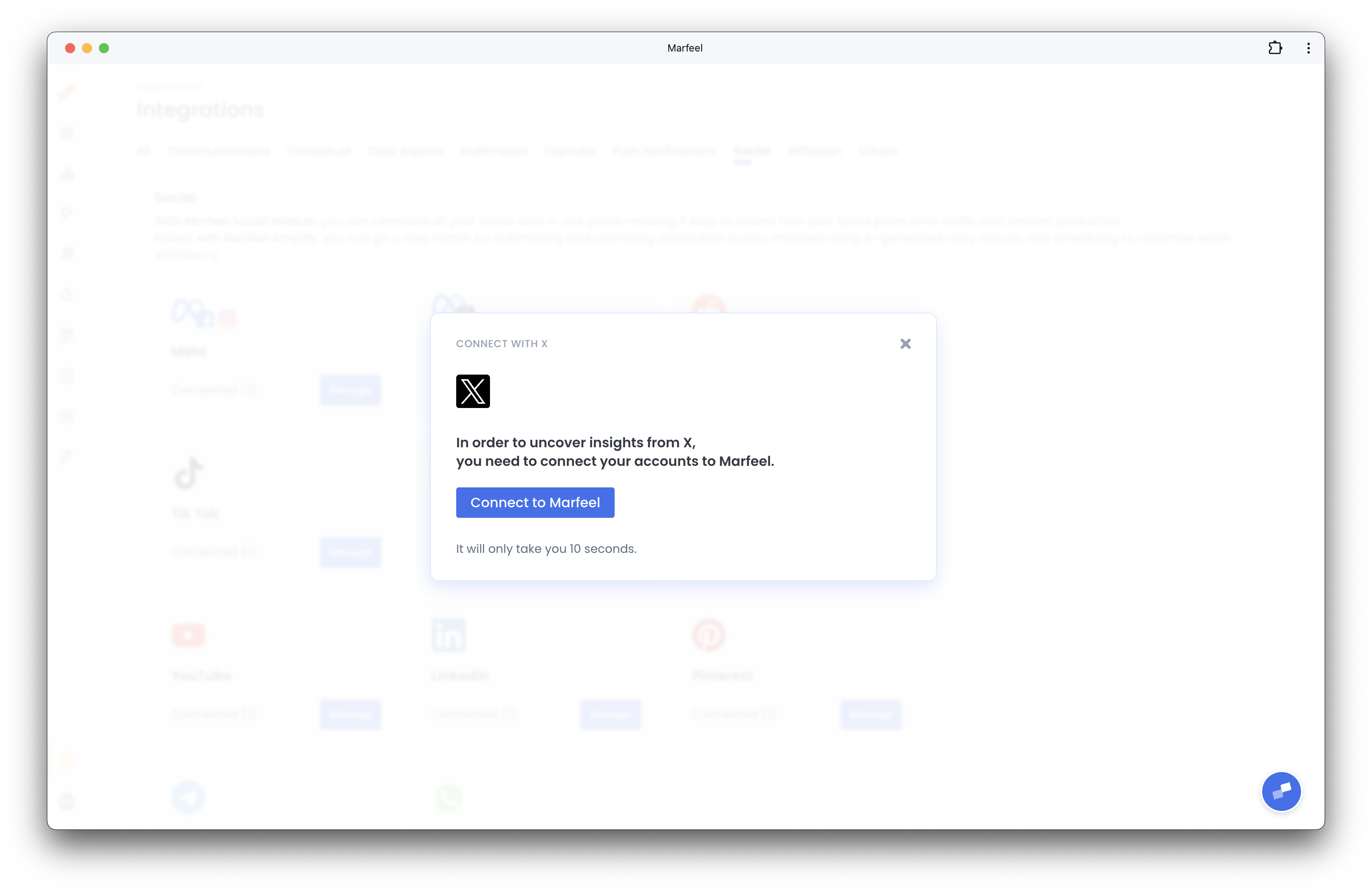
-
Click
Connect to Marfeeland thenAuthorize App.
-
The integration is now complete. You will be redirected to the integration screen confirming the connection.
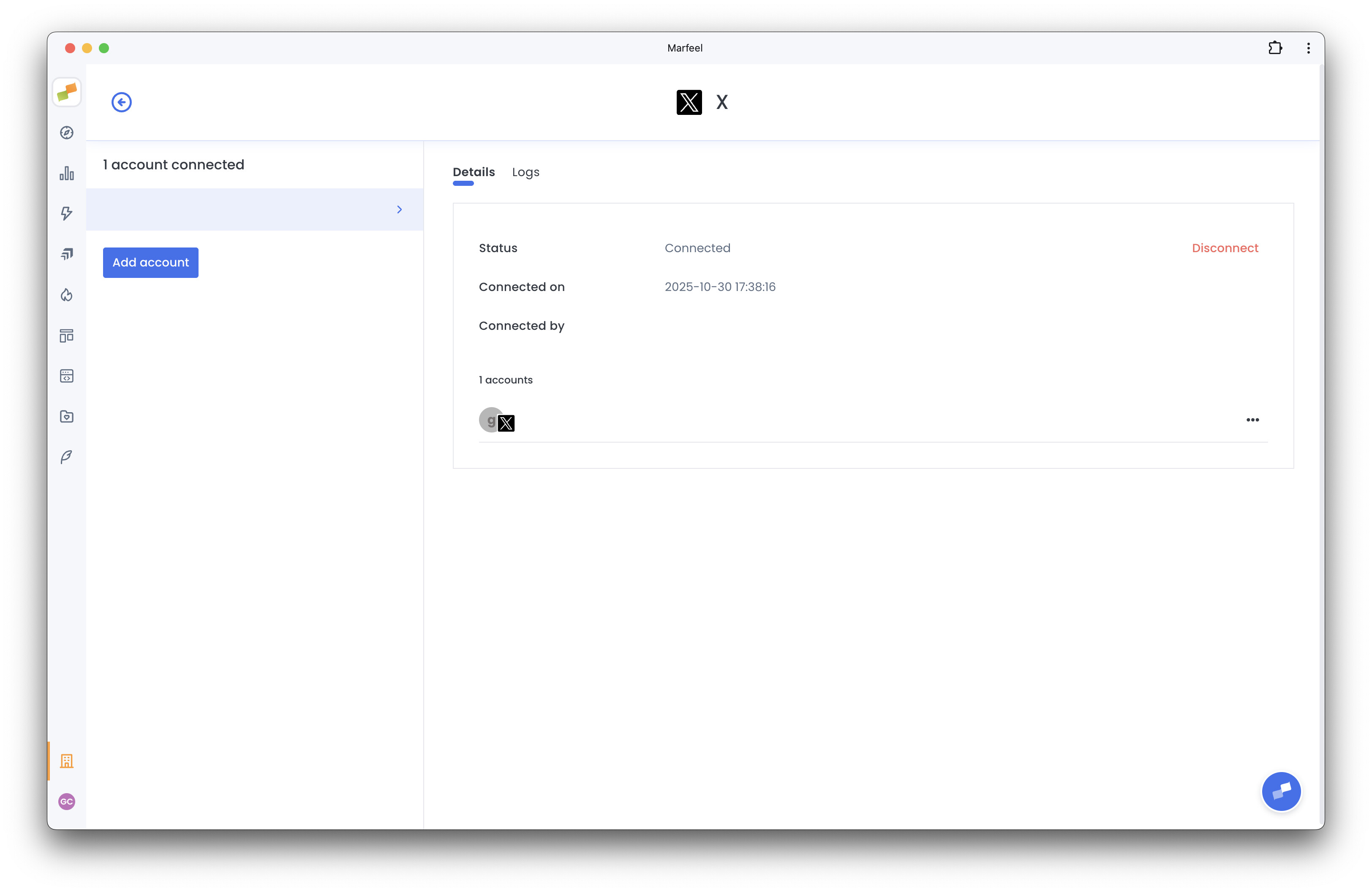
The same Integrations page lets you connect other platforms such as TikTok, Facebook, LinkedIn, and more. Once connected, you can review all social metrics and dimensions across your accounts in one place.
What data does the X (Twitter) integration import into Marfeel?
The integration imports real-time engagement metrics from all tweets sharing your articles, including the number of posts, replies, retweets, likes, and followers. All data is available in the Explore module and Compass playbook.
Can I post to X/Twitter directly from Marfeel?
Yes. The X (Twitter) integration also supports posting to your X/Twitter accounts from within Marfeel.
Where do I find the X integration settings?
Go to the Organization icon in the sidebar, select Integrations, and navigate to the Social section. The X integration box will have a Connect button to start the setup.