

How to set up the Bluesky integration
The Bluesky integration connects your Bluesky accounts to Marfeel so you can detect posts, monitor engagement, and track interactions from a single dashboard.
Set up the Bluesky integration
Section titled “Set up the Bluesky integration”-
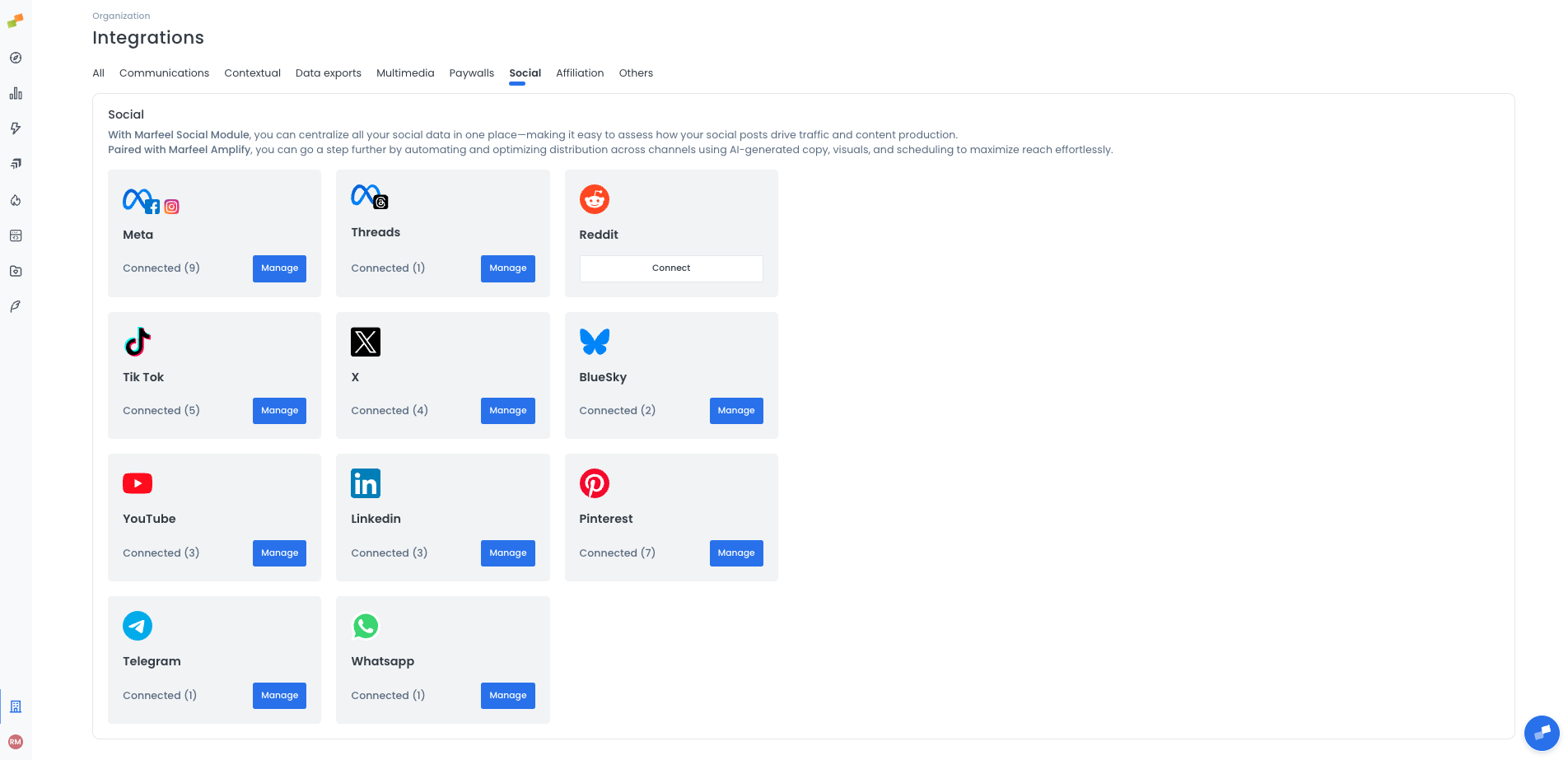
Go to the Organization icon in the sidebar and select Integrations. Navigate to the
Socialsection. -
Click
Connecton the BlueSky card. If you already have connected accounts, the button showsManageinstead.
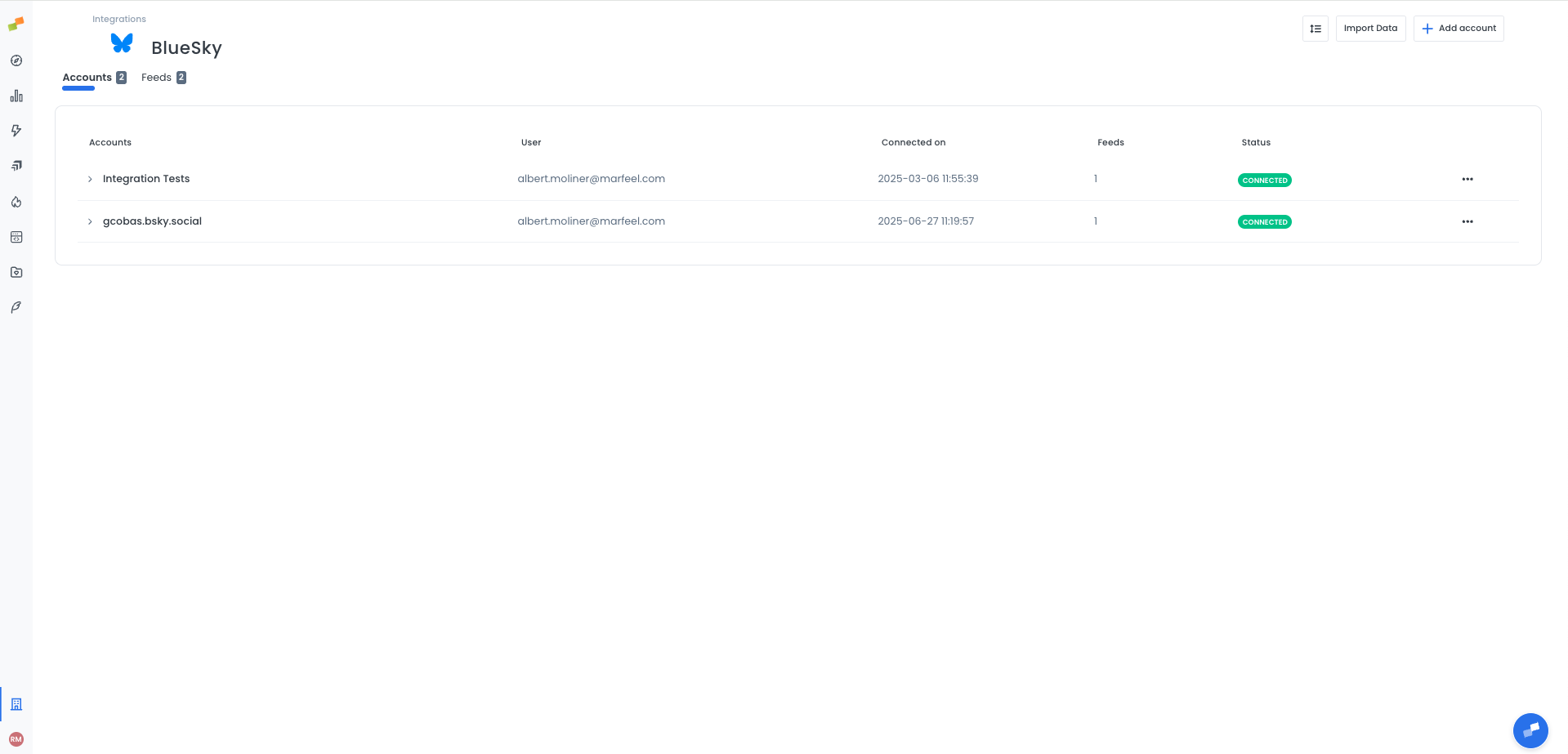
- In the BlueSky integration page, go to the Accounts tab. Then, click on
Add Accountin the top right
Generate an app password in Bluesky
Section titled “Generate an app password in Bluesky”-
In Bluesky, go to Settings → Privacy and security → App passwords.
App password can be found here. -
Click Add App Password and give it a name (e.g., “Marfeel”).
-
Copy the generated password. You will not be able to see it again.
Add the account in Marfeel
Section titled “Add the account in Marfeel”- In the BlueSky integration page, go to the
Accountstab. - Click
+ Add accountin the top right. - Enter your Bluesky handle in the Identifier field (e.g.,
yourhandle.bsky.social). - Paste the app password in the App password field.
- Click
Confirm.
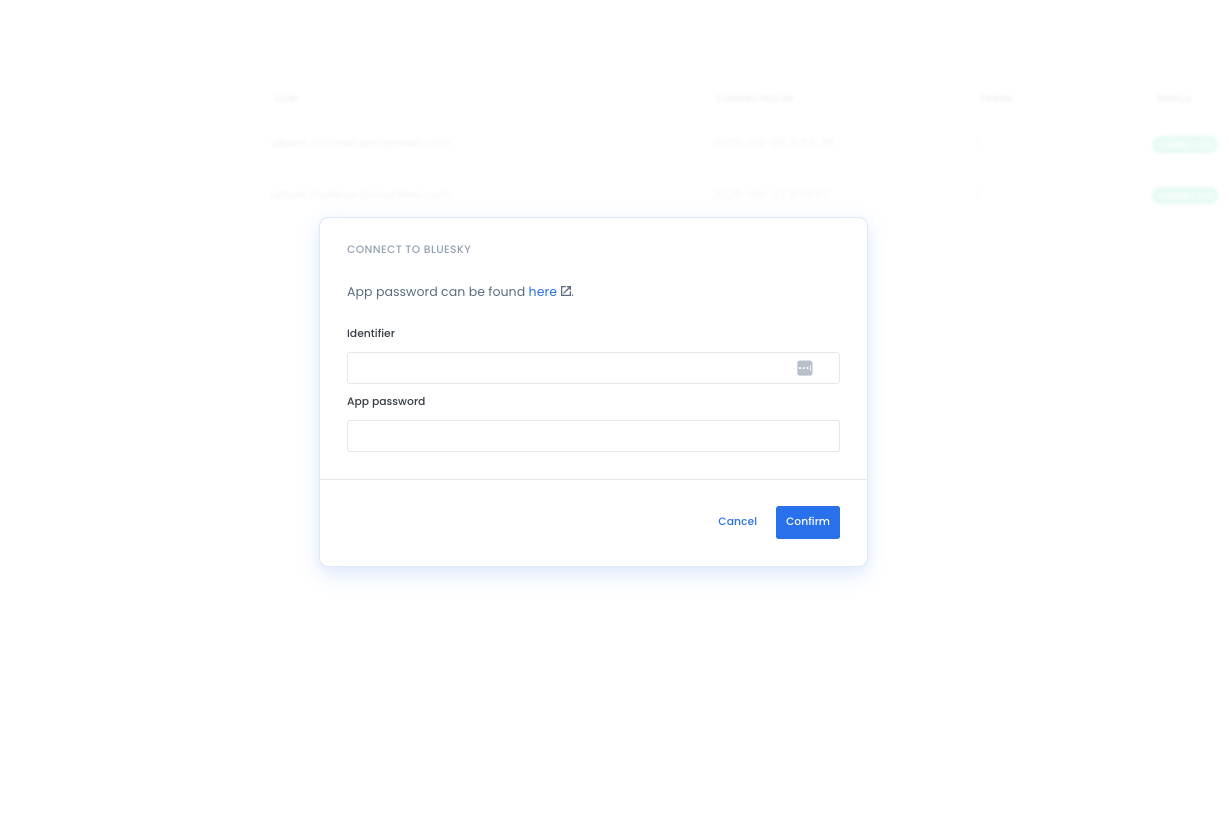
Important: Do not use your regular Bluesky login password. The connection requires an app password generated from Bluesky settings. Regular passwords will not work.
Going deeper
Section titled “Going deeper”- Social media integration setup and management
- Amplify content distribution
- Social analytics user guide
What is the difference between Accounts and Feeds in the Bluesky integration?
Feeds are for monitoring: Marfeel tracks posts and engagement metrics from the handles you add. Accounts are for publishing: they connect to Bluesky through an app password so you can publish posts via Amplify.
Why does Bluesky require an app password instead of my regular password?
Bluesky uses app passwords to grant third-party services limited access to your account without exposing your main login credentials. Generate one in Bluesky under Settings → Privacy and security → App passwords.