

How Marfeel attributes traffic to sources and mediums
Marfeel collects, processes, and attributes every visit to a specific traffic source and traffic medium. Users arrive through advertising campaigns, search engines, social networks, AI platforms, and direct access. Each session carries exactly one campaign, one traffic source, and one traffic medium.
If new campaign or traffic source values are sent to Analytics during an existing session, the current session ends and a new session starts.
The attribution process follows three steps:
- Collection via the SDK. Parameters like the referral, campaign, user agent, and session id are sent to Marfeel.
- Processing. Collected values populate the final report dimensions according to a processing logic and matching tables.
- Reporting.
When UTM parameters are present, they take precedence over the default attribution logic described below. See custom traffic attributions via UTM tags for details.
Below is a breakdown of the most relevant traffic mediums and sources.
Search
Section titled “Search”Search-engine referral data is processed by comparing the hostname and query parameter of the document referrer field to a list of known search engines and their query parameters.
Users who arrive at your website or application from a link on Google Search.
Google Discover
Section titled “Google Discover”Users who arrive at your website or application from a link on Google Discover.
Google Showcase
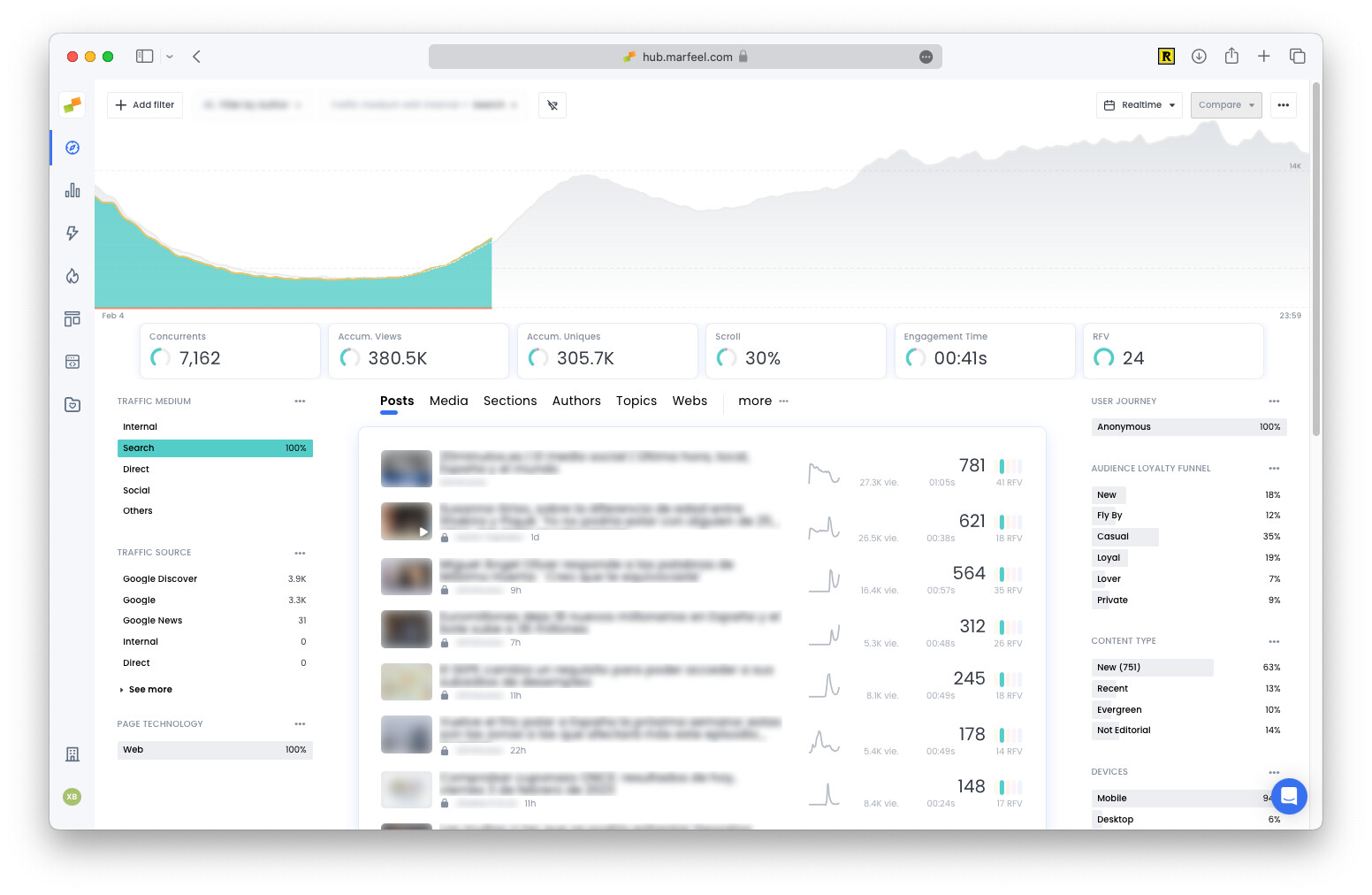
Section titled “Google Showcase”Users who arrive at your website or application from a link on Google Showcase, which is identified as a traffic source. Marfeel helps publishers identify whether the traffic comes from Google News or from Discover by including them as traffic mediums under Other.
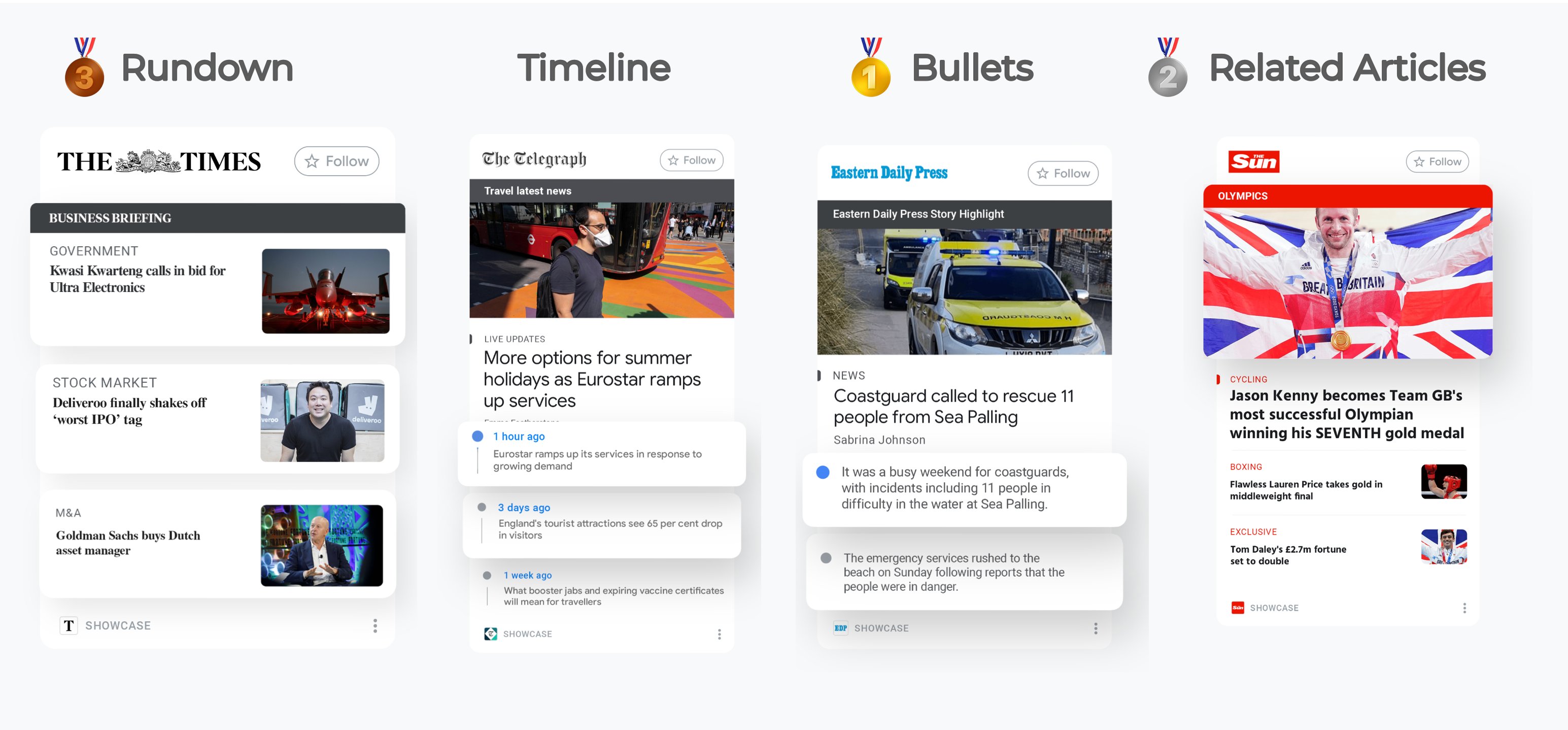
Publishers can personalize the type of card used to display content on Google Showcase.
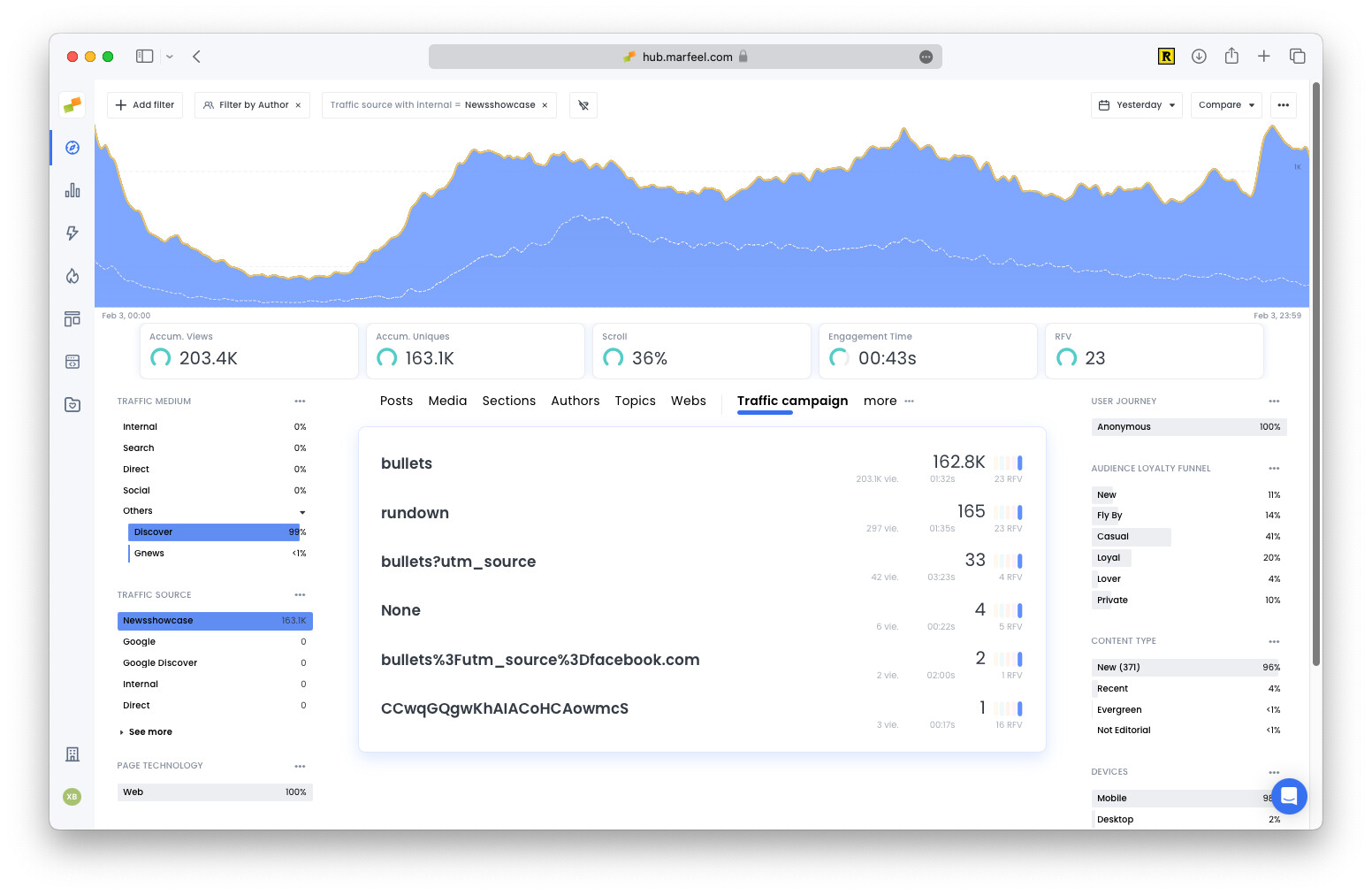
Marfeel reports the type of card that brought the visit in real time on the Campaign dimension.
Social
Section titled “Social”Social network referral data is processed by comparing a list of known social networks to the hostname set in the document referrer field and user agent parts.
Users who arrive at your website or application from a link on Facebook.
Dark Social
Section titled “Dark Social”Dark Social describes direct traffic from mobile and desktop devices visiting long URLs that are assumed to have been shared through private messaging platforms, such as Facebook Messenger, WhatsApp, or Telegram. These platforms were traditionally mobile, but their desktop versions have grown significantly. Marfeel applies the same attribution criteria for mobile and desktop traffic presenting the same attributes.
Traditional analytics tools cannot accurately track this type of traffic. Dark Social is, however, a high-quality signal: two humans have curated the relevance of the content, the person who shared it and the person who received the link.
Articles with a higher percentage of Dark Social traffic can be good candidates for your homepage, newsletter, or push notifications.
If you see a Dark Social spike or exceptionally high Dark Social, it might be related to untagged push notifications or native applications. Check the troubleshooting section.
Users who arrive at your website or application from a link on Instagram.
Google Paid Campaigns
Section titled “Google Paid Campaigns”A session is processed as a paid-search referral when custom campaign parameters or Google Ads / Google Marketing Platform click IDs are used in the ad’s destination URL and are sent to Marfeel.
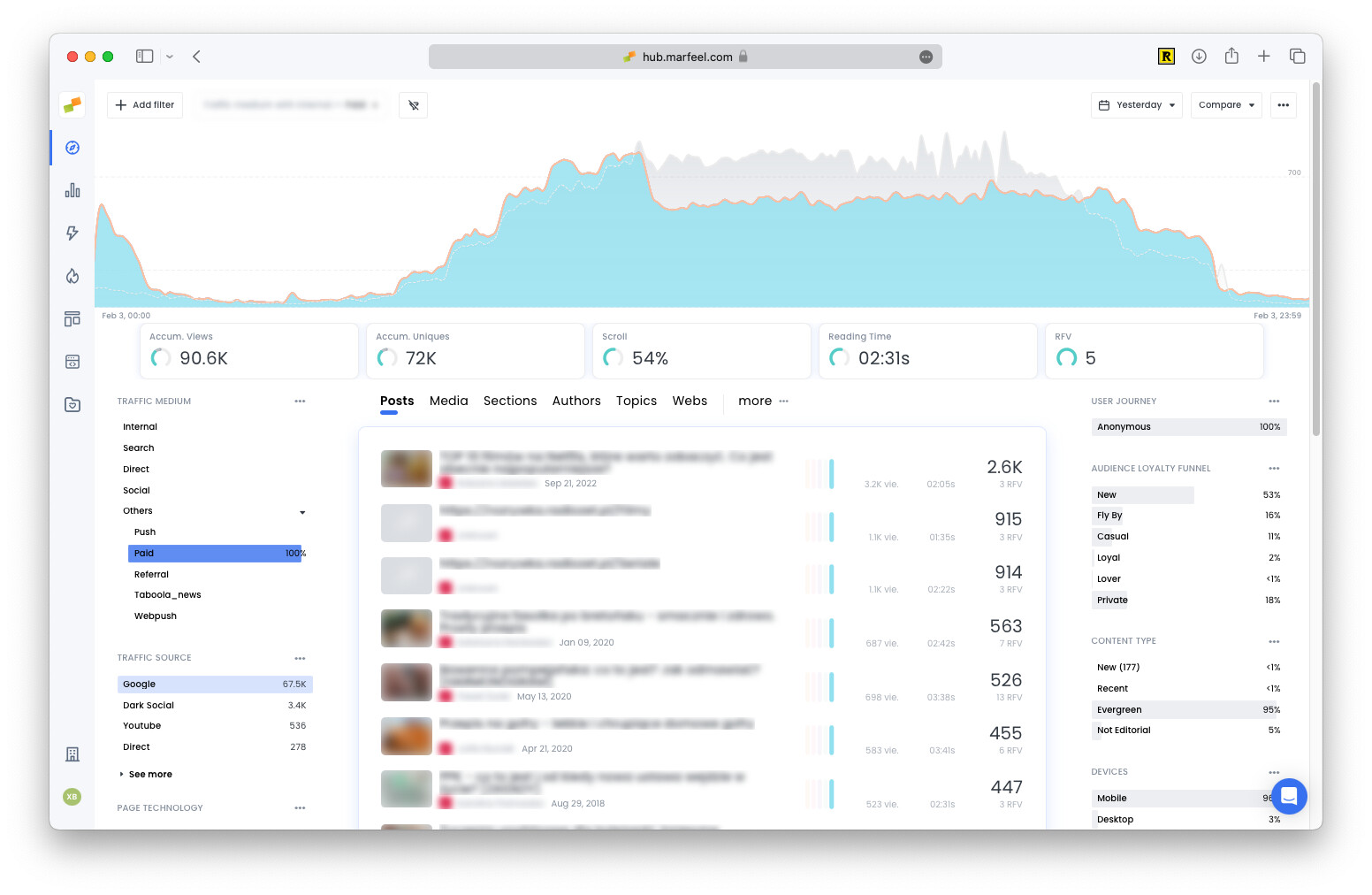
Note: If a paid link is shared, the recipient will compute as Paid darksocial.
Facebook Paid Campaigns
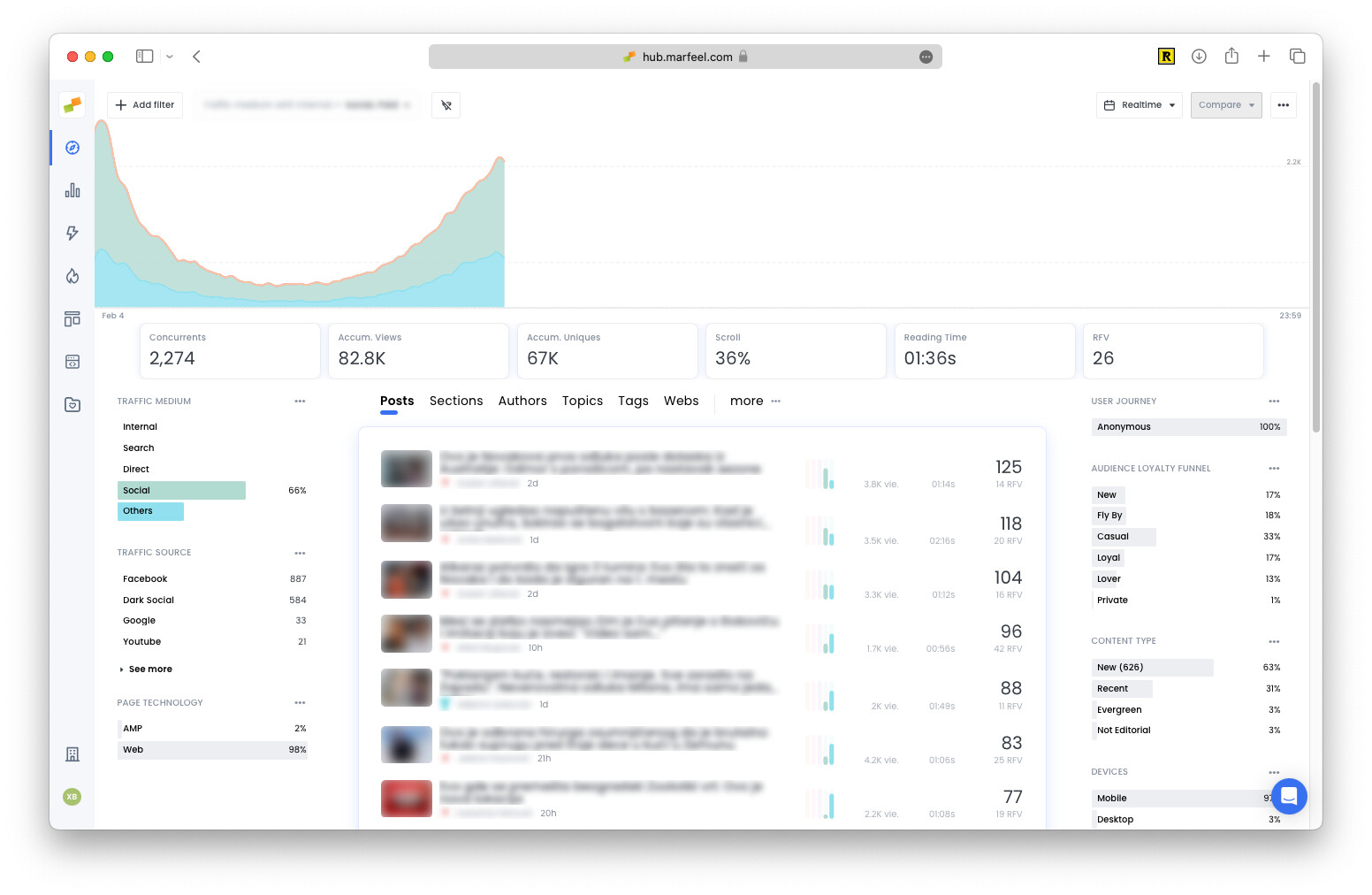
Section titled “Facebook Paid Campaigns”A session is processed as a paid-facebook referral when custom UTM parameters are used. In these cases the Facebook source shows two mediums, with organic traffic included under Social Media and ad traffic under Other > Paid:
Google Shopping
Section titled “Google Shopping”A session is processed as a paid-google shopping referral.
Direct
Section titled “Direct”A session is classified as direct traffic when no referral source information is available. The most common cause is the user typing the domain into the browser address bar.
Marfeel also identifies certain other types of traffic as direct, such as traffic from Bookmarks. Direct > Bookmark gives visibility of URLs that users are saving (such as sports scores pages or stock market charts) or that are visited multiple times and the browser starts to recommend.
Referral
Section titled “Referral”A session is processed as referral based on the precedence host.
If you see self-referrals from your own domains, it might be due to internal redirections or delayed Marfeel SDK loading times. Check the troubleshooting section.
xxx.ampproject
Section titled “xxx.ampproject”Self-referring sessions from your AMP pages recirculating to your web version.
Marfeel automatically detects and classifies visits from over 20 major AI-powered platforms as traffic sources. These are grouped under the unified traffic medium AI, enabling precise filtering and trend analysis.
Google AI Overviews
Section titled “Google AI Overviews”Traffic from AI-generated content summaries in Google and Google Discover is identified when possible as Traffic Medium = AI & Traffic Source = Google or Traffic Source = Google Discover using URL signals.
Note that not all citation links have proper tagging and there might be data gaps.
ChatGPT
Section titled “ChatGPT”Visits from ChatGPT are tracked and labeled as Traffic Source = ChatGPT and Traffic Medium = AI for clear visibility.
Other AI Platforms
Section titled “Other AI Platforms”Traffic from platforms like Perplexity, Claude, Gemini, Microsoft Copilot, You.com, and others is also categorized under the AI medium.
Use this data to optimize your content for AI visibility and understand how different AI platforms impact your audience reach.
What happens when campaign or traffic source values change mid-session?
Each session can be attributed to only one campaign, traffic source, and traffic medium. If new campaign or traffic source values are sent to Analytics during an existing session, the current session ends and a new session starts.
What is Dark Social traffic in Marfeel?
Dark Social describes direct traffic from mobile and desktop devices visiting long URLs assumed to have been shared through private messaging platforms such as Facebook Messenger, WhatsApp, or Telegram. This traffic cannot be accurately tracked by traditional analytics tools, but it signals high-quality engagement because two people curated the content: the sharer and the recipient.
How does Marfeel classify AI traffic?
Marfeel automatically detects and classifies visits from over 20 major AI-powered platforms as traffic sources. These are grouped under the unified traffic medium AI, covering platforms like ChatGPT, Perplexity, Claude, Gemini, Microsoft Copilot, and Google AI Overviews.