

Troubleshooting Raw Data Exports
The quickest way to diagnose Raw Data Exports issues is to check the data stream logs. These logs surface credential failures, upload errors, and export history so you can identify and resolve problems without contacting support.
To monitor the data stream:
- Go to Integrations, select your data stream integration (Google Cloud Storage or Amazon S3), and click
Manage. - Open the
Logstab to review the full exports history, including any failed or pending uploads: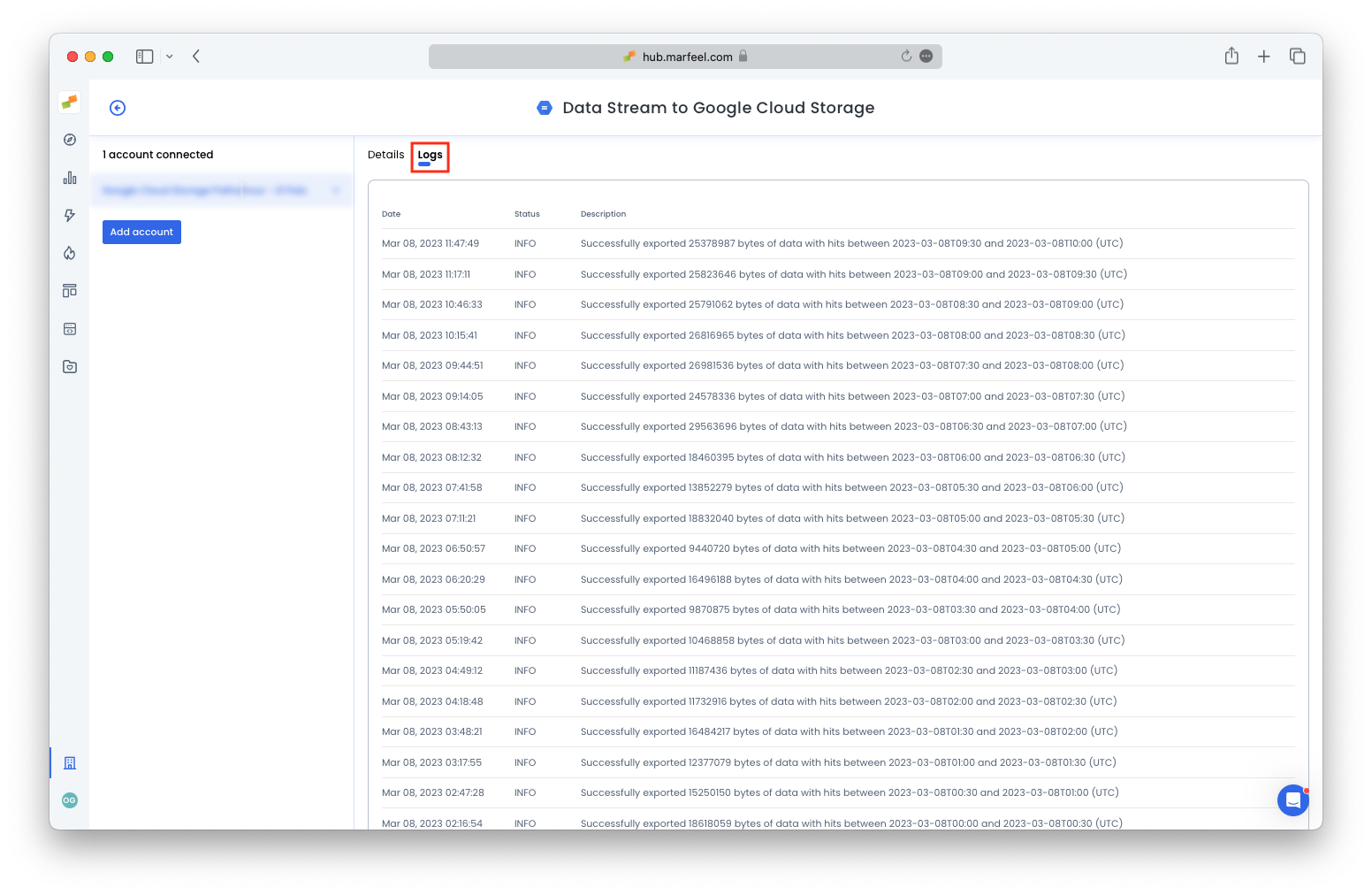
Learn more about other data export options in the Data Exports user guide.