

Favicons for multi-site accounts in Compass
Favicons let multi-property organizations, blog networks, and any organization operating across multiple sites identify which domain hosts each piece of content. These small, clickable icons appear throughout Compass and correspond to different domains or sub-domains that have a unique identity or brand. They provide context for overall performance and property-specific strategy, helping teams working cross-sectionally.
Article domains at a glance
Section titled “Article domains at a glance”In the Compass dashboard, favicons appear next to each post. They serve as a visual cue so anyone working across multiple sites can see which content corresponds to which property or domain:
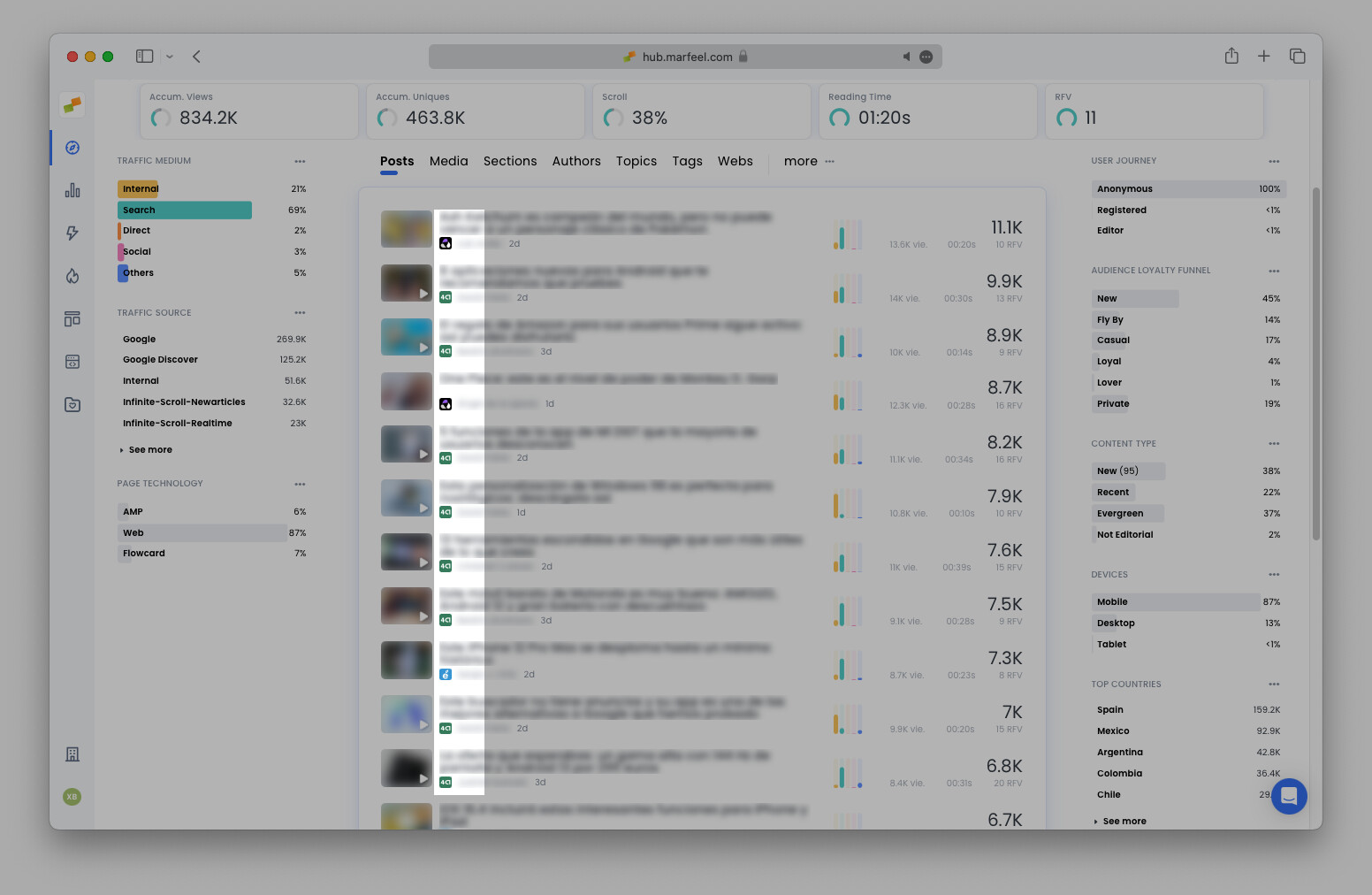
Click the favicon of any article to automatically filter the view to that domain, just as you can click an author name to filter by author.
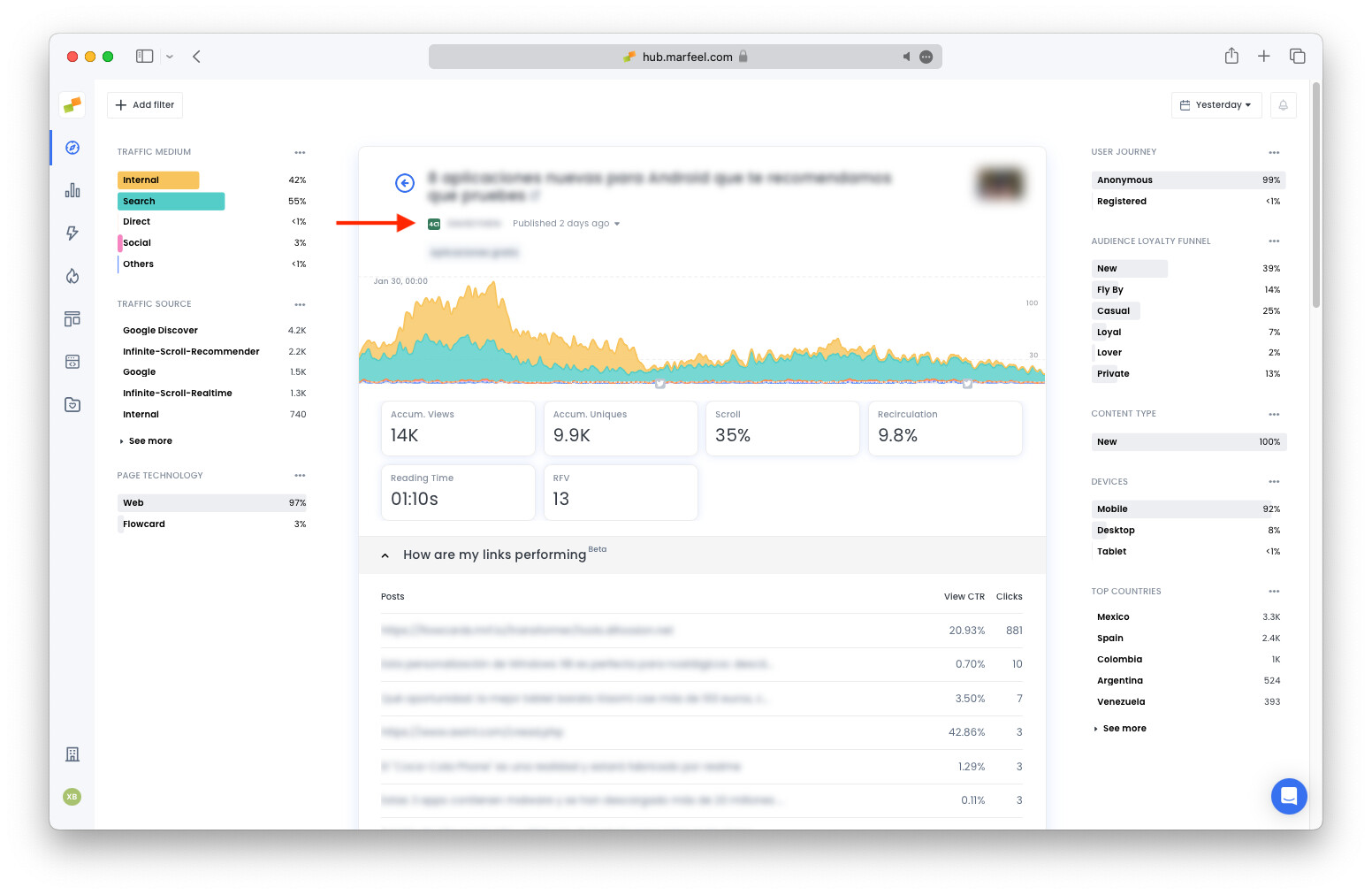
The favicon also appears at the top of the article detail view alongside all other pertinent information for that article:
Big screen mode
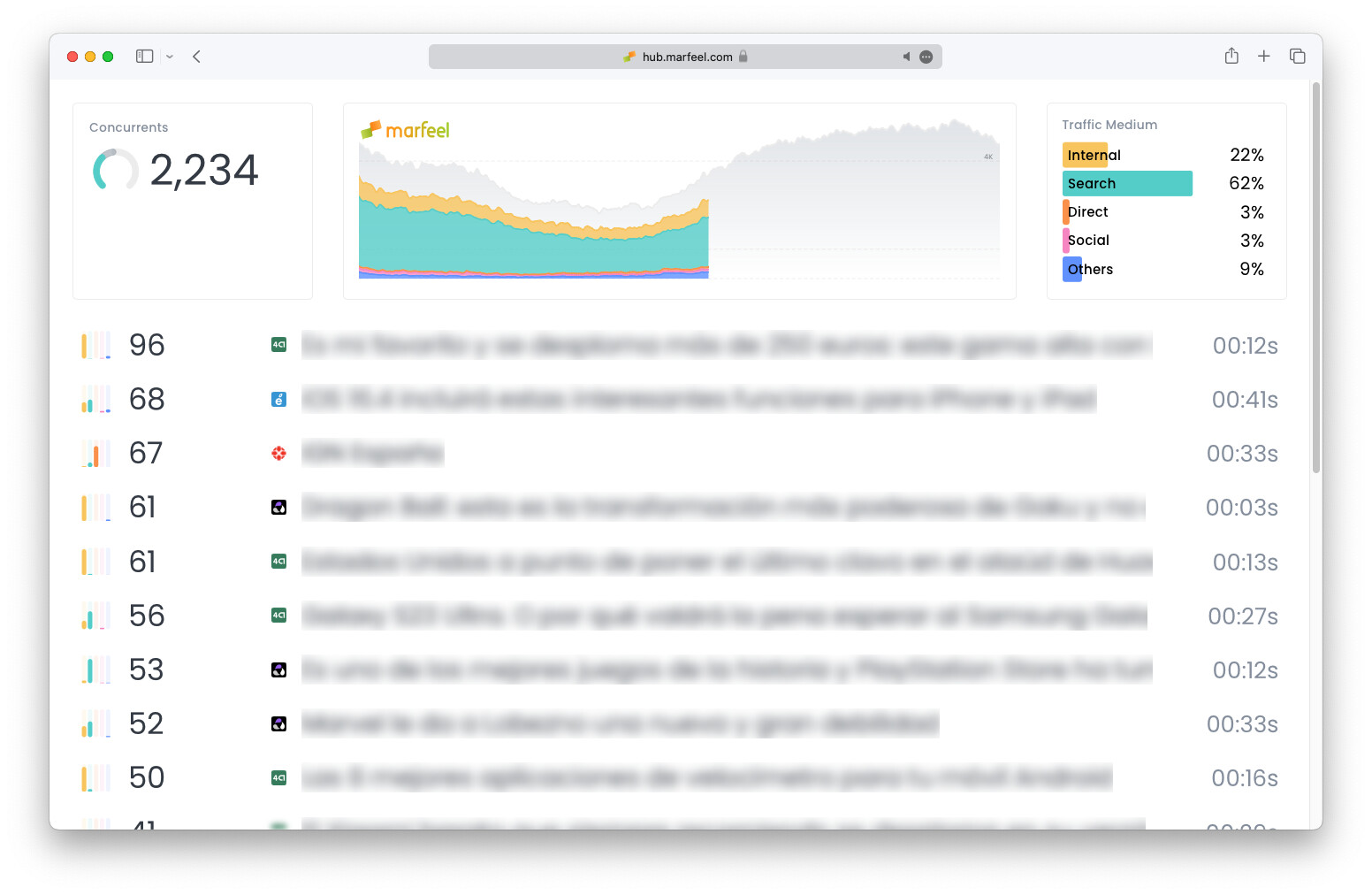
Section titled “Big screen mode”Favicons are also incorporated into big screen mode, making host information available front and center to everyone in the newsroom:
Good Morning playbook
Section titled “Good Morning playbook”Favicons appear in the Good Morning playbook as well, showing which domains hosted the top stories from yesterday along with other daily insights. Click on any favicon to filter Good Morning playbook reports by host.
Deepen understanding of domains
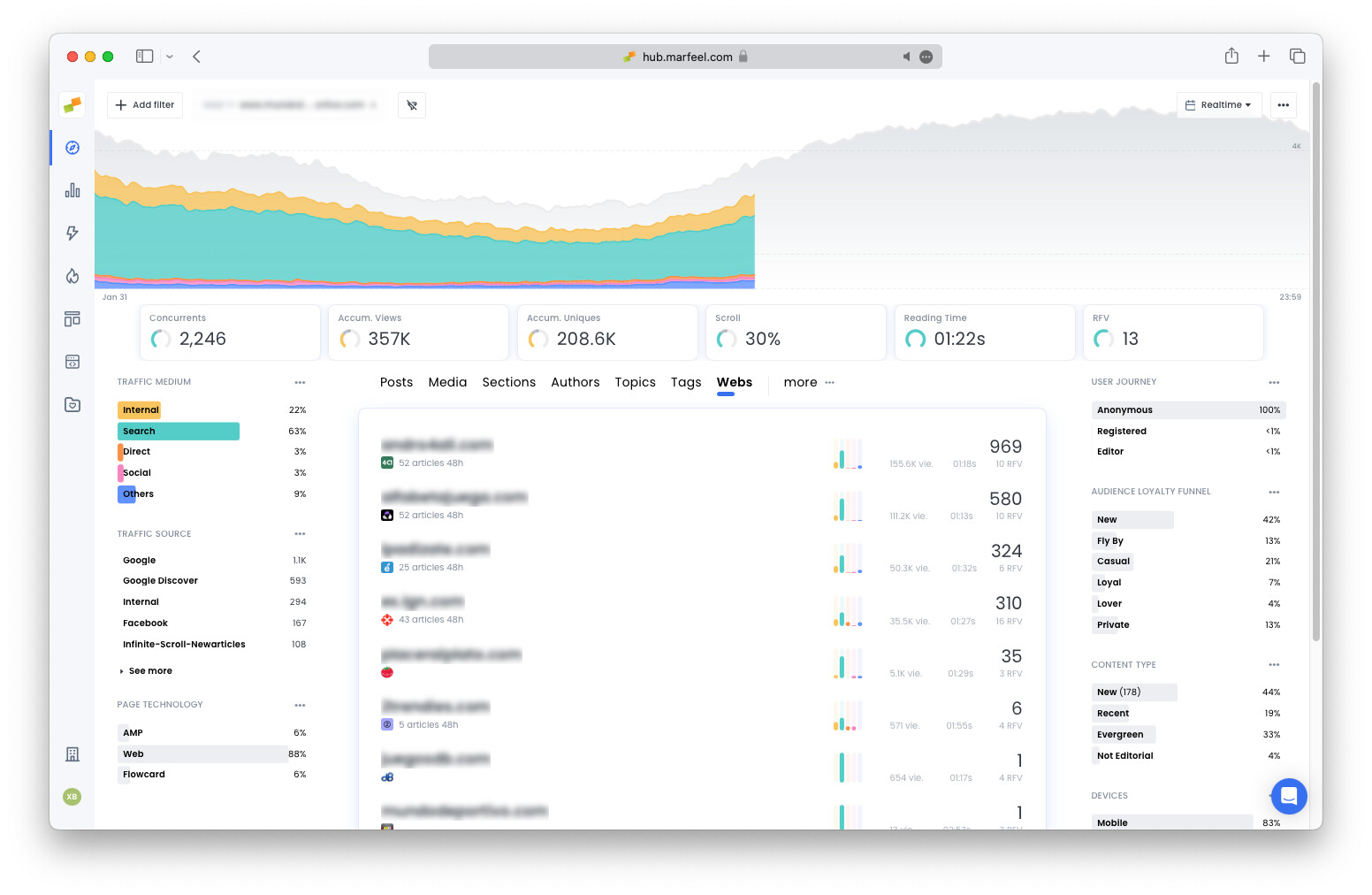
Section titled “Deepen understanding of domains”Find favicons under the Webs tab in Compass, where all organization domains are listed. Click on any host to filter by domain name and reveal all the metrics corresponding to that property in real time or historically:
When are favicons displayed?
Section titled “When are favicons displayed?”Favicons appear automatically on any site with multiple domains. All multi-property organizations see them by default in every location described above. If all content in a given view belongs to the same domain, favicons are hidden to reduce unnecessary visual clutter.
For example, if you click the favicon for an article hosted on Domain A, all content from Domains B and C is filtered out. Because only Domain A content remains, favicons are hidden since there is no longer a need to distinguish between domains.
Hide favicons
Section titled “Hide favicons”To disable favicons on Compass, go to Organization settings > Playbooks > Compass > Post metrics and uncheck Show favicons.
Frequently asked questions
Section titled “Frequently asked questions”When are favicons displayed in Compass?
Favicons appear automatically on any site with multiple domains. All multi-property organizations see them by default. If all content in a given view belongs to the same domain, favicons are hidden to reduce visual clutter.
How do you filter by domain using favicons?
Click the favicon next to any article in the Compass dashboard to filter the view to that domain only. The same click-to-filter behavior works in big screen mode, the Good Morning playbook, and the Webs tab.
Can you disable favicons in Compass?
Yes. Go to Organization settings > Playbooks > Compass > Post metrics and uncheck Show favicons.