

Traffic source vs. traffic medium explained
Traffic source and traffic medium are two complementary metrics that reveal where your visitors come from and how they reach your site. Traffic sources show the specific origin (e.g., a link on Facebook), while traffic mediums classify the broader channel type (e.g., Social). Understanding both helps you make informed decisions about your content strategy and optimize for maximum visibility.
Marfeel provides insights into these questions with the metrics Traffic medium and Traffic source. Each traffic source belongs to a broader traffic medium. For example, for a visitor who accesses your website via a Google search result, “Google” is the traffic source and “Search” is the traffic medium.
| Medium | Source |
|---|---|
| Social | Facebook, Twitter, Dark social, etc |
| Search | Google, Bing, Google Discover, Google News, Google Showcase, etc |
| Internal | Home page modules, navigation bars, hyperlinks, refresh, etc |
| Direct | No source attribution (see below) |
| Others - Referral | Taboola, another site within your network, etc |
| Others - Push | Onesignal, etc |
| Others - Paid | Facebook ads, Google Adwords, etc |
For a deeper look at how Marfeel classifies and processes these values, see the Marfeel traffic attribution model.
🎓 Become a Realtime expert Learn how to monitor your live audience, spot trends early, and make data-informed editorial decisions with our Realtime Fundamentals Course.
✅ Real-time decision making ✅ Actionable use cases ✅ Certificate of completion included
🧠 Start now on Marfeel Academy.
What is a traffic medium?
Section titled “What is a traffic medium?”A traffic medium is the type of channel a visitor used to reach your website. It answers the question: “How did this visitor get here?”
Examples of traffic mediums include:
- Search: Visitors who found your website through an organic (unpaid) search engine result.
- Paid: Visitors who found your website through a paid search engine result, such as a Google AdWords campaign.
- Internal: Also known as recirculation traffic, internal traffic counts users who are at least on their second page view of your website. Read more about internal traffic.
- Direct: Visitors who typed your website’s URL directly into their browser or clicked on a bookmark.
- Social: Visitors who accessed your website from a social media platform, such as Facebook or Twitter.
- Email: Visitors who accessed your website via an emailed link.
- Referral: Visitors who accessed your website via a link on another website.
What is a traffic source?
Section titled “What is a traffic source?”A traffic source is the specific origin of a visitor’s journey to your website. It answers the question: “Where exactly did this visitor come from?”
Examples of traffic sources include:
- Home page module: Marfeel identifies all the recirculated traffic from a given module on the home page. Other examples of
Internaltraffic sources include infinite scroll, side bars, navigation bars, recommended articles, etc. Read more about internal traffic. - Refresh: Pageviews generated when the page reloads, identified through the browser’s PerformanceNavigationTiming API. The traffic medium is
Internal. - Taboola: Indicates the visitors who accessed your content via a Taboola-generated recommendation. The traffic medium in this case would be
Referral. - Google Discover: The visitor found your content via their Discover feed. The traffic medium is
Search. - Facebook: When a visitor clicks an unsponsored link on Facebook, the traffic medium attribution is
Social. However, if the visitor clicks on a link in a Facebook ad, the source remains Facebook, but the traffic medium isPaid. - Google AdWords: A type of
Paidtraffic, visitors who access your site via a sponsored link on Google will be attributed to this source.
If you need to track custom campaigns or override default attribution, you can define your own source and medium values with UTM tags.
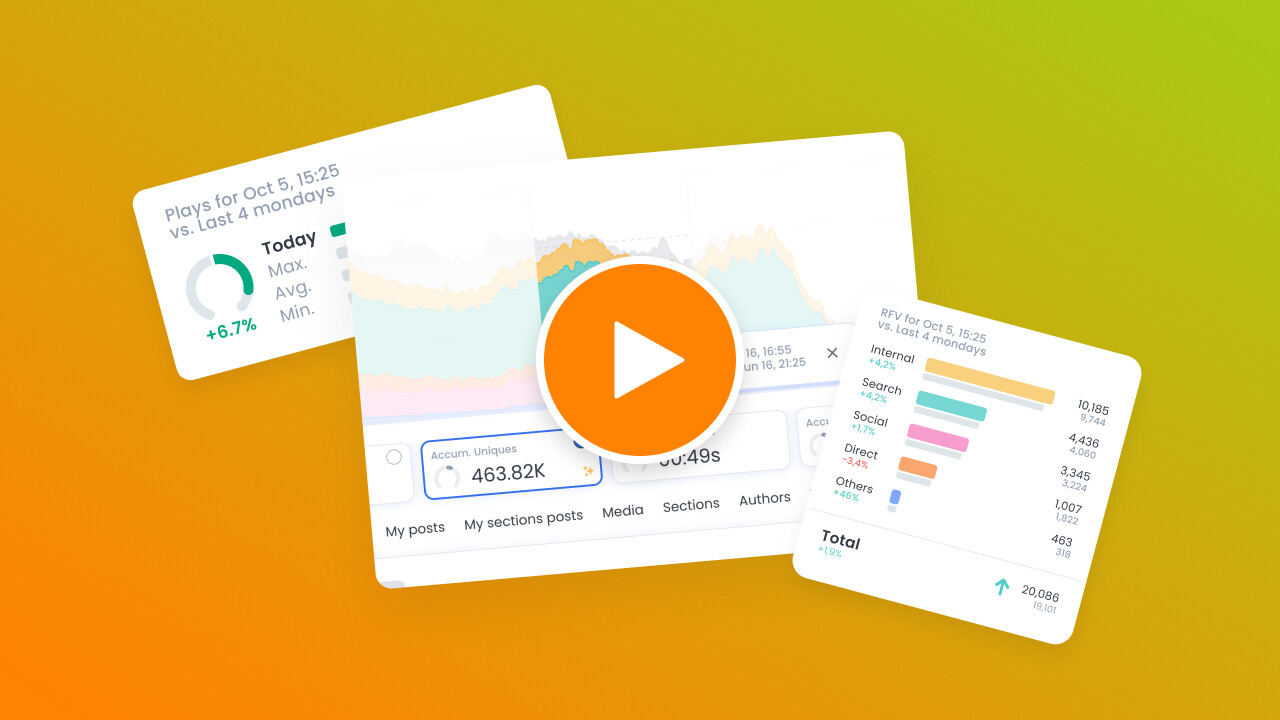
🎓 Master Realtime, step by step 📊 The video below is an excerpt from the Realtime Fundamentals course.
🧠 Discover more learning paths on Marfeel Academy.
Internal traffic
Section titled “Internal traffic”Internal traffic (also called recirculation traffic) counts users who are at least on their second page view of your website. These users clicked on an internal recirculation link to access the content they are viewing at that moment. Marfeel allows you to see which user interaction, module, or link generates internal traffic.
Traffic mediums update in real time. For example, if a user clicks on an article in their Facebook feed and lands on your website, the traffic medium of that page is attributed to “Social”. If that user then clicks on a second page on your site, the traffic medium attribution of the second page changes to “Internal”.
What is the difference between traffic source and traffic medium?
Traffic source identifies the specific origin of a visitor, such as Google, Facebook, or Taboola. Traffic medium identifies the broader channel type, such as Search, Social, or Referral. For example, if a visitor arrives via a Google search result, Google is the traffic source and Search is the traffic medium.
What traffic mediums does Marfeel track?
Marfeel tracks seven traffic mediums: Search (organic search engine results), Paid (sponsored ads), Internal (recirculation from within your site), Direct (typed URLs or bookmarks), Social (social media platforms), Email (emailed links), and Referral (links from other websites).
How does Marfeel handle internal traffic attribution?
Marfeel attributes traffic as Internal (also called recirculation traffic) when a user is on at least their second page view of your website. Traffic mediums update in real time, so a visitor who arrives from Facebook (Social) and then clicks to a second page is reclassified as Internal for that page view.