

Scroll depth and infinite scroll instrumentation
Compass measures how far down on the page the reader has gone. In order to decide what the end of an article is, Compass calculates it based on the following preferences:
- A visible tag with the class
mrf-article-body. - A visible tag with tagName
<article>(only applicable if there is only one of those). - The whole body of the page.
Infinite Scroll
Section titled “Infinite Scroll”Marfeel can track and attribute page views triggered by infinite scroll interactions. This instrumentation ensures that each dynamically loaded article is counted as a separate page view and attributed correctly in your analytics.
In order to do so, page views have to be tracked when the article is loaded.
window.marfeel = window.marfeel || { cmd: [] };window.marfeel.cmd.push(['compass', function(compass) { compass.trackNewPage({rs: 'infinite scroll'});}]);Infinite Scroll as internal traffic
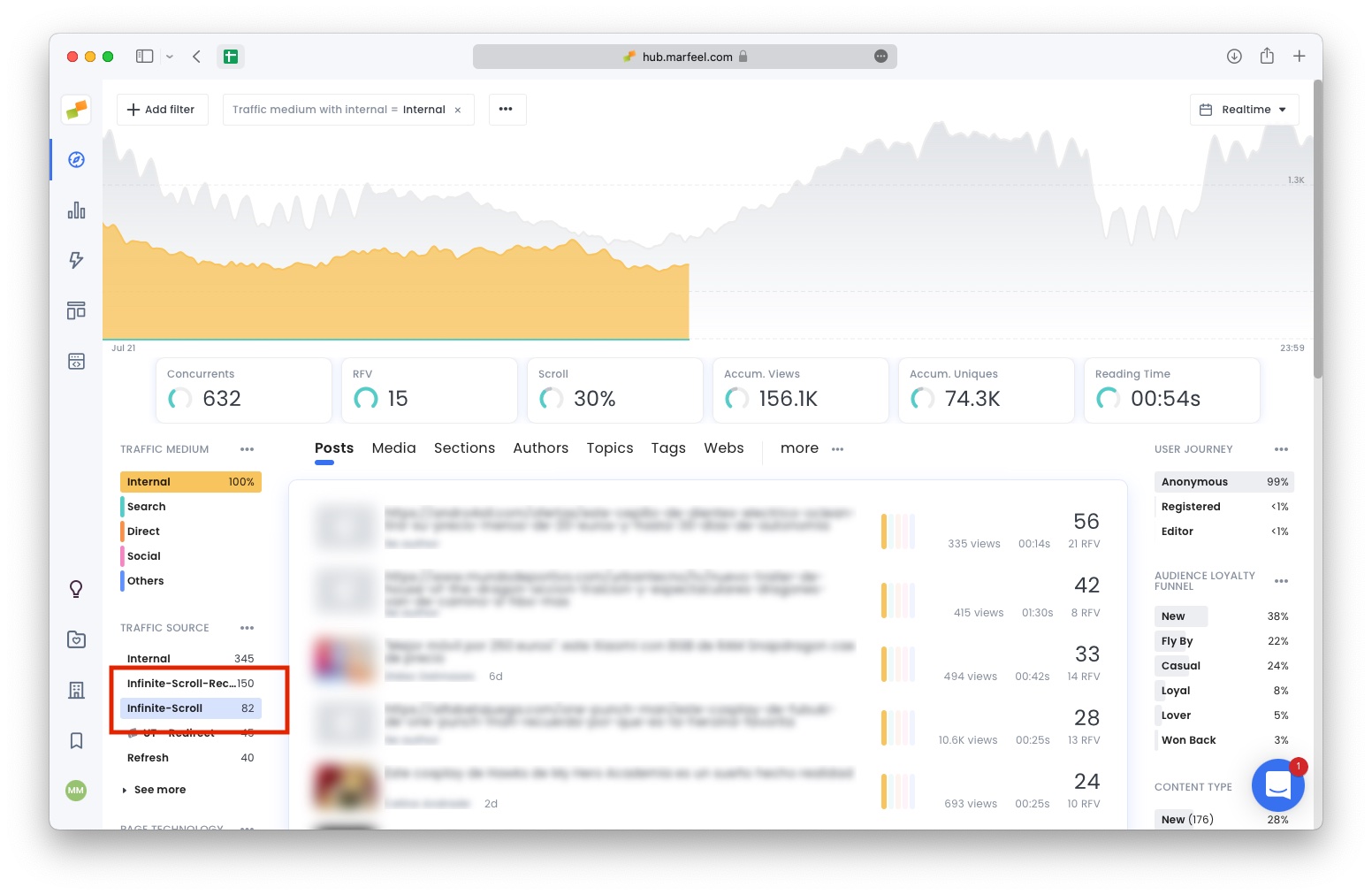
Section titled “Infinite Scroll as internal traffic”Once the instrumentation is in place, Marfeel provides a detailed attribution of how many page views infinite scroll contributes to your internal traffic. Infinite scroll appears as a traffic source and is available across the data warehouse. If you also track custom dimensions, you can combine them with infinite scroll data for deeper analysis.
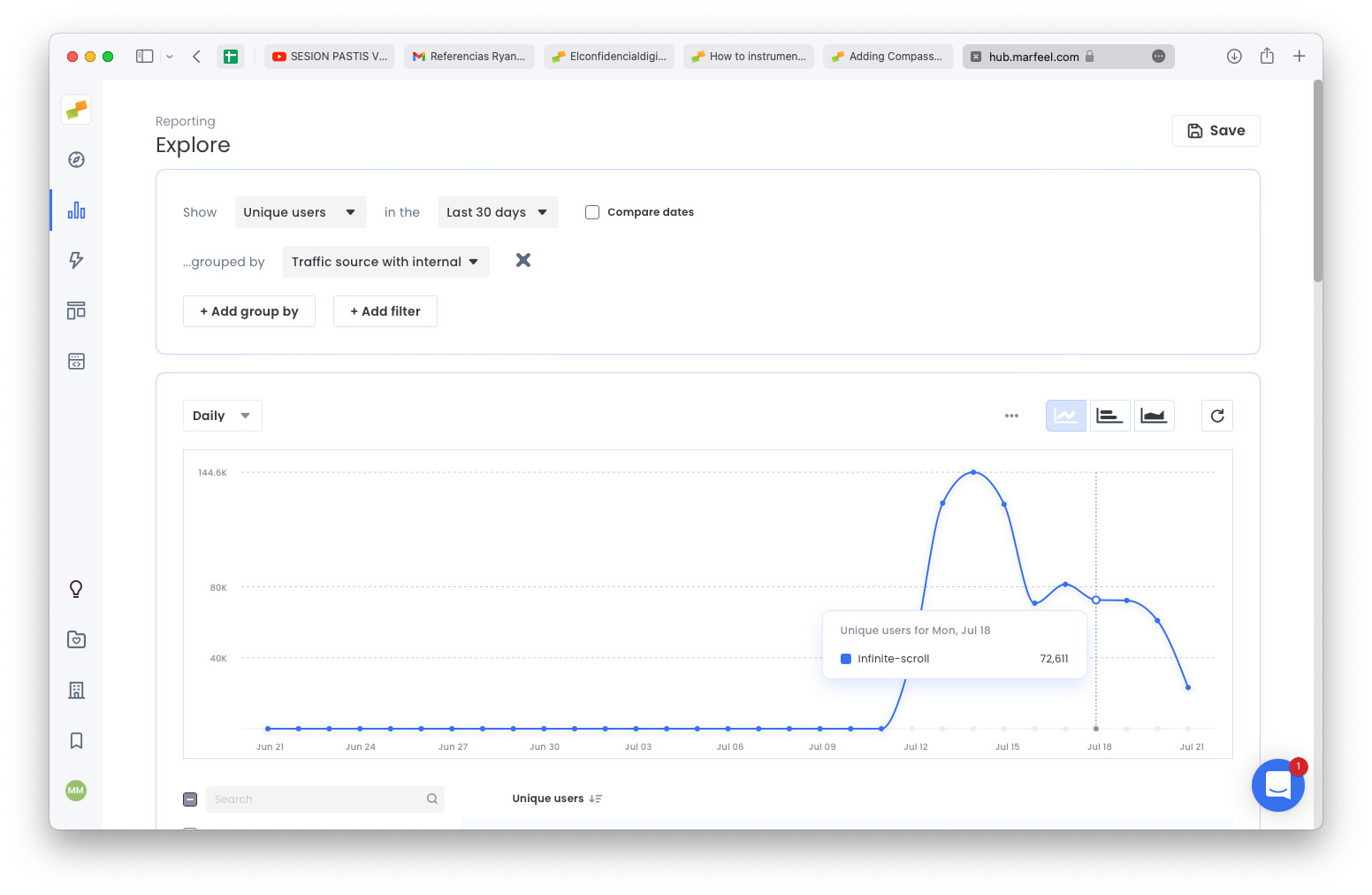
You can also filter on Explore or any of the other perspectives to see how the infinite scroll traffic evolves over time:
How does Compass determine scroll depth on a page?
Compass calculates scroll depth by identifying the end of an article using three preferences in order: a visible tag with the class mrf-article-body, a visible <article> tag (if only one exists), or the whole body of the page.
How do I track infinite scroll page views with Marfeel?
Call compass.trackNewPage with the parameter rs set to 'infinite scroll' each time a new article loads. This requires the Marfeel JavaScript SDK to be installed on your site.
Where does infinite scroll traffic appear in Marfeel analytics?
Once instrumented, infinite scroll appears as a traffic source under Internal traffic. You can filter it in Explore or other perspectives to see how infinite scroll traffic evolves over time.