

When does the Editorial Crawler crawl your pages
The Editorial Crawler crawls a URL and builds the editorial profile of a page using its metadata. Four situations trigger a crawl:
- First SDK hit. The crawler processes the URL as soon as the Marfeel SDK registers the first pageview.
- Content modification detected. A re-crawl fires when the
article:modified_timemeta property or thedateModifiedstructured data field changes. See the whole chain. Keep these fields up to date so both Marfeel and Googlebot always reflect the latest version. - Automatic retry on failure. If a crawl attempt fails, the crawler retries every 5 minutes for up to 200 attempts before giving up on the URL. Use the Editorial Crawler Inspector to check whether a specific page was crawled successfully.
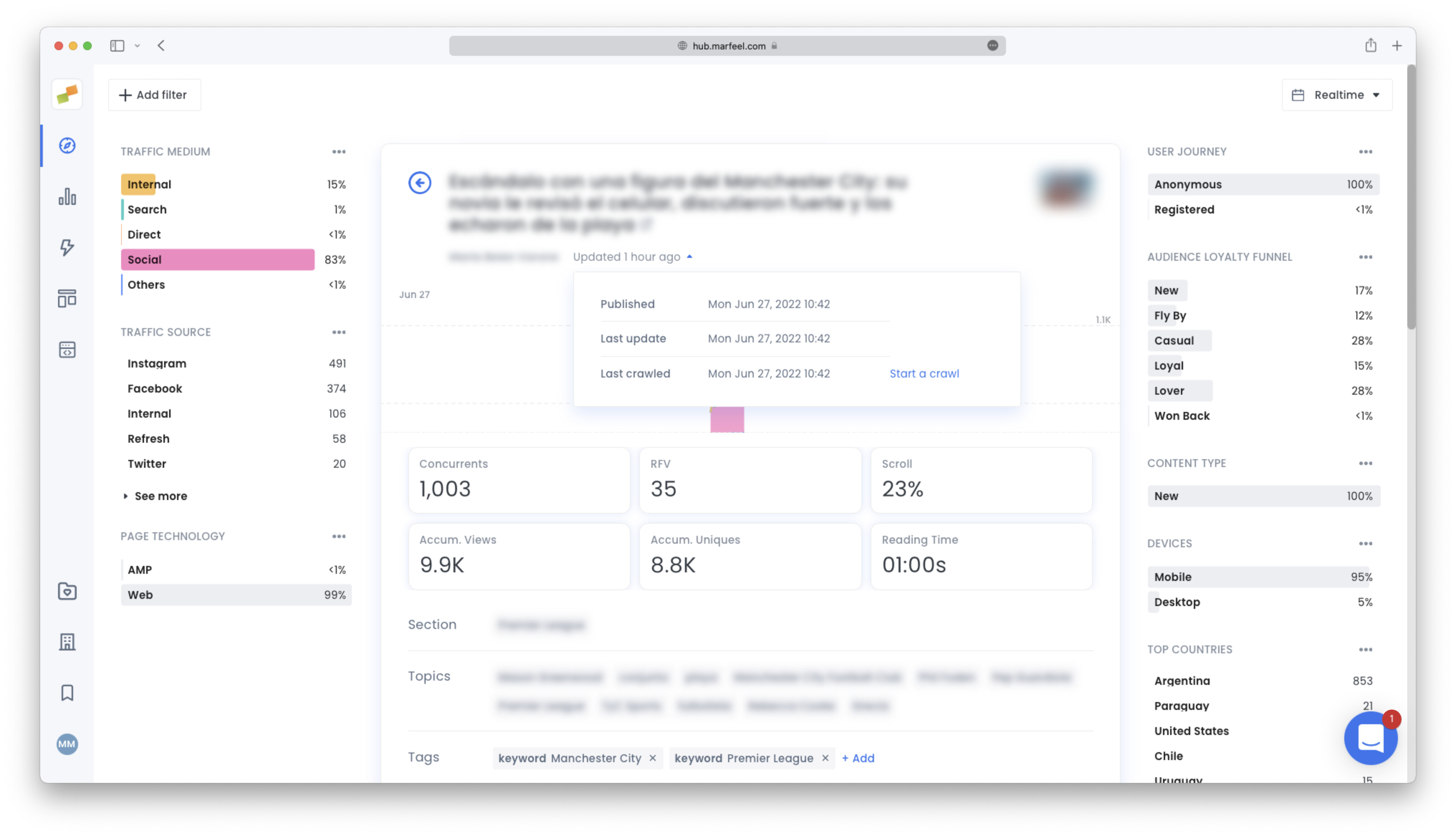
- Manual re-crawl. You can trigger a re-crawl from the article details panel at any time.
When does the Editorial Crawler first crawl a page?
The Editorial Crawler crawls a URL as soon as the Marfeel SDK triggers the first hit to that page.
How does the Editorial Crawler detect content updates?
The crawler detects content modifications through the article:modified_time meta property or the dateModified field in the article’s structured data.
What happens when an Editorial Crawler attempt fails?
When a crawl attempt fails, the crawler retries every 5 minutes for up to 200 attempts before giving up on the URL. If crawls keep failing, consult the Editorial Crawling Troubleshooting guide.